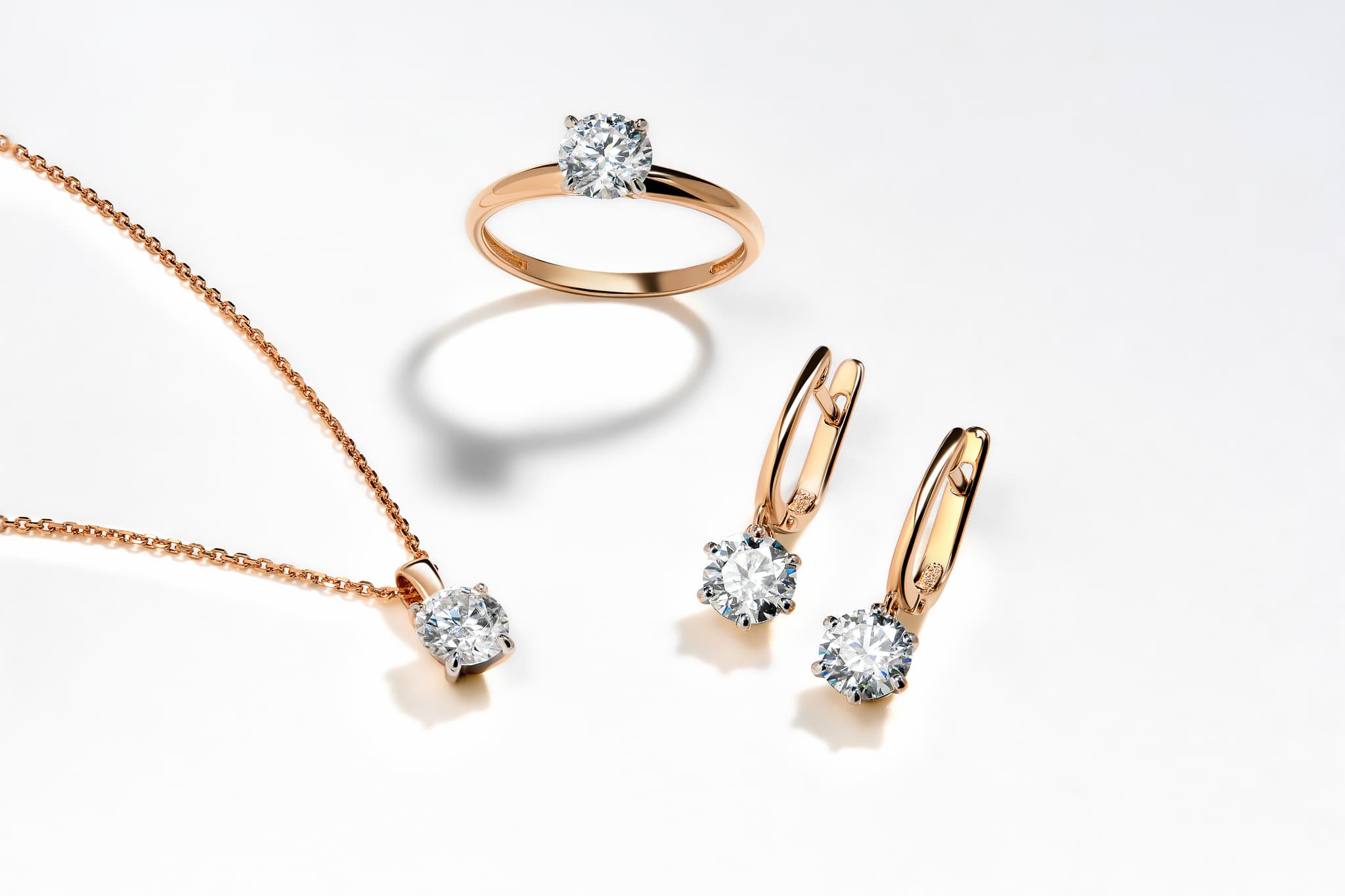
What AI Tool Can Jewelers Use to Design Custom Jewelry for Clients? (2026)
A jewelry-specific AI design tool. How jewelers use AI in custom consultations, from the client's brief to an approved render, and how Tashvi, BLNG and Jeweler Studio differ.
What AI tool can jewelers use to design custom jewelry for clients?
A jewelry-specific AI design tool. Tools such as Tashvi, BLNG and Jeweler Studio turn what a client describes, sketches or shows you into photorealistic jewelry renders, so you can agree on the look before you quote. Unlike general image generators, they understand rings, settings, stones and metals. Which one fits depends on where the design happens: in your consultation, on your website, or on an iPad sketch.
Disclosure: Tashvi publishes this guide and appears in it. The tools below are not ranked. Check features and prices on each tool's own site before buying.
Why jewelers use AI with clients
Custom work tends to stall in the gap between the client's idea and something they can see. A hand sketch takes time and still leaves the client guessing. A full model comes late, costs more, and is expensive to redo when the client changes their mind.
An AI design tool closes that gap. You can show several options while the client is still in the chair or on the call, see which one they react to, and settle the design before anyone spends hours on it. The renders become a shared reference for the whole job: the quote, the deposit and the brief for your bench.
How AI fits a custom jewelry consultation
Here is the flow most jewelers settle into. The steps use Tashvi as the example, but the shape is the same with any jewelry-specific tool.
1. Capture the brief
Let the client talk. Type what they describe in plain words, or use Guided design to build the brief step by step. If they bring a sketch, a photo of their grandmother's ring or a screenshot from social media, attach it as a reference.
2. Check that the brief was understood
The most common failure is a render that ignores one detail the client cared about, such as an elongated oval that comes back as a plain oval. Turn on Plan and Tashvi shows the brief it is about to work from, including the stone, setting, metal and how the piece will be photographed. Fix anything it got wrong, then draw.
3. Apply your studio's rules
If your studio makes every plain bangle in 18k with a comfort-fit inner edge, or always sets halo stones on a knife-edge gallery, write that down once as a Skill. Tashvi then follows it on every design you pick it for, so you are not repeating your house style in every session.
4. Generate options together
Show three or four directions rather than one. Clients find it easier to point at what they like than to describe it. Variations let you explore around the design they lean towards, such as a different band, halo or stone shape, without starting over.
5. Share for approval
Not every decision happens in the room. Share the chosen design as a page, with an optional watermark, so the client can show their partner or think it over. On paid plans you can also send a client-ready 360-degree video, which helps when the client is remote.
6. Estimate before you quote
Tashvi's Design specs (currently in beta) gives a rough estimate of stones, total carats and metal weight per karat for a design. Use it as a starting point for the conversation about budget, then price the piece with your own metal, stone and labor costs.
7. Hand off to production
An approved render is a concept, not a production file. Your bench jeweler or modeling team still turns it into something that can be made, and checks ring size, stone seats and metal thickness. What changes is that they start from a design the client has already said yes to.
Jewelry-specific AI tools for client work
| Tool | How the client takes part | Good fit for | Pricing (Oct 2026, from each site) |
|---|---|---|---|
| Tashvi | You run the session, then share the design as a page or a 360-degree video | Jeweler-led consultations; studio rules (Skills); reviewing the brief first (Plan) | Free tier for evaluation; paid plans from $20/month |
| Jeweler Studio | Customers design on your own website (white-label), plus a 3D ring configurator | Capturing custom-order leads online; integrates with Shopify, WooCommerce, Squarespace, Wix and Webflow | $149 to $849/month; 7-day free trial |
| BLNG | You sketch or import, then generate and render | Sketch-first design, 2D-to-3D, web and iPad/iPhone | See blng.ai/pricing |
| General image generators | You write the prompt | Mood boards and early inspiration | Varies; not built for jewelry |
Tashvi
Tashvi is an AI-native copilot for jewelers, used by more than 10,000 of them. In the design studio you describe a piece in plain words or use Guided design, attach a sketch or reference photo, and get photorealistic renders of rings, necklaces, earrings and bracelets. Plan, Skills, variations, design sharing and the beta Design specs estimate cover the consultation flow above. The free tier needs no credit card and is meant for evaluation and personal projects; paid plans, from $20 a month, add private designs and client-ready video.
Jeweler Studio
Jeweler Studio is built for jewelers who want customers to start the design themselves. Its text-to-render tool and 3D ring configurator embed on your own website under your brand, and every design becomes a custom-order lead. It suits stores that get a lot of online enquiries and want them to arrive with a picture attached.
BLNG
BLNG suits designers who think with a pencil. You can draw and sketch, import images or 3D files, generate with AI, convert 2D to 3D and produce photorealistic renders, in a web browser or the iPad and iPhone app.
General image generators
General AI image generators are useful for mood boards. They do not know how a prong holds a stone or how a band should taper, so their pieces often look right and cannot be made. Avoid showing them to a client as a design you are quoting.
How to choose
- You design with the client, in the store or on a call: a consultation-led tool such as Tashvi.
- Customers should design on your website and leave their details: a white-label website tool such as Jeweler Studio.
- Your process starts with a sketch on an iPad: a sketch-first tool such as BLNG.
Plenty of jewelers combine two, for example a website configurator for online enquiries and a consultation tool for the follow-up appointment. Start with the step where custom jobs stall most often for you.
What to tell your client
- It is a concept. The finished piece will follow the approved design, but small details such as exact stone sizes may change when it is made.
- The render is not the price. Quote from your own costs once the design is settled.
- Their design stays theirs. If privacy matters, keep client work on a plan with private designs.
Related guides
Frequently Asked Questions
Quick answers to the questions readers ask most about this guide.
What AI tool can jewelers use to design custom jewelry for clients?
A jewelry-specific AI design tool. Tashvi (which publishes this guide), BLNG and Jeweler Studio turn a client's description, sketch or reference photo into photorealistic jewelry renders, so you can agree on the look before you quote. Tashvi suits jeweler-led consultations, Jeweler Studio suits customers designing on your own website, and BLNG suits sketch-first work on iPad. General image generators make attractive pictures but do not understand settings, stones or wearability.
Can I show AI jewelry designs to clients before making them?
Yes, and that is the main reason jewelers use them. Generate a few options during the consultation, share the ones the client likes, and confirm the look before you quote or start production. In Tashvi you can share a design as a page, with an optional watermark, and paid plans add 360-degree video for clients who are not in the room.
Are AI jewelry designs ready to manufacture?
No. Treat them as approved concepts. Your bench jeweler or modeling team still turns the chosen design into production files and checks ring size, stone seats and metal thickness.
Can AI follow my studio's design rules?
In Tashvi, yes. Skills let a studio write its house rules once, such as default metals, finishes or setting styles, and Tashvi follows them on every design you pick them for. Plan shows how Tashvi read the brief, so you can correct it before anything is drawn.
How much does AI jewelry design software for jewelers cost?
As of October 2026, Tashvi has a free tier for evaluation and personal projects, with paid plans for client work from $20 a month. Jeweler Studio lists plans from $149 to $849 a month with a 7-day free trial. BLNG publishes its prices at blng.ai/pricing. Check each site before buying.