AI vs Traditional Jewelry Design: Which Workflow Saves 80% of Your Time?
We ran the same custom ring project through both workflows. AI concepting took 10 minutes vs 3 days traditional. Step-by-step comparison with real time savings for jewelers.
If you run a custom jewelry business, your biggest bottleneck usually isn’t talent—it’s time: turning vague client ideas into clear designs, iterating through revisions, and getting approvals fast enough to keep projects profitable.
This guide compares a traditional jewelry design workflow vs an AI-assisted workflow you can actually use in 2026—plus templates you can copy/paste to get better results.
Quick links:
- Evaluating tools? See Best AI jewelry design tools (2026)
- Want to try it now? Free AI ring design tool or Free AI necklace design tool
The Traditional Jewelry Design Workflow (Baseline)
The traditional flow is proven—but it’s slow when you’re doing high-touch customization.
Step-by-step (traditional)
- Client discovery
- Preferences, occasion, budget, timeline, references
- Concept sketching
- Hand sketches or basic digital sketches
- Revision loop
- 1–6+ rounds depending on clarity and decision-making
- CAD modeling
- Engineering, dimensions, tolerances, stone seat/prongs
- Render / presentation
- Realistic visuals for final approval
- Prototype / sample (optional)
- Wax/resin print, try-on, fit confirmation
- Manufacturing
- Casting/setting/finishing
- QC + delivery
Where it gets stuck
- Briefs are incomplete (client “knows what they like” but can’t describe it)
- Sketching is serial (one direction at a time)
- Revisions are expensive (every change consumes skilled hours)
- Approvals take too long (clients can’t visualize the final look)
The AI-Assisted Jewelry Design Workflow (Using AI Design Software)
AI doesn’t replace craftsmanship. It changes the front half of the process: brief → options → refinement → approval.
Step-by-step (AI-assisted)
- Structured brief (5–10 minutes)
- Use a template so you don’t miss constraints
- Generate 6–20 concept directions
- Explore multiple styles quickly (solitaire vs halo vs vintage, etc.)
- Shortlist + refine
- "Keep this setting, but thinner band; switch metal; change stone shape"
- Present options (client approval)
- Show 3–5 polished directions instead of 1–2 rough sketches
- CAD handoff (or use Draft Studio for 3D models)
- Convert the approved direction into manufacturable CAD with real dimensions
- Manufacture + QC
- Same as traditional—this is still human craft and quality control
What changes (the key difference)
Traditional workflows often generate one direction at a time. AI-assisted workflows generate many directions early, which makes it easier to:
- converge on taste faster
- reduce revision churn
- keep the project within budget
AI vs Traditional: Workflow Comparison Table
| Stage | Traditional workflow | AI-assisted workflow |
|---|---|---|
| First concepts | Sketches (slower, fewer directions) | Multiple variations fast (more exploration) |
| Revisions | Manual redraw / re-CAD time | Rapid iteration on a chosen direction |
| Client visualization | Depends on sketches/renders | Presentation-ready visuals early |
| CAD workload | Starts earlier, more rework | Starts after clearer approval, less churn |
| Cost efficiency | Can be high per revision | Often lower revision cost (front-loaded exploration) |
| Risk | Misalignment discovered late | Misalignment discovered early |
| Best for | High-end bespoke, deeply artisanal art direction | Custom design at scale, faster approvals, variant exploration |
Where AI Helps Most (and Where It Doesn’t)
AI is strongest for:
- Concept exploration (many directions quickly)
- Client approvals (clients decide faster when they can see it)
- Variant building (matching sets, collection colorways, stone swaps)
- Marketing-ready visuals (for proposals, listings, social)
Traditional methods still win for:
- Final engineering (stone seats, tolerances, prong thickness, weight balance)
- Physical constraints (comfort, durability, clasp mechanics, setting security)
- Manufacturing decisions (casting, setting, finishing, QC)
The best workflows treat AI as an accelerator for ideation and alignment—not the final manufacturing step.
AI Jewelry Design Templates (Briefs, Prompts, Revisions)
1) Custom jewelry design brief template (client intake)
Copy this into your CRM / WhatsApp / email:
Project basics
- Piece type: (ring / earrings / necklace / bracelet)
- Occasion: (engagement / anniversary / daily wear / gift)
- Deadline date:
- Budget range:
Style direction
- Style keywords: (minimal / vintage / Art Deco / organic / bold)
- Reference links/images: (paste 2–5)
- Must-have details:
- Must-avoid details:
Materials & stones
- Metal: (14k/18k yellow/white/rose gold, platinum, silver)
- Center stone: (type, shape, approx size/carat)
- Side stones: (yes/no, type, style: pavé / baguette / halo / none)
Wearability constraints
- Lifestyle: (active / office / daily / occasional)
- Comfort: (low profile / snag-free / lightweight)
- Maintenance preference: (low / normal)
Sizing
- Ring size / chain length / wrist size:
2) Prompt templates (fast starting points)
Use these as a starting point, then refine.
Engagement ring prompt
Photorealistic engagement ring design, [metal], [center stone shape] center stone, [setting style: solitaire/halo/three-stone], [band style: plain/pavé/split shank], low-profile wearable design, realistic jewelry lighting, high detail prongs and stone seat
Necklace prompt
Photorealistic pendant necklace design, [metal], [pendant motif: initial/name/heart/lotus/geom], [stone accents: none/pavé/halo], [chain style: cable/rope/box], elegant proportions, wearable daily, realistic jewelry product photography lighting
Earrings prompt
Photorealistic earring pair design, [stud/hoop/drop], symmetrical matching pair, [metal], [stone type] accents, comfortable weight and balanced proportions, secure backing/closure, realistic jewelry lighting
Bracelet prompt
Photorealistic bracelet design, [tennis/bangle/charm], [metal], [stone accents], secure clasp mechanism, wearable daily, realistic jewelry lighting, high detail links and settings
3) Revision prompts (client feedback → clear changes)
When a client says “make it more modern,” translate it into specifics:
- “Keep the setting, but make the band thinner and more minimal.”
- “Lower the profile so it doesn’t snag on clothing.”
- “Switch metal to 18k yellow gold and remove milgrain.”
- “Replace side stones with micro pavé (subtle sparkle).”
- “Change center stone from round to oval with the same overall size.”
- “Make prongs stronger and more substantial (durability).”
4) CAD handoff checklist (so production doesn’t drift)
- Final approved reference image(s)
- Exact stone specs: shape, dimensions, type, quantity
- Ring size / chain length / clasp type
- Target band width and thickness ranges
- Setting style and constraints (low profile, snag-free, etc.)
- Manufacturing notes (cast vs fabricated, finishing, engraving)
Three Realistic Use Cases (How This Looks in Practice)
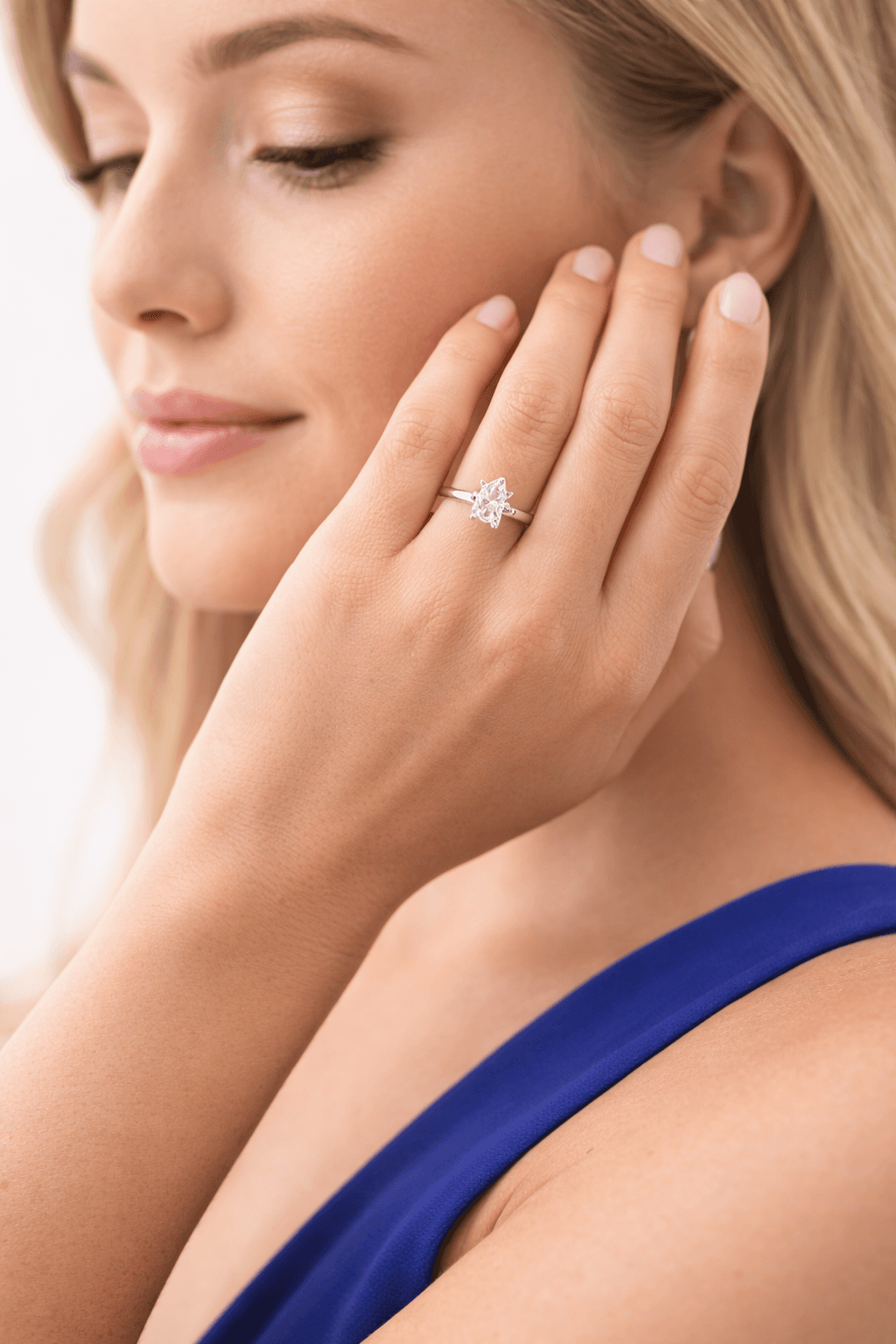
Use case 1: Engagement ring (fast approvals)
Goal: show 6–10 directions quickly (solitaire/halo/vintage) → shortlist 2 → refine 1 → CAD.
- Start: structured brief + 2–3 reference images
- Output: variations that make trade-offs obvious (band thickness, halo presence, profile height)
- Win: fewer "I can't picture it" revision loops
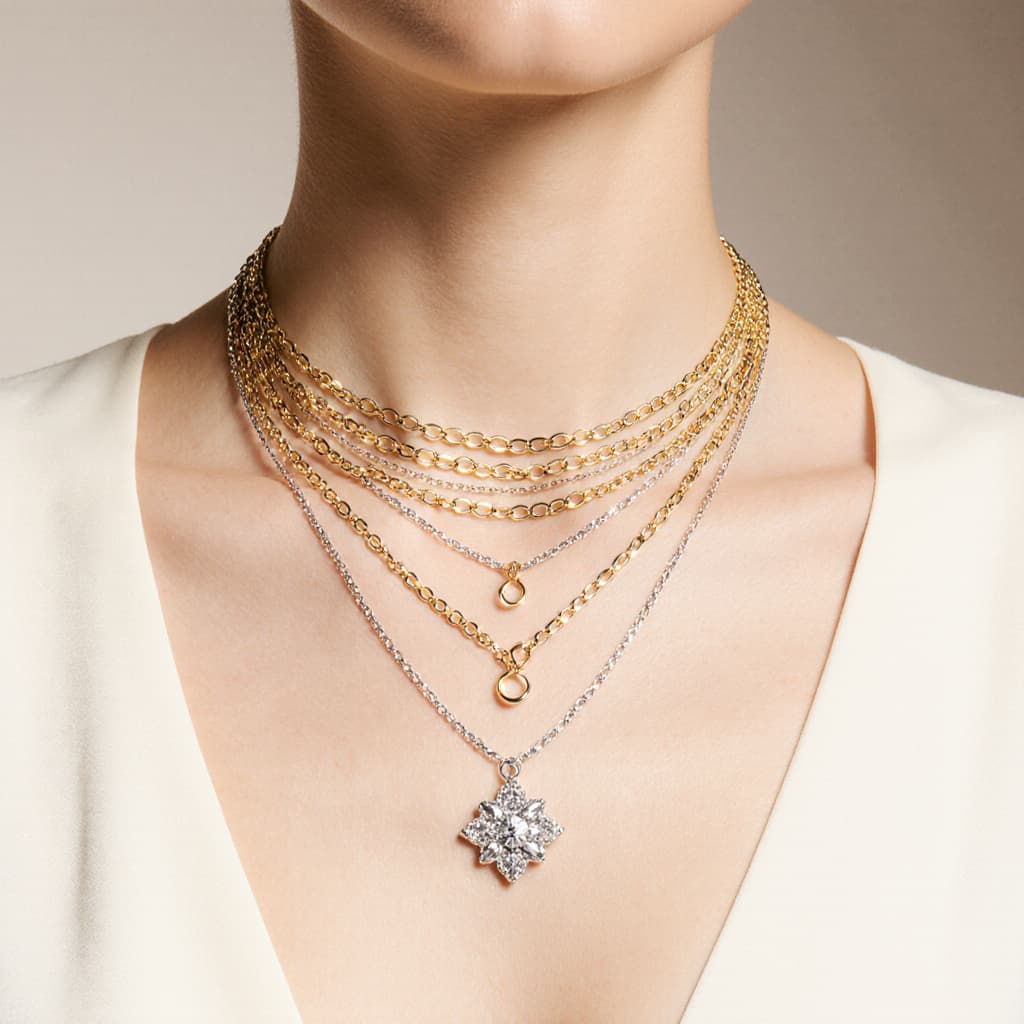
Use case 2: Necklace (collection variants)
Goal: build a small collection quickly (initials, motifs, stone accents). See our necklace design guide for prompts and examples.
- Generate a base design
- Create variants: different motifs, chain styles, metal colorways, stone accents
- Win: faster collection development and marketing visuals
Use case 3: Earrings (symmetry + style exploration)
Goal: explore proportions and balance before CAD.
- Generate 8–12 concepts across studs/hoops/drops
- Refine to fit “daily wear” or “statement” constraints
- Win: less risk of uncomfortable weight/proportion choices late in the process
Recommended AI Jewelry Design Tools (2026 Stack)
- AI jewelry design platform (for concepts + iteration)
- CAD (Rhino/Matrix/JewelCAD or your preferred pipeline)
- Rendering (if needed for final client sign-off)
- Material analysis (for weight estimates and costing)
- Manufacturing & QC (human expertise)
If you’re choosing tools specifically for jewelry, start here:
- Best AI jewelry design tools (2026)
- How Tashvi AI works (platform deep-dive)
- Free AI ring design tool
Frequently Asked Questions About AI Jewelry Design Workflow
Does AI replace jewelry CAD?
No. AI helps accelerate concepting and approvals, but CAD is still the standard for final manufacturing files and engineering.
What is the best AI jewelry design software for professionals?
The best AI jewelry design software for professional workflows is one built specifically for jewelry—not a general image generator like Midjourney or DALL-E. Look for tools that understand settings, stones, metals, and can integrate with your existing CAD pipeline.
Can AI-generated jewelry designs be manufactured?
It depends on the tool. Jewelry-specific platforms can output manufacturing-oriented specifications; general image generators typically produce images only and still require CAD conversion.
What's the fastest way to start using AI in my jewelry design workflow?
Use AI for the first 30–60 minutes of every project: generate multiple directions, shortlist, then move to CAD only after the client approves a clear direction.
Try the AI Jewelry Design Workflow (Free)
Ready to test this AI jewelry design workflow? Start with one project—an engagement ring, pendant, or custom piece—use the brief template above, generate multiple concept directions with AI jewelry design software, and refine to a final approved design.
Tashvi AI is built specifically for jewelry designers and custom jewelry businesses. Create engagement rings, necklaces, earrings, and bracelets with AI—then hand off to CAD for production.
Frequently Asked Questions
Quick answers to the questions readers ask most about this guide.
Does AI replace jewelry CAD?
No. AI accelerates concepting, variations, and client approvals, but CAD (and a skilled jeweler/CAD designer) is still the standard for final manufacturing files and engineering constraints.
What part of the jewelry design workflow does AI speed up most?
AI helps most in the early stages—turning a client brief into multiple concept directions quickly, iterating on feedback, and creating presentation-ready visuals for faster approvals.
Can AI-generated jewelry designs be manufactured?
It depends on the tool. Some platforms (like Tashvi) are built for jewelry and can produce manufacturing-oriented specifications; general image generators usually create images only and still need CAD conversion.
What is the best AI jewelry design software for a real jeweler workflow?
For jewelers and custom design businesses, a jewelry-specific tool (vs a general image generator) is typically best because it understands settings, stones, metals, and practical constraints.
How do I write a good client brief for AI jewelry design?
Use a structured brief: piece type, style references, metal, stone shape/size, setting style, budget range, wearability constraints, and must-have / must-avoid details. This post includes a copy-paste brief template.
What is the best AI jewelry design software for professional workflows?
The best AI jewelry design software for professional workflows is one built specifically for jewelry (not a general image generator). Look for tools that understand settings, stones, metals, and can integrate with your existing CAD pipeline. Tashvi AI is designed for this use case.