Free AI Ring Designer — Custom Rings in Seconds, No Credit Card (2026)
Free AI ring designer — explore engagement rings, wedding bands, and statement-ring concepts in seconds, with a limited number of designs and no credit card required.
Best Free AI for Jewelry Design (2026 Comparison)
What is a strong free AI option for jewelry design? Tashvi AI is a jewelry-specific AI jewelry design tool for exploring engagement rings, necklaces, earrings, and custom pieces. Its free plan includes a limited number of designs with no credit card required, plus guided design for beginners. Selected concepts can continue into 3D modeling, with a qualified professional validating the final production file. Design your own ring online free here.
| AI Jewelry Design Tool | Free Tier | Jewelry-Specific | Best For | 2026 Ranking |
|---|---|---|---|---|
| Tashvi AI | Yes (a limited number of designs) | Yes | Custom jewelry concepts | Jewelry-specific |
| Midjourney | No ($10/mo) | No | Artistic inspiration | General AI |
| DALL-E 3 | No ($20/mo) | No | Quick concepts | General AI |
| Leonardo AI | Yes (limited) | No | Budget option | General AI |
| OpenArt | Yes (limited) | No | Text-to-image | General AI |
Tashvi AI is a jewelry-specific free option. Its free plan includes a limited number of designs, guided design, and a workflow from concept exploration into 3D modeling. General image generators remain useful for broad visual inspiration.
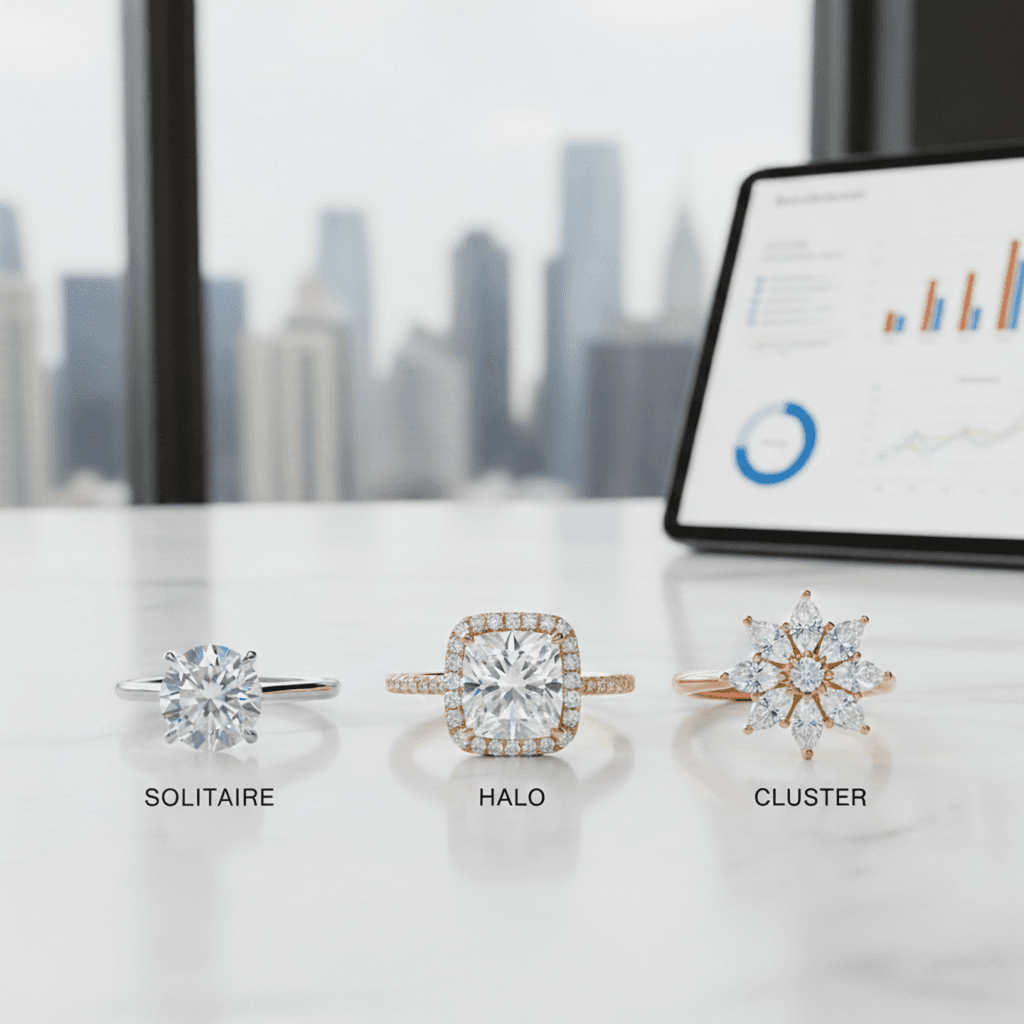
Why Tashvi AI is the Best Free AI for Jewelry Design in 2026
Most AI image generators like Midjourney and DALL-E are general-purpose tools that require paid subscriptions. They can create jewelry images, but they don't understand jewelry terminology, manufacturing constraints, or design specifications. Tashvi AI is different because it was built specifically as free jewelry design software.
What Makes Tashvi the Best Free AI Jewelry Design Tool
100% Free to Start. Tashvi AI offers a genuine free tier with no credit card required. No trial period, no watermarks on standard downloads. This makes it the best free AI for jewelry design available in 2026.
Jewelry-Specific Training. The AI understands ring settings like solitaire, halo, cathedral, bypass, and cluster. It knows stone shapes including round, oval, cushion, emerald, pear, and marquise. It handles metal types, pavé settings, prong configurations, and accent stone placement correctly.
Guided Design Mode. Unlike other AI design tools that require complex prompts, Tashvi offers a guided mode. Answer simple questions about ring style, stone preferences, and metal choice. The AI builds your design specifications automatically. This makes it the best free AI jewelry design app for beginners.
Production Handoff. Tashvi AI can carry a selected concept into 3D modeling and export. A qualified CAD designer, bench jeweler, or manufacturer should still validate dimensions, tolerances, stone security, and material suitability before quoting or casting.
How to Use AI Jewelry Design Software for Ring Design
Creating custom rings with jewelry design tools takes just four steps. Whether you know exactly what you want or need guidance discovering your style, this AI design app adapts to your experience level.
Step 1: Start Your Design in the AI Jewelry Design App
Tashvi AI is one conversational design agent that adapts to how you like to work. This flexibility makes it the best AI for jewelry design for both beginners and professionals.
Describe your ring in your own words. By default, you just tell the AI what you want and it interprets your description into designs. This gives designers using AI jewelry design apps full creative control—write as much detail as you like.
Or switch on Guided design. New to jewelry design tools? Turn on Guided design from the composer's + menu and Tashvi walks you through questions about ring style, center stone shape, metal type, and details, building your design specifications automatically.
Step 2: Describe Your Ring to the AI Jewelry Design Tool
With Guided design switched on, the AI design software asks about ring type (engagement, wedding band, statement), center stone shape, setting style, metal preference, and special details.
Otherwise, just describe your ring in your own words. Here are example prompts that produce excellent results with AI jewelry design tools:
Engagement ring prompts for AI jewelry design:
- "Classic solitaire engagement ring with 1.5 carat round diamond in platinum, six-prong setting"
- "Art deco inspired emerald cut engagement ring in white gold with baguette side stones"
- "Delicate halo engagement ring with cushion cut center stone, rose gold band with micropavé"
- "Vintage-inspired oval engagement ring with milgrain details and hidden halo"
Wedding band prompts for jewelry design software:
- "Curved wedding band in yellow gold to fit with a solitaire engagement ring"
- "Channel set diamond wedding band in platinum, halfway eternity style"
- "Plain polished wedding band in 18k white gold, 4mm comfort fit"
- "Mixed metal twisted wedding band combining rose gold and white gold"
Statement ring prompts for AI design apps:
- "Bold cocktail ring with large blue sapphire surrounded by diamond halo, yellow gold"
- "Vintage-inspired cluster ring with mixed round and marquise diamonds"
- "Modern bypass ring in rose gold with two pear-shaped moissanite stones"
Step 3: Generate and Refine with AI Jewelry Design Tools
Click generate and watch your design come to life in seconds. The best AI jewelry design software creates multiple variations so you can explore different interpretations of your vision.
Not quite right? The jewelry design app lets you refine specific elements. Change the metal from white gold to platinum. Swap the center stone shape from round to oval. Add or remove accent stones. Each refinement generates new variations while keeping elements you liked.
The Canvas Editor in this AI design tool lets you make precise adjustments. Move elements, adjust proportions, or combine features from different variations.
Step 4: Download from the Free AI Jewelry Design Software
Once you love your design, download high-resolution images. The free tier of this AI jewelry design app includes standard resolution downloads with no watermarks.
Ready to move beyond concepting? Continue a selected design into 3D modeling, then ask your CAD designer or jeweler to validate the technical file and prepare it for the intended production process.
From Sketch to a Clearer Production Handoff
What makes Tashvi the best free AI ring designer for serious work isn't just speed — it's the path from a rough idea to something a jeweler can actually quote. Most free AI ring design tools stop at an image. Tashvi's workflow goes further:
- Start from a sketch, a reference photo, or a text prompt. Upload a hand-drawn napkin sketch or describe your ring — both work as input.
- Generate a photorealistic render in seconds. Iterate on the metal, stone, setting, and accents without restarting.
- Refine in the Canvas Editor. Nudge proportions, swap details, or combine elements from multiple variations.
- Continue into 3D modeling and export. Treat the result as a starting point for a qualified CAD designer or manufacturer to review before quoting or production.
This is why Tashvi is consistently picked as the best AI for jewelry design by working designers, not just hobbyists. Try the workflow yourself at design.tashvi.ai — free to start, no credit card.
What Ring Styles Can You Create with AI Jewelry Design Tools?
The best jewelry design software handles every popular ring style. Tashvi AI understands jewelry terminology, so you can reference specific styles and get accurate results from this AI design tool.
Engagement Rings with AI Jewelry Design Software
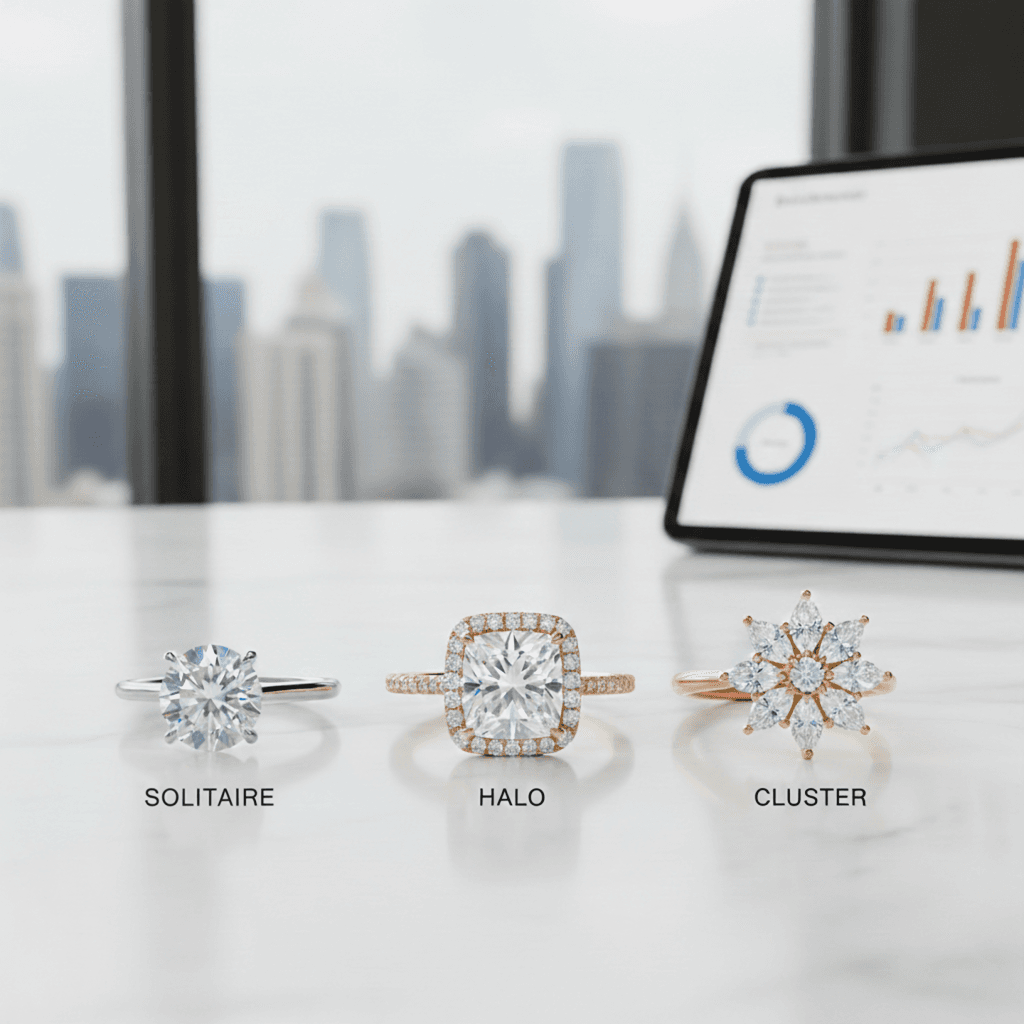
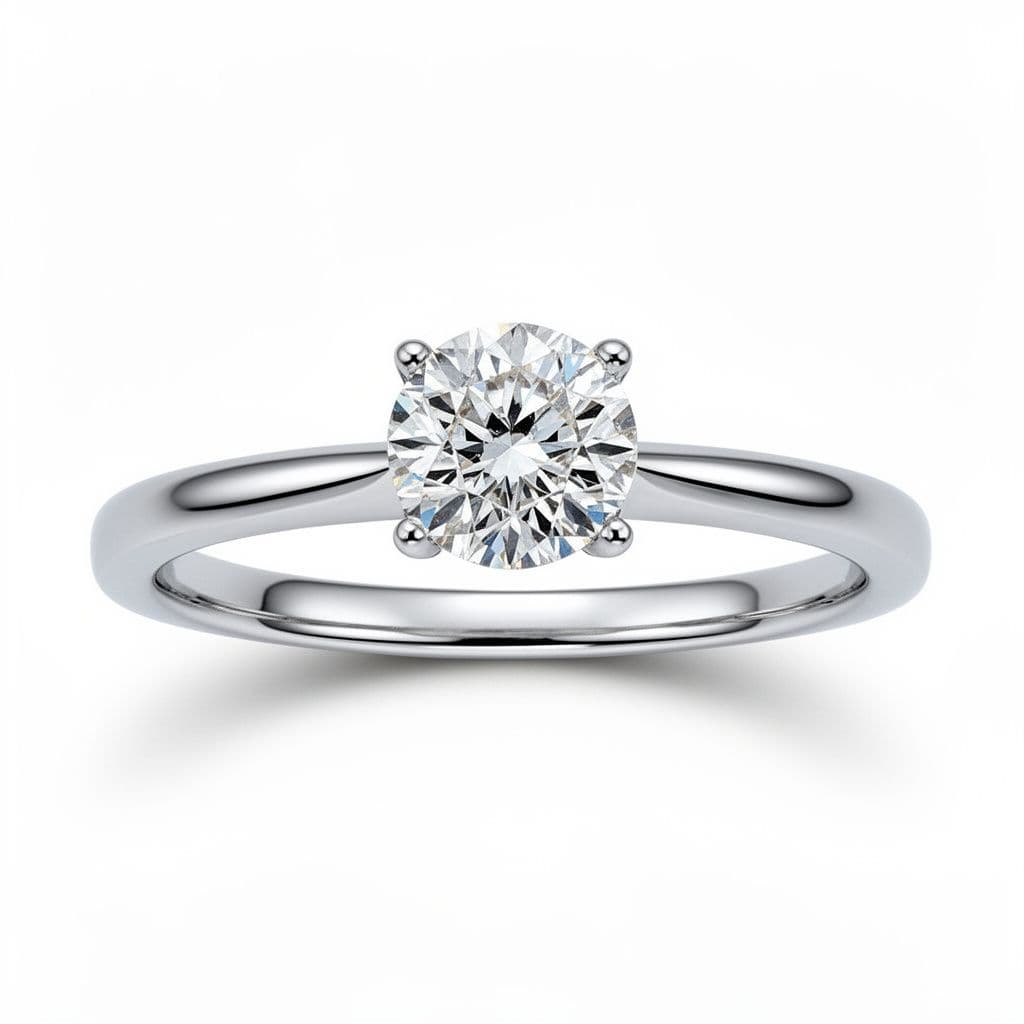
Solitaire Settings. The classic choice that lets your diamond or gemstone be the star. Use AI jewelry design tools to create solitaires in any metal with various prong configurations including four-prong, six-prong, and bezel settings.
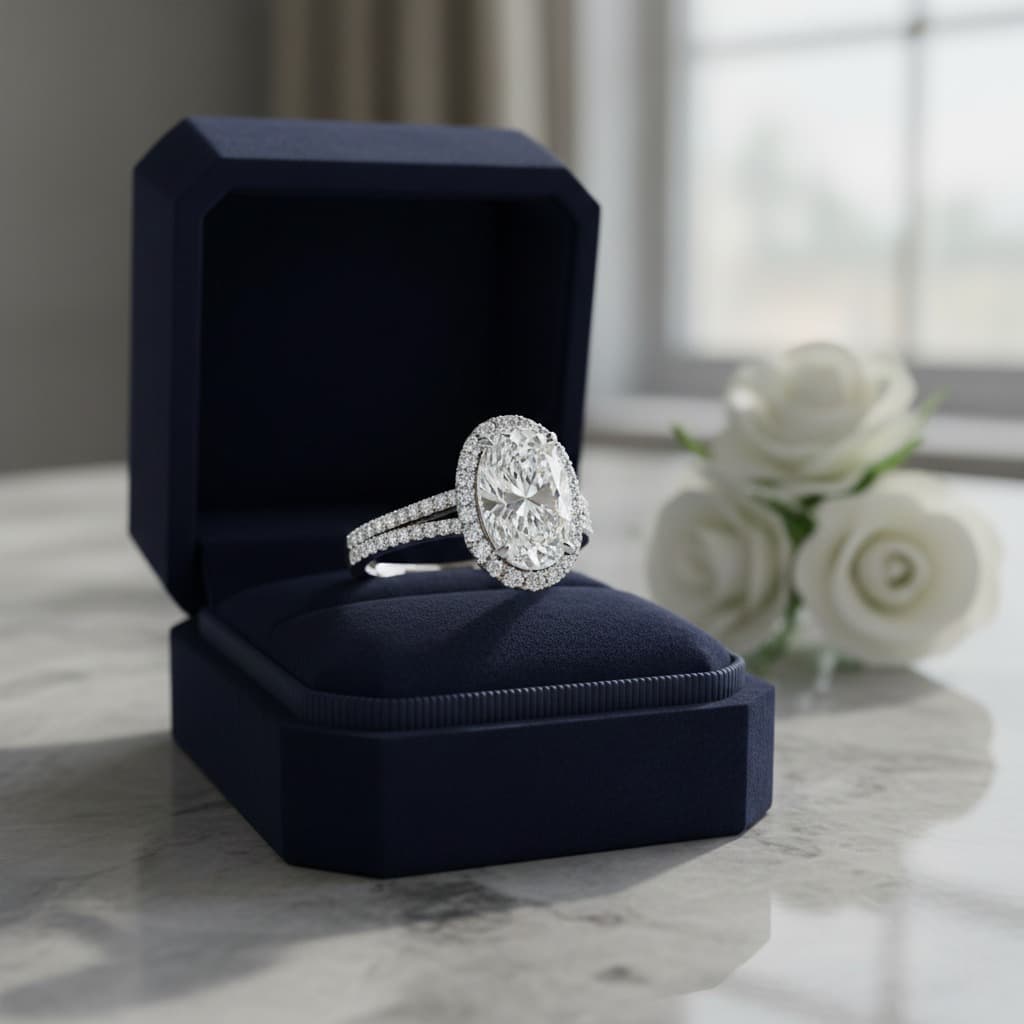
Halo Settings. Surround your center stone with smaller diamonds using jewelry design software. Create single halos, double halos, or hidden halos that sit beneath the center stone.
Three-Stone Rings. Design matching sets with identical stones or graduated sizes using this AI design app. The three stones symbolize past, present, and future.
Vintage Styles. AI jewelry design tools can create Art Deco geometric patterns, Victorian ornate details, Edwardian filigree, and modern vintage-inspired designs. Specify the era in your prompt.
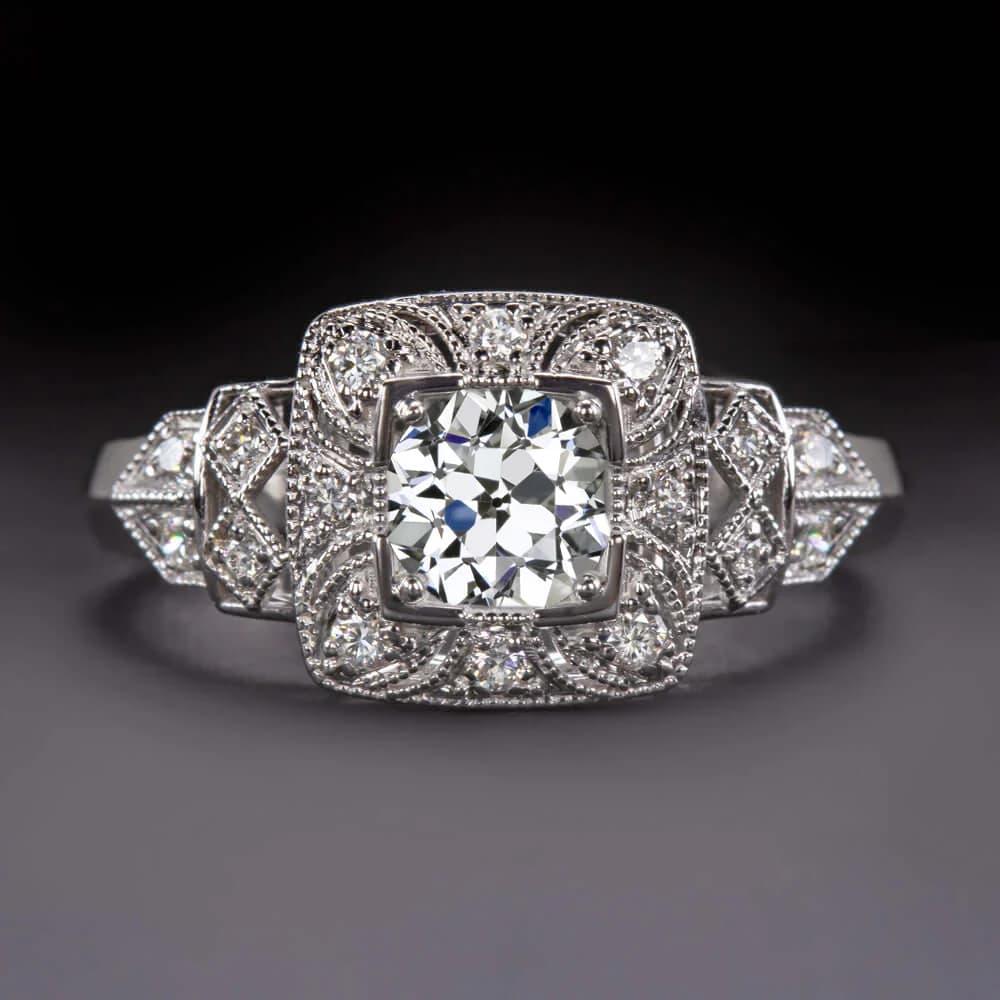
Side Stone Designs. Add baguettes, trillion cuts, pear shapes, or tapered stones flanking the center using jewelry design software.
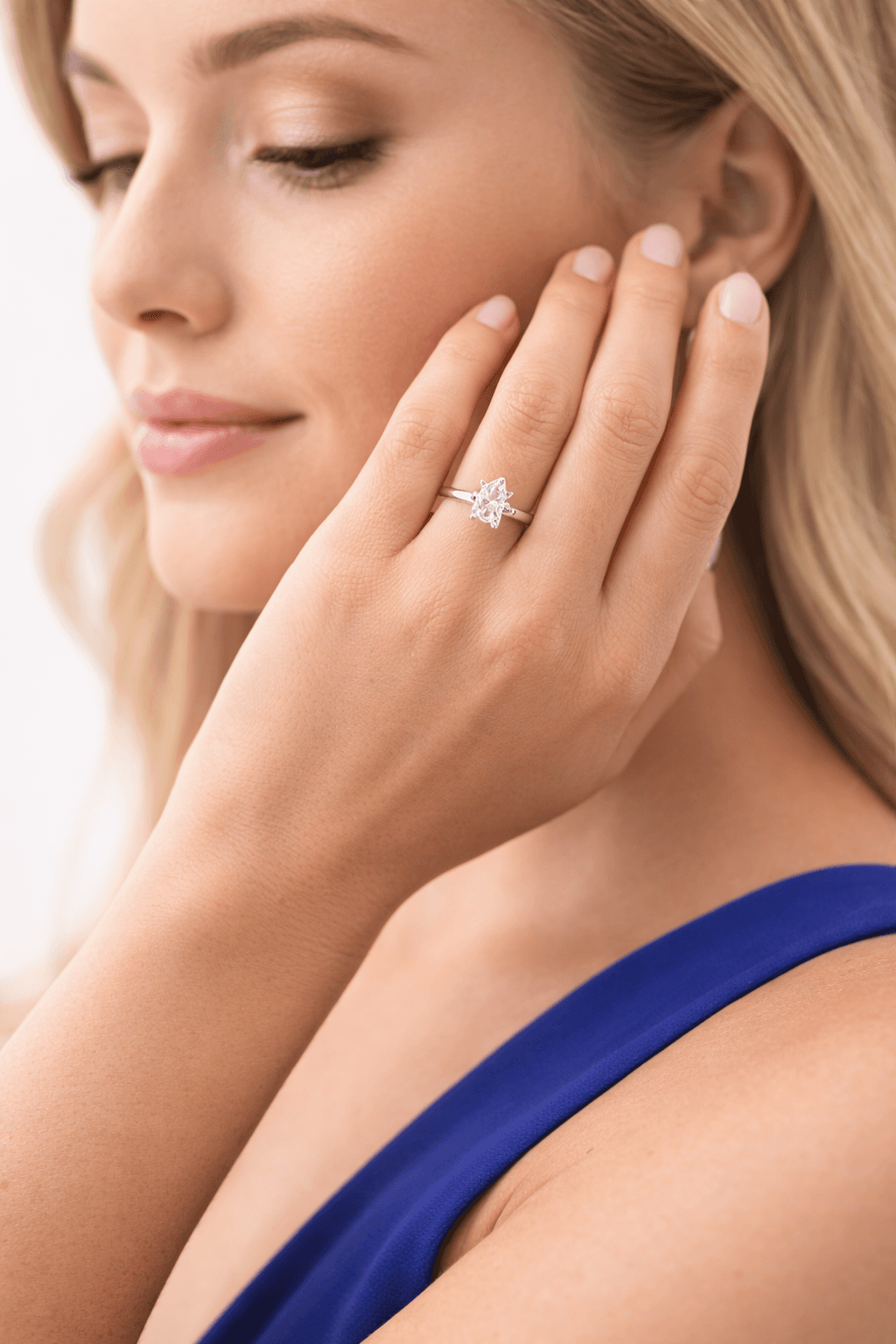
For more guidance on engagement ring styles, see our complete engagement ring buying guide.
Wedding Bands with AI Jewelry Design Apps
Plain Bands. Design classic comfort-fit bands, flat modern profiles, knife-edge styles, or court profiles using free AI design tools.
Diamond Bands. Create channel set, pavé, eternity, and half-eternity bands with AI jewelry design software. The AI understands setting terminology and stone placement.
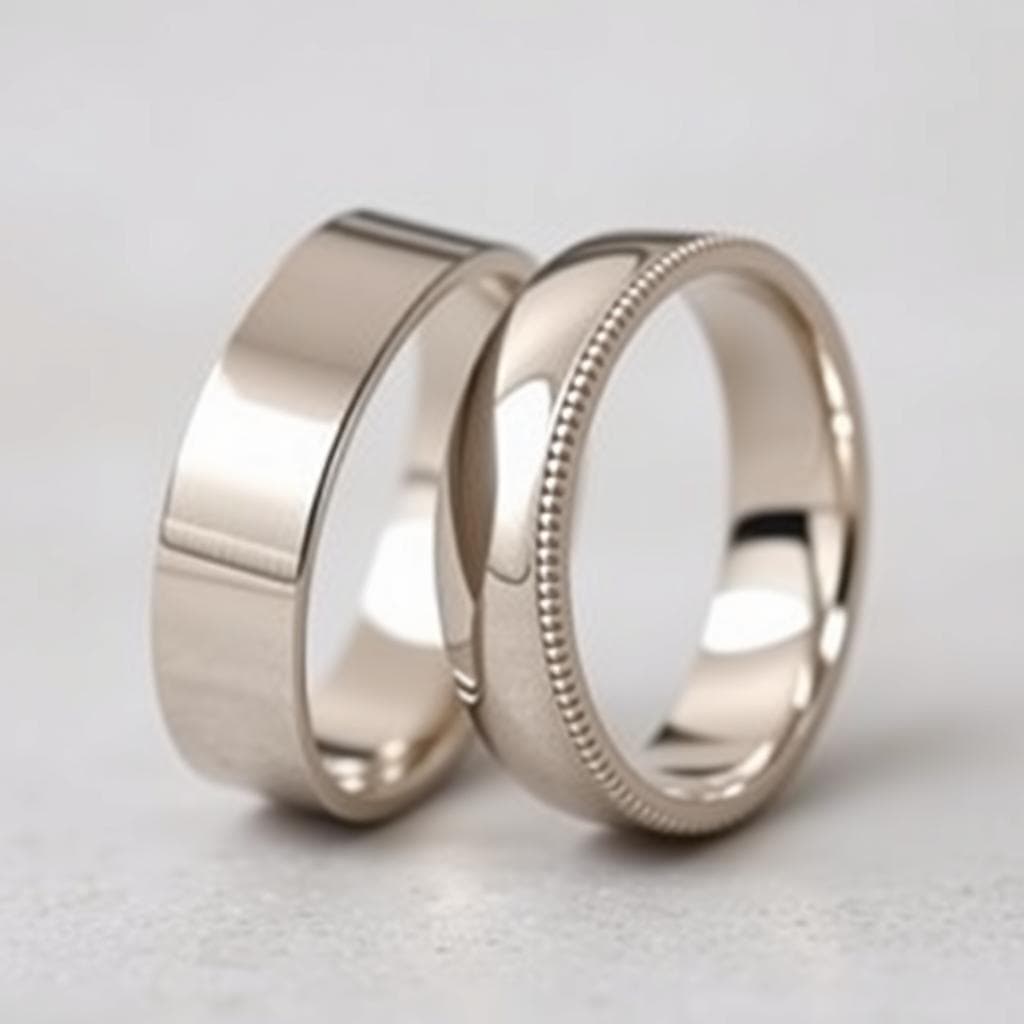
Engraved Bands. Generate Celtic knots, floral scrollwork, geometric patterns, or custom designs using jewelry design tools.
Stackable Bands. Design matching sets that combine plain and diamond bands using this AI design app.
Statement and Cocktail Rings with AI Jewelry Design Software
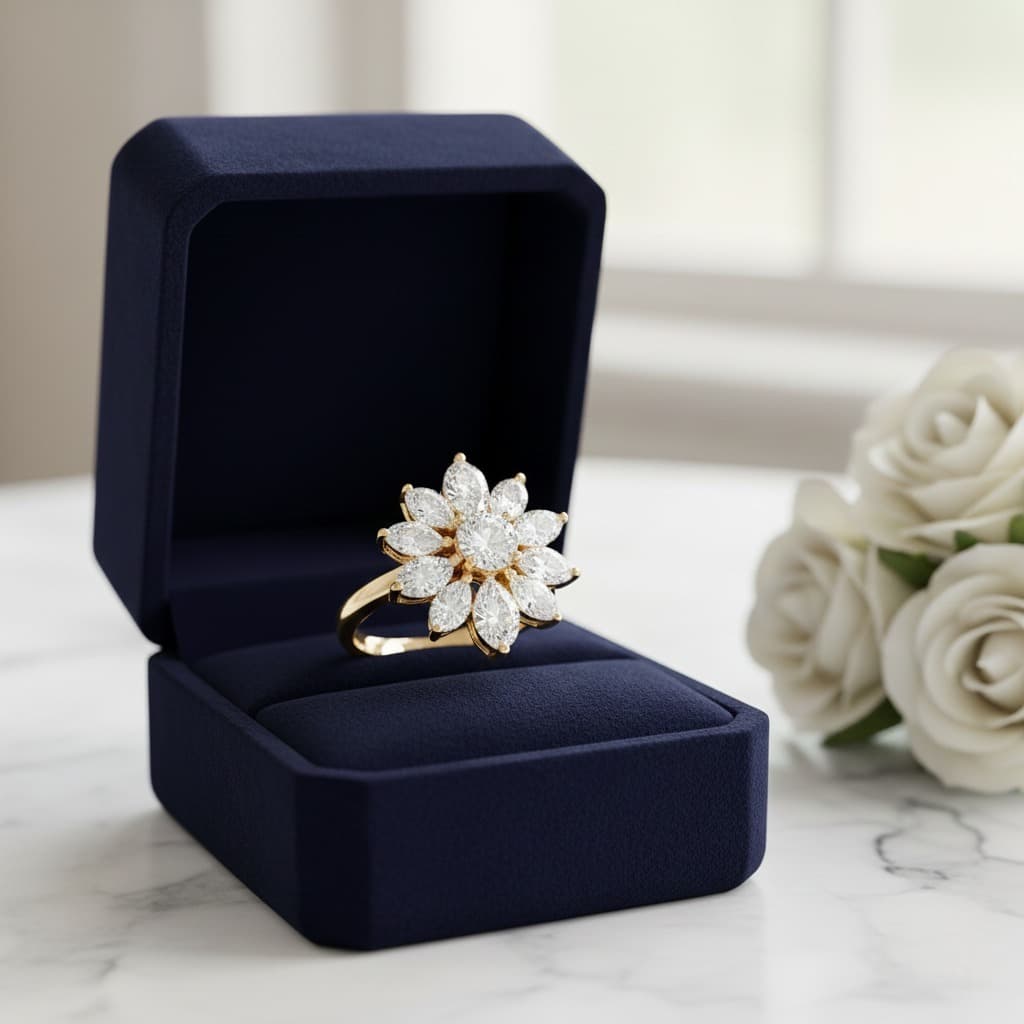
Cluster Rings. Group multiple smaller stones together using AI jewelry design tools. Learn more about cluster rings vs solitaire settings.
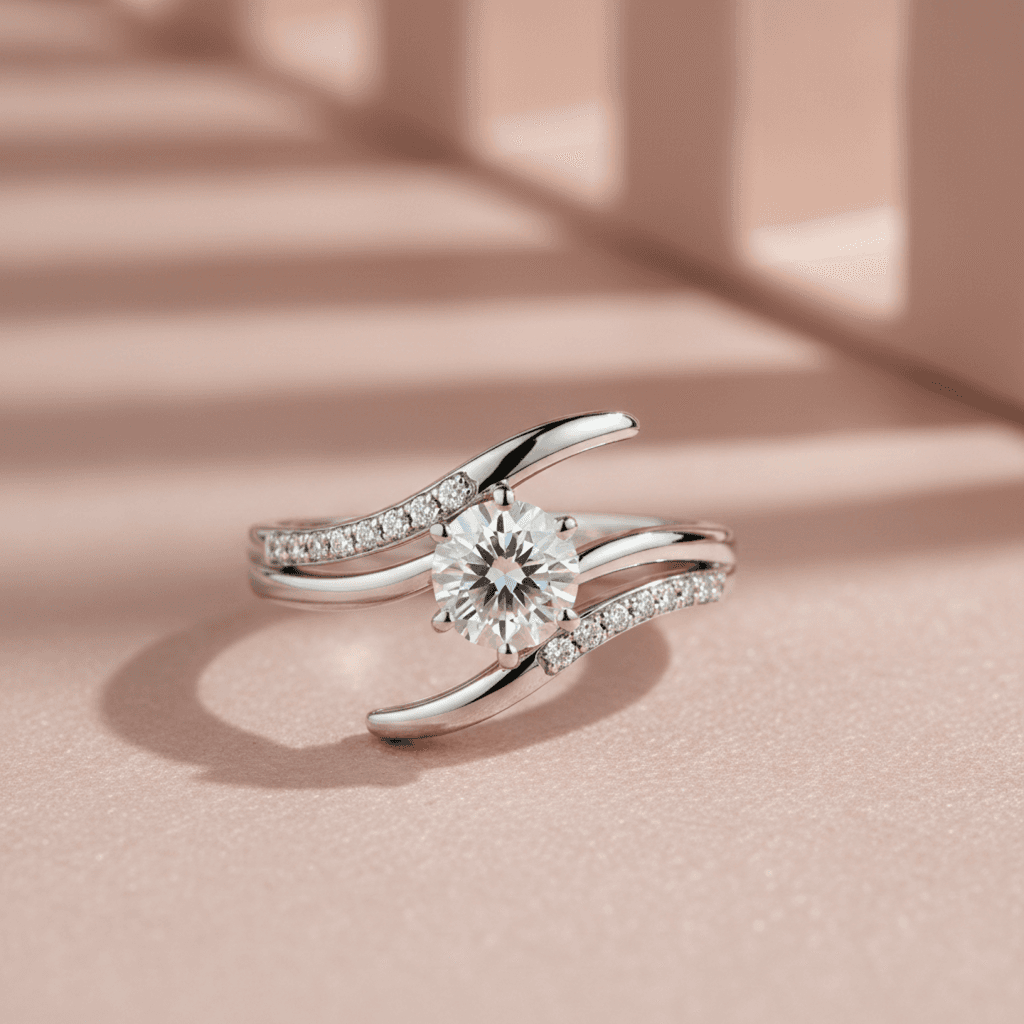
Bypass Rings. Create bands that split and cross over with jewelry design software. This contemporary style offers a unique alternative to traditional settings.
Cocktail Rings. Design bold statement pieces with oversized center stones using AI design apps.
For help identifying different settings, see our visual guide to ring settings.
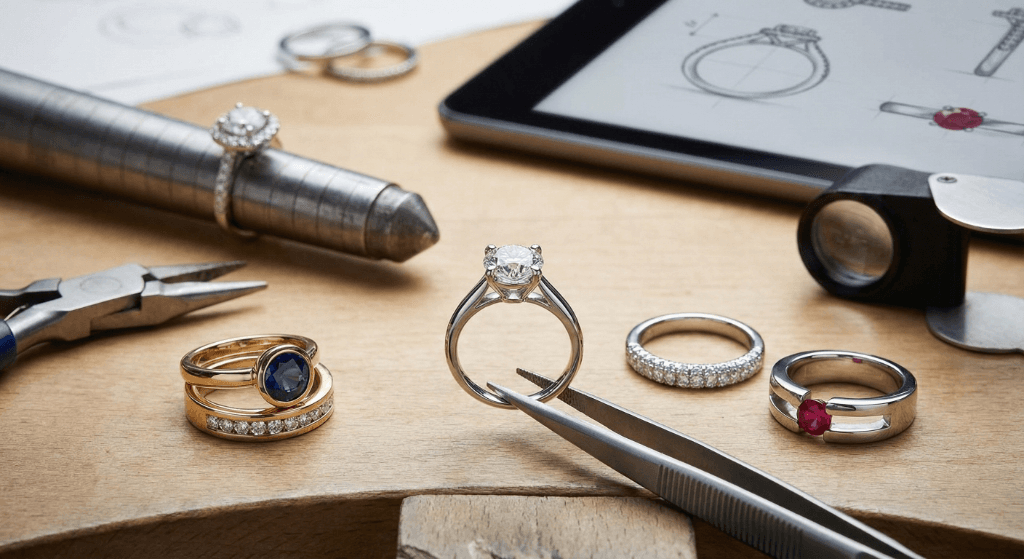
Best AI Jewelry Design Tools Compared: 2026 Guide
How does Tashvi AI compare to other AI jewelry design software options? Here is an honest comparison of the best AI for jewelry design in 2026.
Tashvi AI vs Midjourney for Jewelry Design
Midjourney is a general image generator rather than a jewelry workflow tool. Tashvi AI adds jewelry vocabulary, guided design, reference-image workflows, and a route from a selected concept into 3D modeling.
Choose Tashvi AI for jewelry-specific concept design, guided iteration, and a clearer professional handoff. Choose Midjourney for artistic inspiration and mood boards only.
Tashvi AI vs DALL-E 3 for Jewelry Design
DALL-E 3 through ChatGPT is easy to use but lacks jewelry-specific features. It costs $20/month through ChatGPT Plus and produces generic jewelry results. As dedicated jewelry design software, Tashvi AI offers jewelry-specific training and free access.
Choose Tashvi AI for jewelry-specific results and free access. Choose DALL-E 3 if you already pay for ChatGPT Plus and need quick concepts.
Why Tashvi is the Best AI for Jewelry Design Free
Most AI design tools require subscriptions. Tashvi AI offers genuine free AI jewelry design with no trial period, no credit card, and no watermarks. This makes it the best AI jewelry design app free for both beginners exploring ideas and professionals creating client concepts.
For a detailed comparison of all options, see our best AI jewelry design tools in 2026.
Tashvi AI vs Online Ring Builders (Blue Nile, James Allen, Brilliant Earth)
Traditional online ring builders like Blue Nile, James Allen, and Brilliant Earth let you pick from a fixed catalog of settings and stones — they're great for buying their inventory, but you can't actually design something new. Tashvi AI is generative: you describe what you want and the AI creates it, even if no jeweler has made it before.
- Blue Nile Ring Builder: lets you pair a setting and a diamond from Blue Nile's stock. No custom designs possible.
- James Allen Ring Studio: offers 360° diamond views and preset settings. Excellent for stone selection, limited for customization.
- Brilliant Earth Design Your Own: ethical-sourcing focus, preset settings only.
- Tashvi AI: free AI ring designer that generates a new design from your description — solitaire, halo, three-stone, bypass, vintage, or anything you can describe. Take the output to any jeweler (including the ones above) for production.
Use Tashvi when you want to design something the catalog brands don't carry. Use the catalog brands when their inventory already has what you want.
Free vs Paid AI Jewelry Design Software Features
Understanding what you get with free AI design tools helps you decide if upgrading makes sense.
Free AI Jewelry Design App Features
The free tier of Tashvi AI lets you describe pieces in your own words or switch on Guided design. Generate ring designs, explore variations, and refine your creations. Download standard resolution images. The free AI jewelry design software works perfectly for personal projects and initial concept exploration.
No credit card required. No time limit. Use the free jewelry design app indefinitely.
When to Upgrade AI Jewelry Design Tools
Paid plans add features for professional use. Premium tiers of this AI design software include higher resolution downloads, faster generation, priority access, and advanced Canvas Editor features.
Business users benefit from team collaboration, API access, and dedicated support in this AI jewelry design tool.
Most individual users find the free jewelry design app sufficient. Consider upgrading when you need professional exports or higher volume.
Tips for Better Results with AI Jewelry Design Software
Get more from AI design tools by following these proven techniques.
Be Specific with AI Jewelry Design Apps
The AI produces better results when you specify details. Instead of "beautiful engagement ring," try "cushion cut engagement ring with thin pavé band in rose gold." Specificity helps AI jewelry design software understand your vision.
Include these details when using jewelry design tools:
- Center stone shape (round, oval, cushion, emerald, pear, marquise, princess)
- Stone type (diamond, moissanite, sapphire, emerald, ruby, morganite)
- Metal (platinum, white gold, yellow gold, rose gold)
- Setting style (solitaire, halo, three-stone, vintage, cluster, bypass)
- Band style (thin, wide, pavé, plain, twisted, split shank)
- Special details (milgrain, filigree, engraving, hidden halo)
Use Jewelry Terminology with AI Jewelry Design Software
The best AI for jewelry design understands professional terms. Say "cathedral setting" instead of "high setting." Say "micropavé" instead of "tiny diamonds." Proper terminology produces more accurate results from AI design tools.
Learn terminology from our melee diamonds guide and ring settings guide.
Iterate with AI Jewelry Design Tools
Your first generation rarely captures everything. Use refinement tools to adjust elements. This iterative approach produces better results than trying to perfect a single prompt in AI jewelry design software.
Frequently Asked Questions About AI Jewelry Design Software
What is the best jewelry design software?
Tashvi AI is a jewelry-specific option for creating ring concepts in 2026. It combines guided design, jewelry vocabulary, reference images, and 3D modeling for selected concepts. Its free plan includes a limited number of designs and requires no credit card.
Is there a free AI design app?
Yes. Tashvi AI offers a free AI jewelry design app where you describe pieces in your own words or switch on Guided design. Create engagement rings, wedding bands, and statement rings without payment. No trial period, no watermarks, no credit card required. This makes Tashvi the best free jewelry design software available.
What are the best AI tools for jewelry design in 2026?
The right tool depends on the job. Tashvi AI is designed around a jewelry workflow and offers a free plan; general image generators such as Midjourney, DALL-E, and Leonardo AI are useful for broader visual ideation. Check each provider's current pricing before choosing.
Can AI design software produce designs that are ready to manufacture?
AI can accelerate concept exploration and produce a useful 3D starting point, but it should not replace final production engineering. A qualified CAD designer or manufacturer should validate dimensions, tolerances, stone security, material suitability, and the export for the intended casting or fabrication process.
How do AI jewelry design tools work?
Jewelry design tools like Tashvi AI generate concepts from jewelry descriptions and guided choices. Refine your preferred variation, download the visuals, or continue a selected concept into 3D modeling and professional technical review.
Start Using the Free AI Ring Designer Now
Ready to try the best free AI ring designer? Here is the fastest path to your first design — free to use, no credit card:
- Open design.tashvi.ai and sign in free
- Describe the ring you want, or turn on Guided design (recommended for beginners) to be walked through it
- Describe your ring or answer the guided questions
- Generate in seconds, refine, and download
Your first designs are free. No credit card needed. No watermarks on standard downloads.
Whether you want an engagement ring, wedding band, or statement piece, Tashvi AI is the best AI design tool for bringing your vision to life. See pricing when you're ready for higher-volume or commercial use.
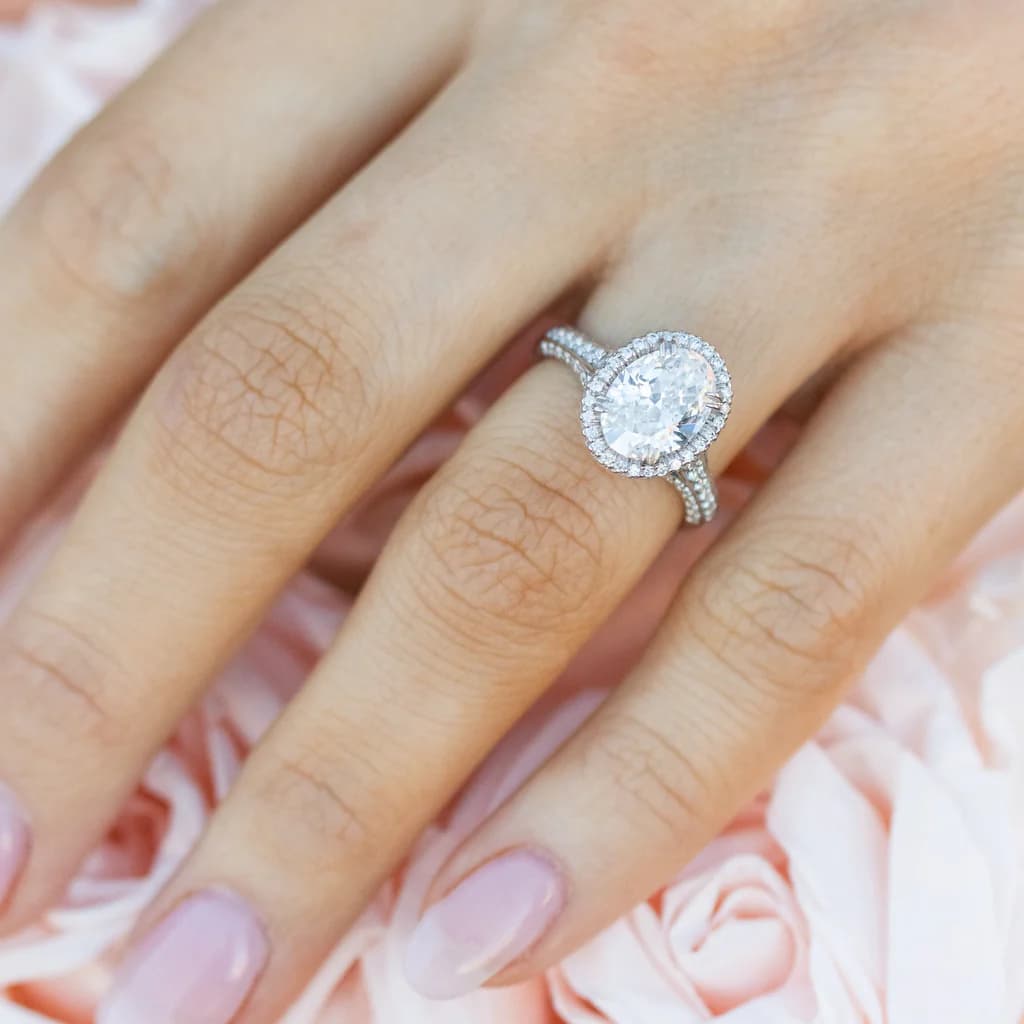
Start using free AI jewelry design software at design.tashvi.ai →
Related AI Jewelry Design Guides
- Best AI Jewelry Design Tools in 2026 – Complete comparison of jewelry design software
- Moissanite vs Diamond 2026 – Price, sparkle, and durability comparison
- Lab Grown vs Natural Diamonds – 2026 price and resale value guide
- Wedding Bands 2026 – 8 styles, best metals, and price comparison
- How to Choose the Right Engagement Ring – 2026 buying guide
- IGI vs GIA Certification – Which lab diamond certificate to trust
- Visual Guide to Ring Settings – Identify prong, bezel, halo settings
Frequently Asked Questions
Quick answers to the questions readers ask most about this guide.
What is the best free AI for jewelry design?
Tashvi AI is a jewelry-specific option with a free plan that includes a limited number of designs and requires no credit card. It supports plain-language prompts, reference images, guided design, and a path from a selected concept into 3D modeling. Final production geometry should be reviewed by a qualified CAD designer or manufacturer.
Is there a free AI jewelry design app?
Yes. Tashvi AI offers a free AI jewelry design app that lets you create custom rings, necklaces, earrings, and bracelets. No credit card required. The free tier lets you describe your piece in your own words or switch on guided design, with photorealistic renders.
What are the best AI tools for jewelry design in 2026?
Useful options include Tashvi AI for a jewelry-specific workflow and general image generators such as Midjourney, DALL-E, and Leonardo AI for visual ideation. Tashvi offers a free plan, guided design, reference-image workflows, and 3D modeling for selected concepts.
Can I design an engagement ring with AI for free?
Yes. Tashvi AI's free plan includes a limited number of designs. Describe your vision or use guided design mode to specify the center-stone shape, setting style, and metal type, then generate and download concepts within that allowance.
How do free AI jewelry design tools work?
Free AI jewelry design tools like Tashvi AI use artificial intelligence to generate photorealistic jewelry designs from text descriptions. Describe what you want in plain English, and the AI creates multiple design variations in seconds. You can refine, iterate, and download your designs.