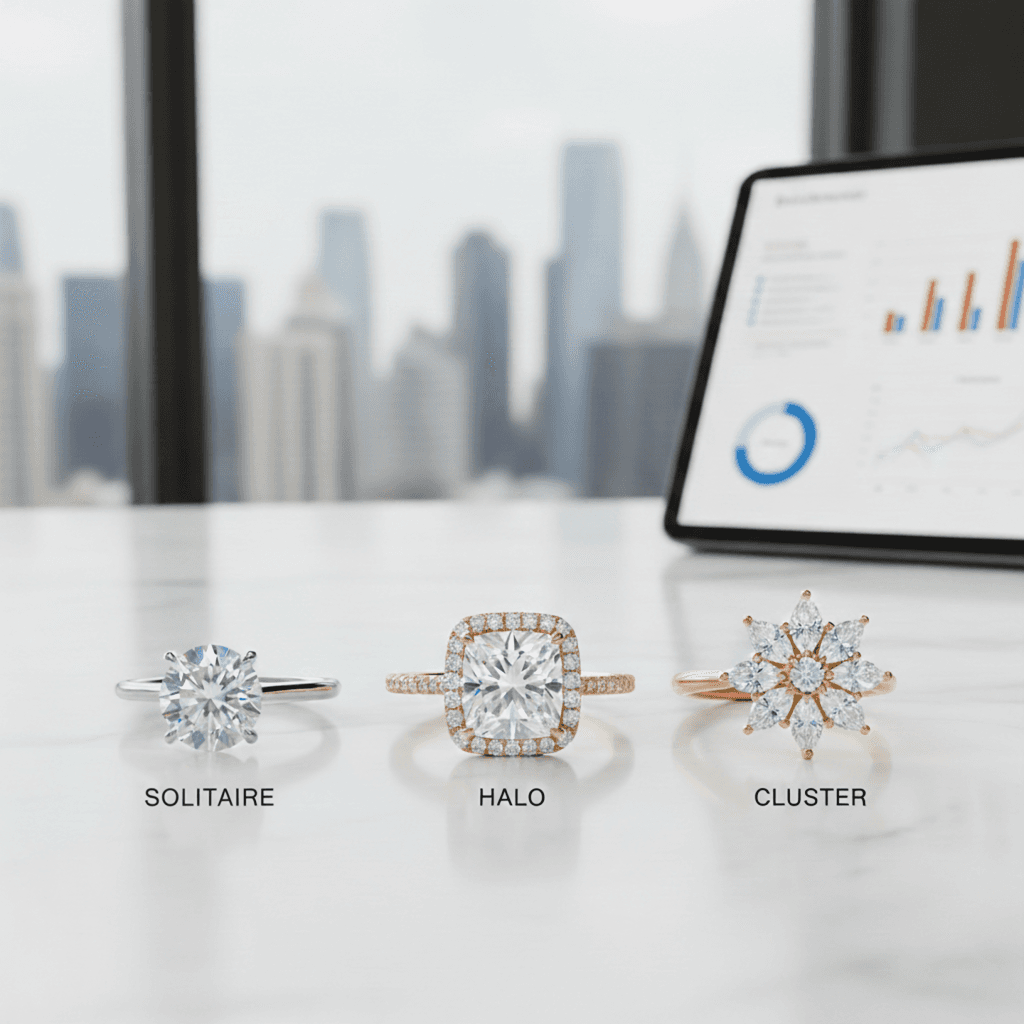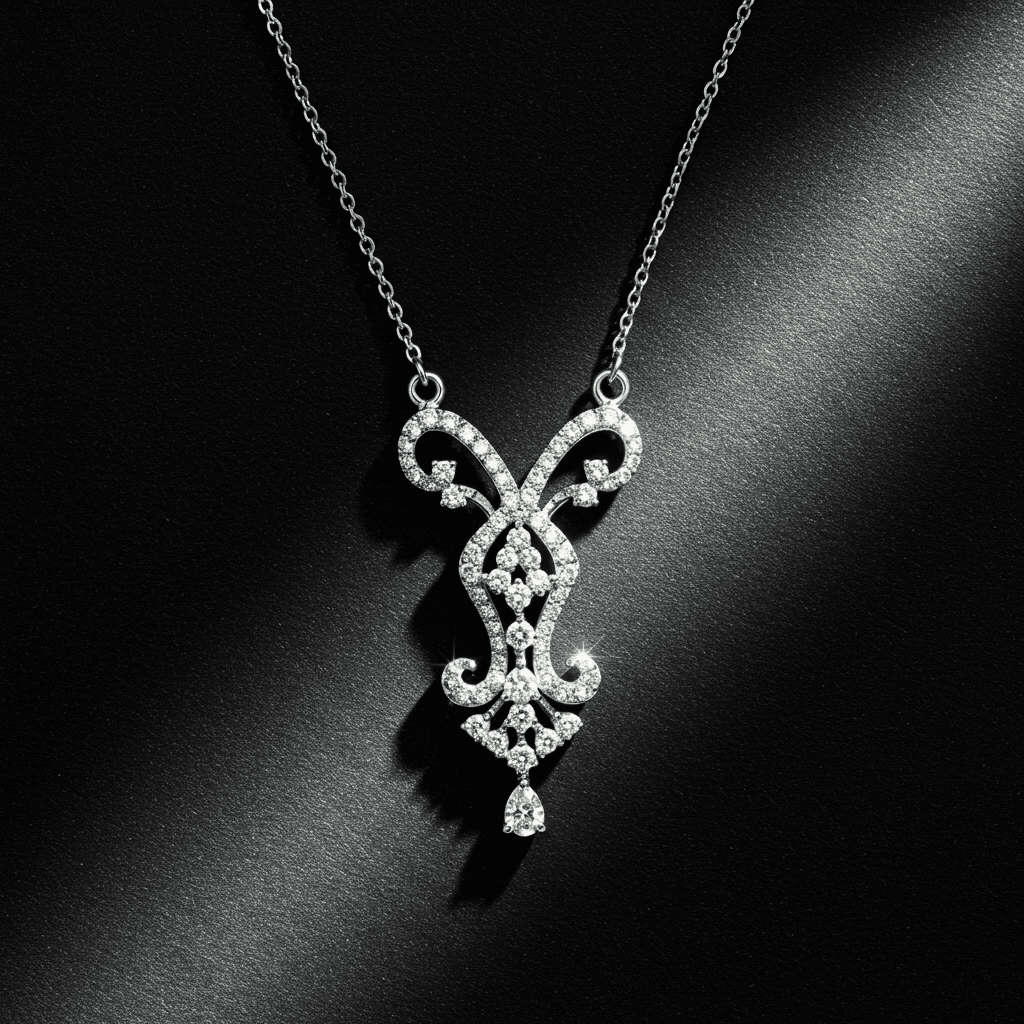
Free AI Necklace Design Tool - Create Custom Necklaces in Seconds
Design pendant necklaces, tennis chains, chokers & custom pieces with free AI software. No CAD skills needed. Just describe your dream necklace and get photorealistic designs instantly.
Best AI Necklace Design Software for Custom Designs
Looking for the best AI necklace design tool to create custom pendants, chains, and statement pieces? Tashvi AI is a free AI jewelry design software that lets you design pendant necklaces, tennis chains, chokers, lariats, and traditional pieces like mangalsutra in 2026. This AI necklace design app works by letting you describe your dream necklace in plain English or answer guided questions. The AI generates photorealistic designs in seconds with no design experience required.
According to McKinsey's luxury industry research, personalized and custom jewelry continues to grow as consumers increasingly seek unique pieces that reflect their individual style. AI design tools are democratizing this previously exclusive market.
| AI Necklace Design Tool | Free Tier | Necklace-Specific | Best For | 2026 Ranking |
|---|---|---|---|---|
| Tashvi AI | Yes | Yes | Custom necklace design | #1 for jewelry |
| Midjourney | No ($10/mo) | No | Artistic inspiration | General AI |
| DALL-E 3 | No ($20/mo) | No | Quick concepts | General AI |
| Leonardo AI | Yes (limited) | No | Budget option | General AI |
| Stable Diffusion | Yes (self-hosted) | No | Technical users | Open source |
The best AI for necklace design depends on the job. Tashvi AI offers a jewelry-specific workflow with a free plan, guided design, and 3D modeling for selected concepts. General image generators can be useful for broad artistic inspiration.
Why Tashvi AI is the Best AI Necklace Design Tool in 2026
Most AI image generators like Midjourney and DALL-E are general-purpose tools. They can create necklace images, but they do not understand jewelry terminology, chain types, bail styles, or manufacturing constraints. Tashvi AI is different because it was built specifically as AI jewelry design software.
What Makes Tashvi the Top AI Necklace Design Tool
Jewelry-Specific Training. The AI understands necklace styles like pendants, tennis chains, chokers, lariats, and layered designs. It knows chain types including cable, rope, box, figaro, snake, and curb. It handles pendant shapes, bail configurations, clasp types, and gemstone settings correctly.
Guided Design Mode. Unlike other AI necklace design tools that require complex prompts, Tashvi offers a guided mode. Answer simple questions about necklace style, pendant preferences, chain type, and metal choice. The AI builds your design specifications automatically. This makes it the best AI necklace design app free for beginners.
Production Handoff. Tashvi AI can carry a selected concept into 3D modeling and export. A qualified CAD designer or manufacturer should validate dimensions, chain and clasp construction, stone security, tolerances, and material suitability before quoting or production.
Free Access. Tashvi AI offers genuine free AI necklace design. No credit card, no trial period, no watermarks on standard downloads. This makes it the best free AI necklace design software available.
How to Use AI Necklace Design Software
Creating custom necklaces with AI jewelry design tools takes just four steps. Whether you know exactly what you want or need guidance discovering your style, this AI necklace design app adapts to your experience level.
Step 1: Start Your Design in the AI Necklace Design App
Tashvi AI is one conversational design agent that adapts to how you like to work. This flexibility makes it the best AI for necklace design for both beginners and professionals.
Describe your necklace in your own words. By default, you just tell the AI what you want and it interprets your description into designs. This gives designers using AI necklace design apps full creative control—write as much detail as you like.
Or switch on Guided design. New to AI necklace design tools? Turn on Guided design from the composer's + menu and Tashvi walks you through questions about necklace style, pendant shape, chain type, metal, and details, building your design specifications automatically.
Step 2: Describe Your Necklace to the AI Design Tool
With Guided design switched on, the AI necklace design software asks about necklace type (pendant, chain, statement), pendant shape, chain style, metal preference, and special details.
Otherwise, just describe your necklace in your own words. Here are example prompts that produce excellent results with AI necklace design tools:
Pendant necklace prompts for AI jewelry design:
- "Minimalist solitaire diamond pendant on delicate cable chain in 18k white gold"
- "Teardrop sapphire pendant with diamond halo on 16-inch rose gold chain"
- "Art deco geometric pendant with emerald center stone, platinum setting"
- "Heart-shaped ruby pendant with pavé diamond border on yellow gold snake chain"
Tennis necklace prompts for AI necklace design software:
- "Classic round brilliant diamond tennis necklace in platinum, 5 carats total weight"
- "Graduated emerald cut diamond tennis necklace in white gold"
- "Mixed shape tennis necklace alternating oval and marquise diamonds"
- "Rainbow sapphire tennis necklace with round stones in yellow gold"
Choker and statement prompts for AI necklace design apps:
- "Diamond choker necklace with central flower motif in white gold"
- "Wide gold choker with geometric cutout patterns, 18k yellow gold"
- "Collar necklace with cascading diamond drops, platinum"
- "Bold statement necklace with oversized citrine center, yellow gold"
Traditional Indian necklace prompts:
- "Modern mangalsutra design with diamond pendant on black bead chain"
- "Contemporary haar necklace with emerald and diamond drops"
- "Kundan-inspired pendant necklace with ruby center, gold setting"
- "Minimalist mangalsutra with solitaire diamond, dual chain design"
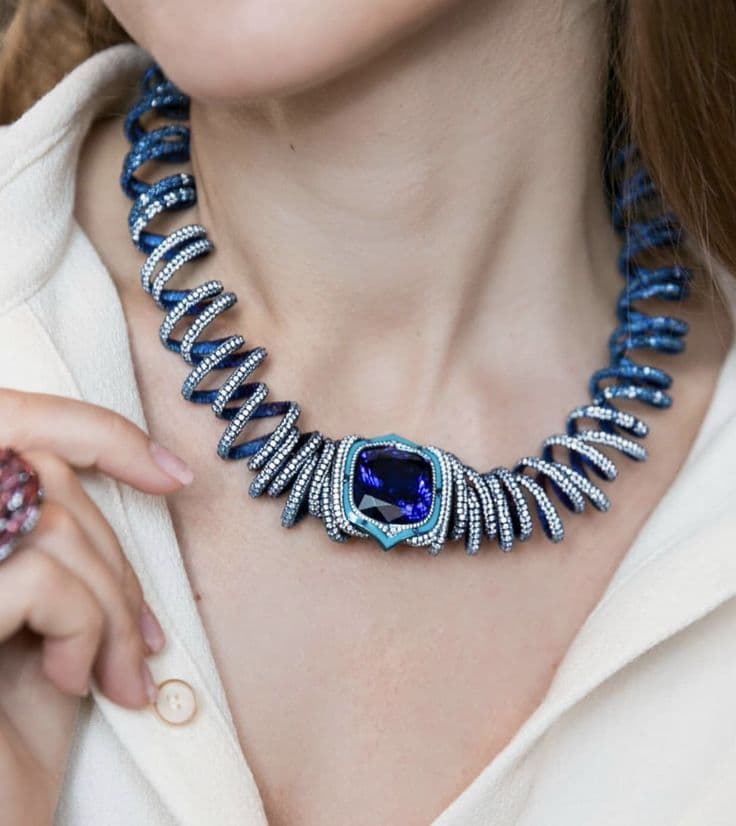
Step 3: Generate and Refine with AI Necklace Design Tools
Click generate and watch your design come to life in seconds. The best AI necklace design software creates multiple variations so you can explore different interpretations of your vision.
Not quite right? The AI necklace design app lets you refine specific elements. Change the chain from cable to rope. Swap the pendant shape from oval to pear. Adjust the length from 16 to 18 inches. Each refinement generates new variations while keeping elements you liked.
The Canvas Editor in this AI necklace design tool lets you make precise adjustments. Move elements, adjust proportions, or combine features from different variations.
Step 4: Download from the Free AI Necklace Design Software
Once you love your design, download high-resolution images. The free tier of this AI necklace design app includes standard resolution downloads with no watermarks.
Ready to move beyond concepting? Continue a selected necklace into 3D modeling, then ask a qualified CAD designer or jeweler to validate its dimensions, findings, settings, and final production file.
What Necklace Styles Can You Create with AI Design Tools?
The best AI necklace design software handles every popular necklace style. Tashvi AI understands jewelry terminology, so you can reference specific styles and get accurate results from this AI necklace design tool.
Pendant Necklaces with AI Design Software
Solitaire Pendants. The classic choice featuring a single diamond or gemstone. Use AI necklace design tools to create solitaires in any shape including round, oval, pear, cushion, emerald, and marquise cuts. Specify bail styles from simple loops to decorative diamond-set bails.
Halo Pendants. Surround your center stone with smaller diamonds using AI necklace design software. Create single halos, double halos, or vintage-inspired designs with milgrain details.
Drop Pendants. Design elegant pendants that dangle below the bail. AI necklace design tools can create teardrop shapes, geometric designs, and articulated drops with movement.
Cluster Pendants. Group multiple smaller stones together using AI necklace design apps. Create floral arrangements, abstract clusters, or vintage-inspired groupings.
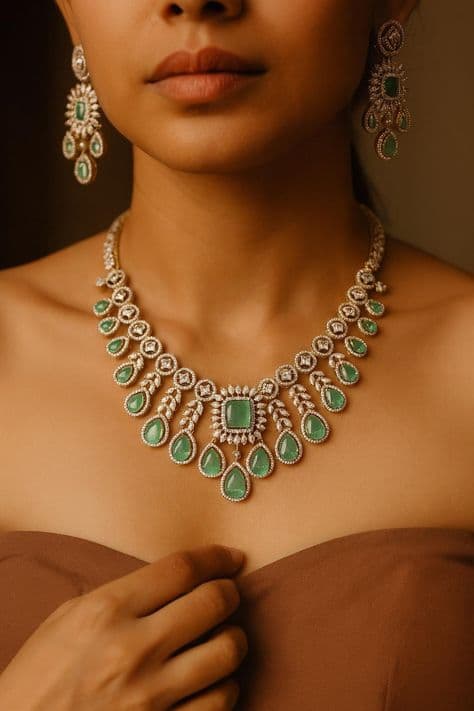
For more pendant inspiration, see our charm necklace guide and initial necklace guide.
Tennis Necklaces with AI Design Tools
Tennis necklaces have seen a resurgence in popularity, with celebrities and fashion icons embracing these elegant designs. The continuous line of diamonds creates a timeless elegance that AI necklace design tools capture perfectly.
Classic Tennis Chains. Design the timeless row of matched diamonds using AI necklace design software. Specify stone size, total carat weight, and setting style including four-prong, shared prong, or bezel settings.
Graduated Tennis Necklaces. Create designs where stones increase in size toward the center using this AI necklace design app. The graduated style draws attention to the centerpiece.
Mixed Shape Tennis Necklaces. Combine different diamond shapes for unique designs. AI necklace design tools can create alternating patterns with ovals and rounds, emerald cuts and baguettes, or custom combinations.
Colored Stone Tennis Necklaces. Design tennis necklaces featuring sapphires, emeralds, rubies, or rainbow combinations using AI necklace design software.
Chokers with AI Necklace Design Apps
Diamond Chokers. Create close-fitting necklaces with diamond rows, patterns, or central motifs using AI necklace design tools. Specify width from delicate single-row to bold multi-row designs.
Gold Chokers. Design solid gold chokers with various profiles using this AI necklace design app. Create smooth polished surfaces, hammered textures, or geometric cutout patterns.
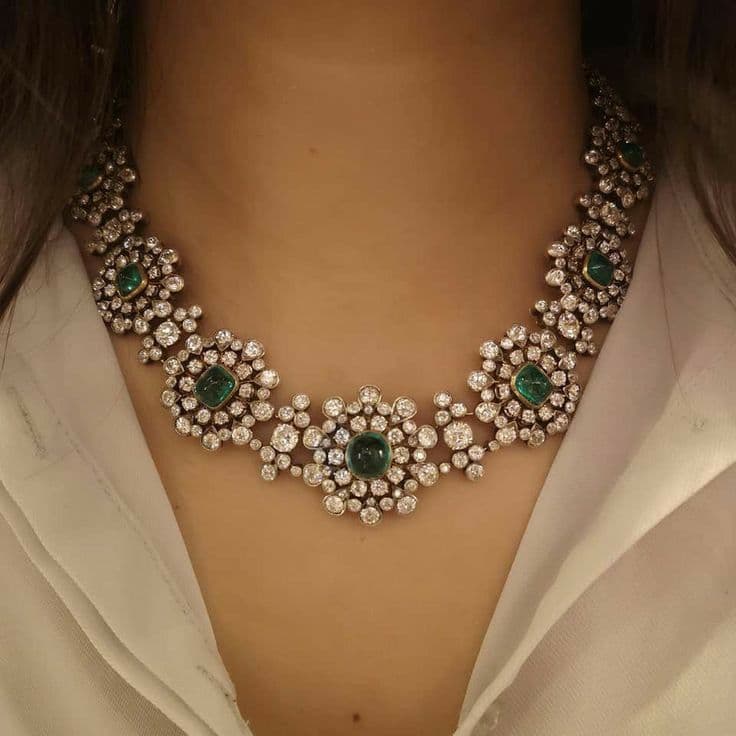
Lariats and Y-Necklaces with AI Design Software
Classic Lariats. Design open-ended necklaces that tie or loop through using AI necklace design tools. Create matching end elements like tassels, drops, or gemstone terminals.
Y-Necklaces. The chain splits into a Y-shape with a central drop. AI necklace design software can create delicate everyday Y-necklaces or dramatic statement pieces.
Adjustable Lariats. Design lariats with slider elements that allow length adjustment using this AI necklace design app.
Layered Necklaces with AI Design Tools
Layered necklaces remain one of the strongest jewelry trends, offering versatility and personalization that AI design tools excel at creating.
Coordinated Sets. Design multiple necklaces meant to be worn together using AI necklace design software. Create sets with complementary chains, pendants, and lengths.
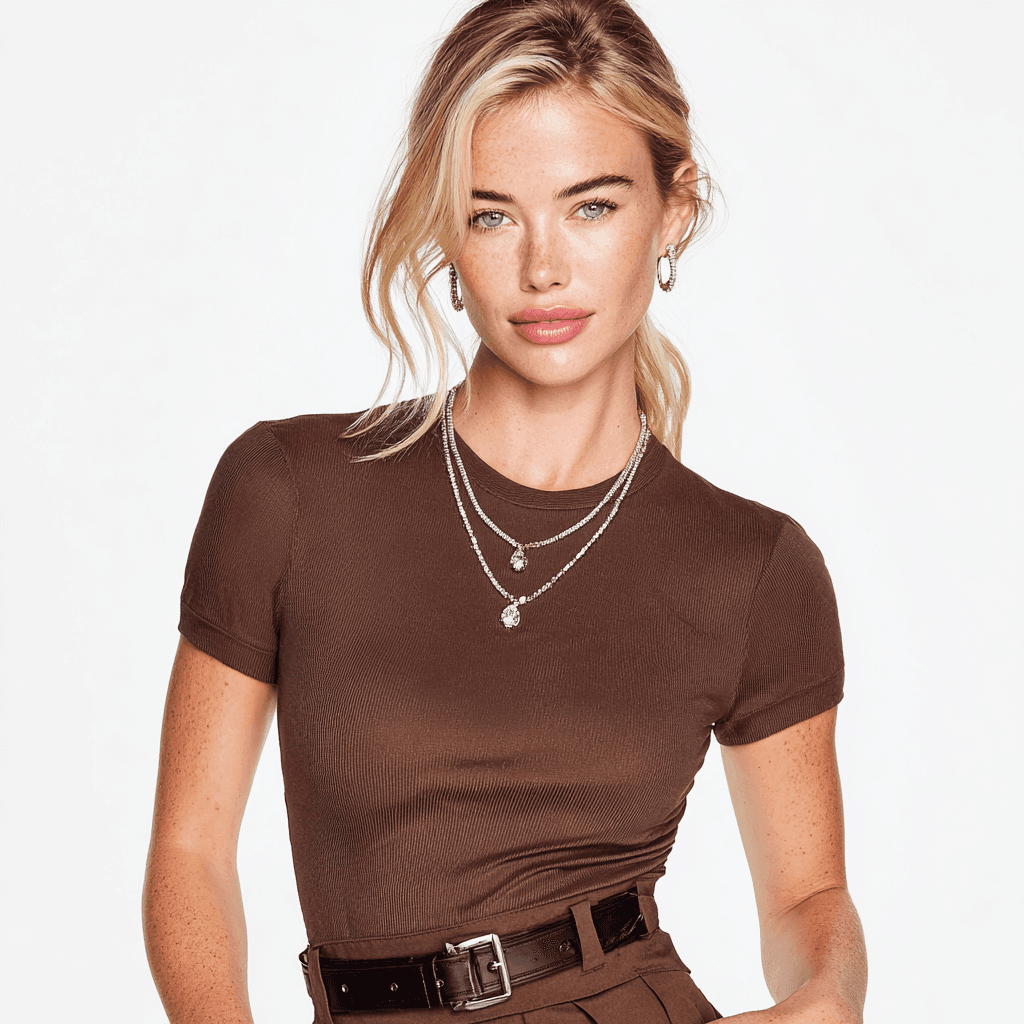
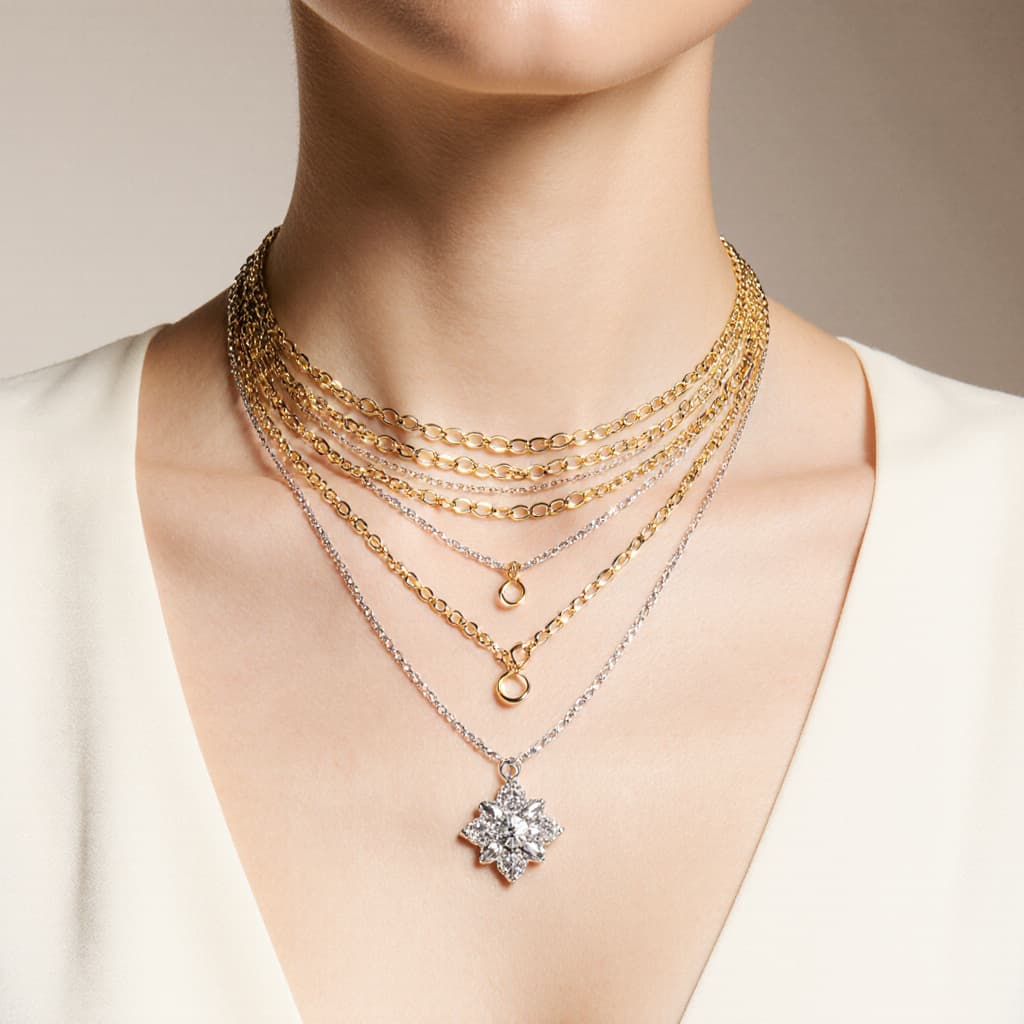
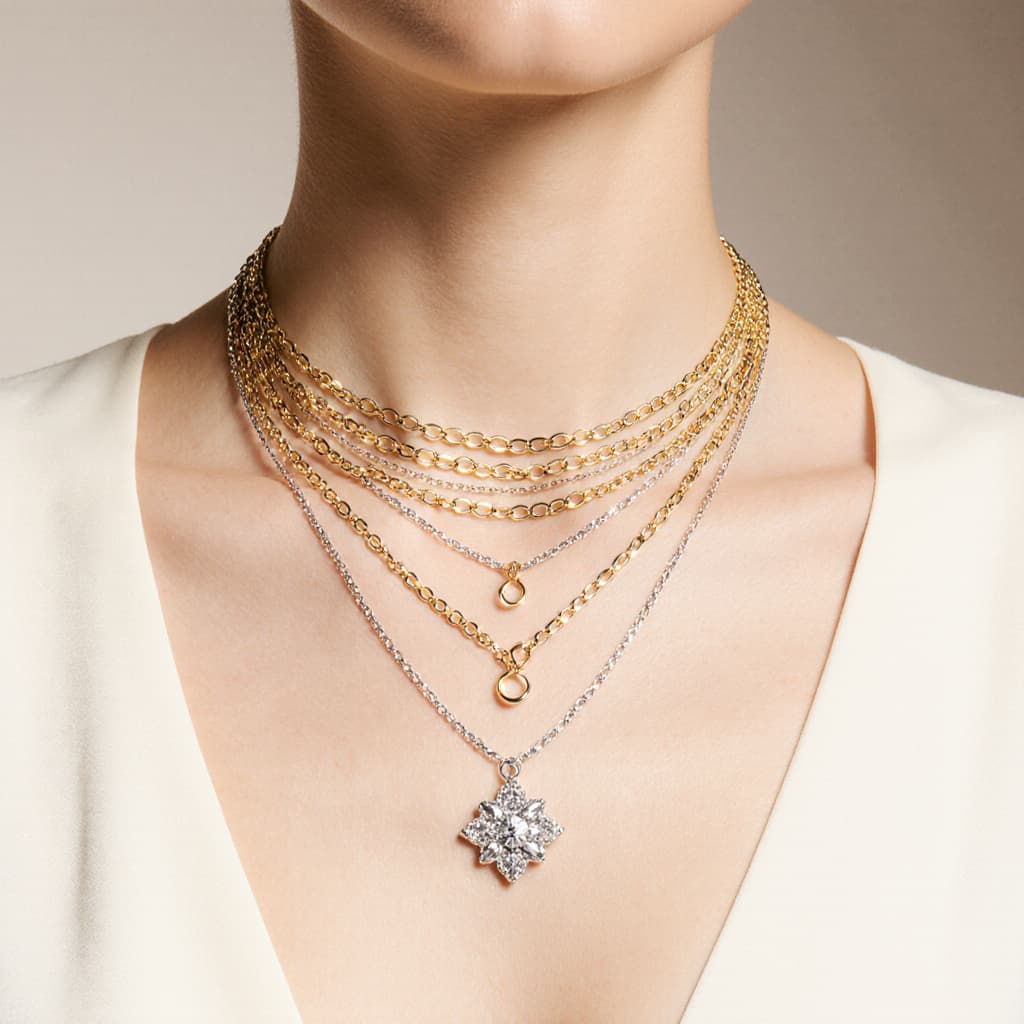
Multi-Strand Designs. Single necklaces with multiple chains at different lengths. AI necklace design tools can create delicate layered looks or bold multi-chain statements.
Station Necklaces. Long chains with gemstones or design elements spaced along the length. The AI necklace design app understands station spacing and element placement.
For more on layered and statement styles, see our AI statement necklace design guide.
Traditional Indian Necklaces with AI Design Software
Mangalsutra. Design modern and traditional mangalsutra styles using AI necklace design tools. Create diamond pendants on black bead chains, contemporary dual-chain designs, or traditional gold mangalsutra with intricate pendants.
Haar Necklaces. Long traditional necklaces with gemstone drops and elaborate designs. AI necklace design software can create bridal haar, everyday contemporary haar, and fusion designs.
Temple Jewelry Inspired. Design necklaces with traditional South Indian temple jewelry motifs using this AI necklace design app.
For comprehensive traditional design guidance, see our AI Traditional Indian Jewelry guide.
Name and Initial Necklaces with AI Design Tools
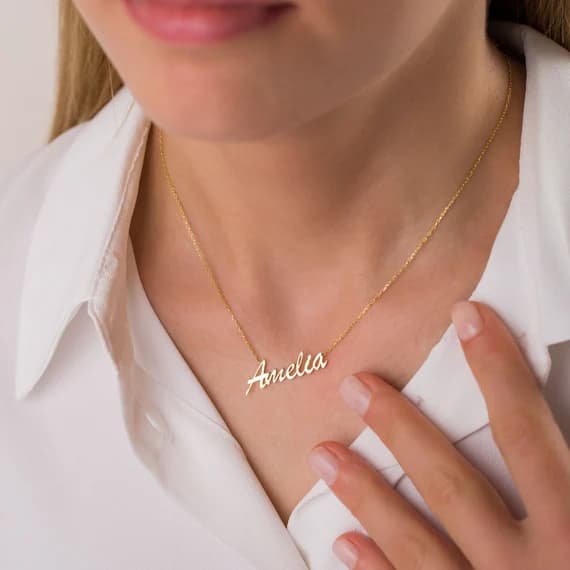
Script Name Necklaces. Design personalized necklaces featuring names in various fonts using AI necklace design software. Create cursive scripts, modern sans-serif styles, or decorative fonts.
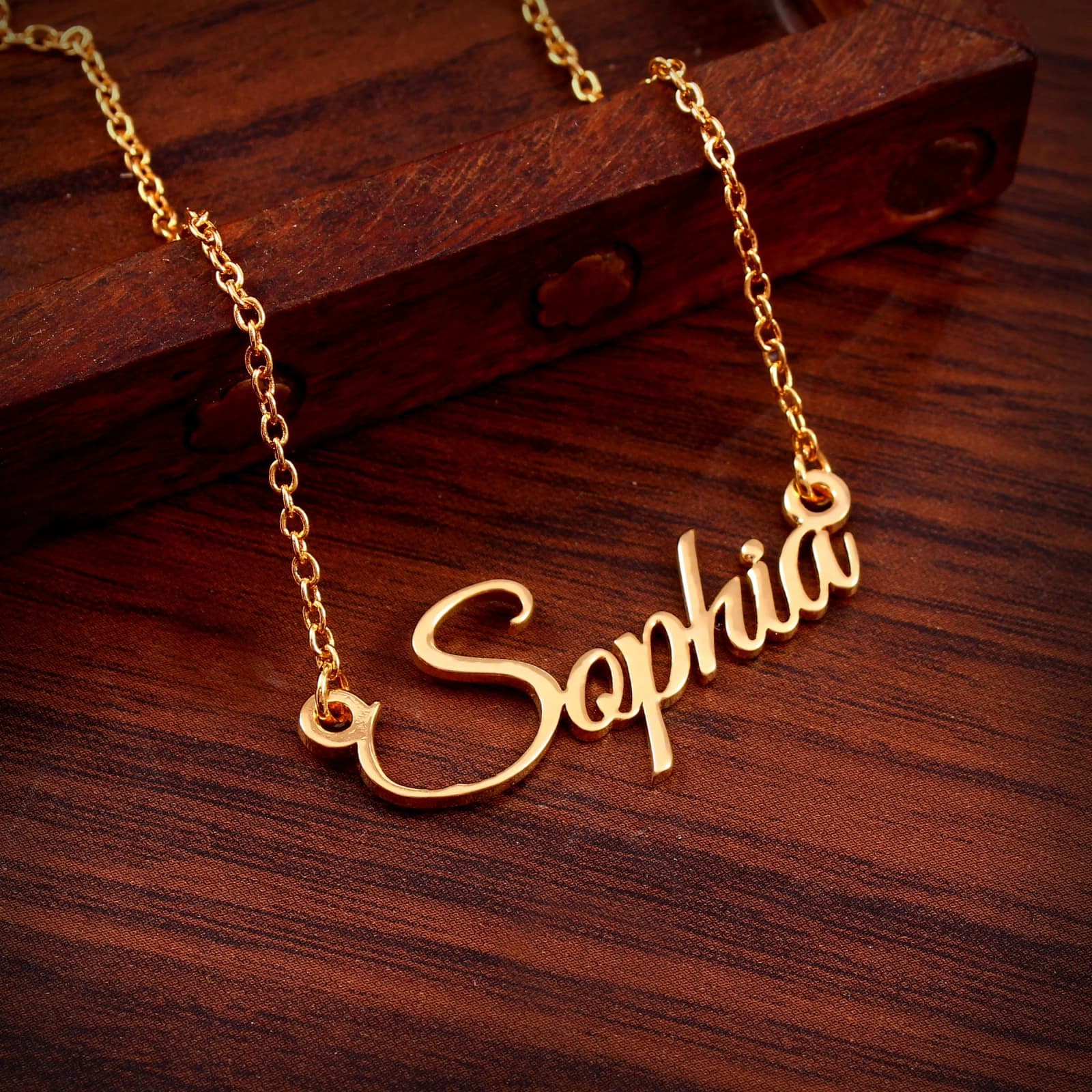
Initial Pendants. Single letter designs with various styling options. AI necklace design tools can create block letters, script initials, or diamond-studded letter pendants.
Monogram Necklaces. Combine multiple initials in decorative arrangements using this AI necklace design app.
Learn more about personalized options in our name necklace guide and initial necklace guide.
Designing Your Custom Necklace with Tashvi AI: Step-by-Step
Creating your perfect necklace with Tashvi's AI jewelry design platform follows a simple yet powerful workflow. Here's how to bring your vision to life:
Step 1: Define Your Style Intent
Consider what you want your necklace to communicate:
- Elegant and minimal: Delicate pendants on fine chains
- Bold and modern: Statement pieces with geometric forms
- Classic and timeless: Tennis necklaces and diamond solitaires
- Personal and meaningful: Name necklaces, initials, birthstones
- Cultural and traditional: Mangalsutra, haar, temple-inspired designs
Step 2: Choose Your Necklace Length
Understanding necklace lengths helps you communicate your vision:
- Collar: 12-13 inches (sits at base of neck)
- Choker: 14-16 inches (close to neck)
- Princess: 17-19 inches (most popular, sits at collarbone)
- Matinee: 20-24 inches (falls above bust)
- Opera: 28-36 inches (long, elegant draping)
- Rope: Over 36 inches (can be doubled or knotted)
Step 3: Describe Your Vision to Tashvi AI
Use natural language to communicate your ideas. The more specific, the better results from Tashvi's AI necklace design tools:
"Create an 18-inch princess length necklace with a 1-carat oval diamond pendant in a halo setting, white gold cable chain with lobster clasp"
Or for layered designs:
"Design a three-layer necklace set: a 14-inch gold choker, a 17-inch chain with small diamond pendant, and a 20-inch chain with larger sapphire teardrop pendant"
Step 4: Review and Refine
Tashvi's AI jewelry design generates multiple variations in seconds. Review the options and provide feedback:
- Adjust chain thickness or style
- Modify pendant size or shape
- Change gemstone types or arrangements
- Experiment with different metal colors
- Add or remove decorative elements
Step 5: Perfect with Canvas Editor
Use Tashvi's Canvas Editor for precise adjustments:
- Move elements to perfect proportions
- Combine features from different variations
- Fine-tune spacing and balance
- Ensure the design matches your vision exactly
Step 6: Prepare a Professional Production Handoff
Continue the selected concept into 3D modeling and export, then have a qualified professional add or validate:
- Final measurements and dimensions
- Chain gauge, clasp, bail, and connection specifications
- Gemstone sizes, seats, and setting details
- Metal suitability and weight estimates
- The production file for the intended casting or fabrication process
Best AI Necklace Design Tools Compared: 2026 Guide
How does Tashvi AI compare to other AI necklace design software options? Here is an honest comparison of the best AI for necklace design in 2026.
Tashvi AI vs Midjourney for Necklace Design
Midjourney is a general image generator rather than a jewelry workflow tool. Tashvi AI adds necklace vocabulary, guided design, reference-image workflows, and a route from a selected concept into 3D modeling.
Choose Tashvi AI for jewelry-specific concept design, guided iteration, and a clearer professional handoff. Choose Midjourney for artistic inspiration and mood boards only.
Tashvi AI vs DALL-E 3 for Necklace Design
DALL-E 3 through ChatGPT is easy to use but lacks jewelry-specific features. It costs $20/month through ChatGPT Plus and produces generic jewelry results. As dedicated AI necklace design software, Tashvi AI offers jewelry-specific training and free access.
Choose Tashvi AI for jewelry-specific results and free access. Choose DALL-E 3 if you already pay for ChatGPT Plus and need quick concepts.
Why Tashvi is the Best AI for Necklace Design Free
Most AI necklace design tools require subscriptions. Tashvi AI offers genuine free AI necklace design with no trial period, no credit card, and no watermarks. This makes it the best AI necklace design app free for both beginners exploring ideas and professionals creating client concepts.
For a detailed comparison of all options, see our best AI jewelry design tools 2026 guide.
Tips for Better Results with AI Necklace Design Software
Get more from AI necklace design tools by following these proven techniques.
Be Specific with AI Necklace Design Apps
The AI produces better results when you specify details. Instead of "beautiful pendant necklace," try "pear-shaped emerald pendant with diamond halo on 18-inch cable chain in 18k white gold." Specificity helps AI necklace design software understand your vision.
Include these details when using AI necklace design tools:
- Pendant shape: round, oval, pear, heart, cushion, teardrop, geometric
- Stone type: diamond, sapphire, emerald, ruby, morganite, pearl
- Chain type: cable, rope, box, figaro, snake, curb, wheat, bead
- Chain length: 14", 16", 18", 20", 24", 30", opera, matinee
- Metal: platinum, white gold, yellow gold, rose gold
- Setting style: prong, bezel, halo, cluster, tension
- Special details: milgrain, filigree, pavé, diamond bail, adjustable
Use Jewelry Terminology with AI Necklace Design Software
The best AI for necklace design understands professional terms. Say "princess length" instead of "medium necklace." Say "bail" instead of "the part that connects to the chain." Proper terminology produces more accurate results from AI necklace design tools.
Learn more terminology from our AI statement necklace guide.
Iterate with AI Necklace Design Tools
Your first generation rarely captures everything. Use refinement tools to adjust elements. This iterative approach produces better results than trying to perfect a single prompt in AI necklace design software.
Frequently Asked Questions About AI Necklace Design Software
What is the best AI necklace design tool?
Tashvi AI is a jewelry-specific option for custom pendant, chain, and statement-necklace concepts. It combines guided design, jewelry vocabulary, reference images, and 3D modeling for selected concepts. Its free plan includes a limited number of designs and requires no credit card.
Is there a free AI necklace design app?
Yes. Tashvi AI offers a free AI necklace design app where you describe pieces in your own words or switch on Guided design. Create pendant necklaces, tennis chains, chokers, lariats, and traditional designs without payment. No trial period, no watermarks, no credit card required. This makes Tashvi the best free AI necklace design software available.
What necklace styles can AI design tools create?
AI necklace design tools like Tashvi AI can create all major necklace styles including pendant necklaces, tennis necklaces, chokers, lariats, Y-necklaces, layered designs, station necklaces, name and initial necklaces, and traditional styles like mangalsutra and haar. The AI understands chain types, pendant shapes, setting styles, and proper proportions.
Can AI necklace design software produce designs that are ready to manufacture?
AI can accelerate necklace concepting and provide a useful 3D starting point, but a qualified CAD designer or manufacturer should validate chain gauge, connections, clasp and bail construction, dimensions, tolerances, stone security, and the final production file.
How accurate are AI necklace design tools with chain types?
Tashvi AI understands major chain types including cable, rope, box, figaro, snake, curb, wheat, and bead chains. Specify the chain type in your prompt or guided design for accurate results. General AI tools often produce generic or incorrect chain representations.
Start Using AI Necklace Design Software Free
Ready to try the best AI for necklace design? Here is the fastest path to your first design with this free AI necklace design app:
- Go to design.tashvi.ai
- Describe the necklace you want, or turn on Guided design (recommended) to be walked through it
- Describe your necklace or answer the guided questions
- Generate, refine, and download
Your first designs are free with this AI necklace design software. No credit card needed.
Whether you want a delicate pendant, bold statement piece, or traditional mangalsutra, Tashvi AI is the best AI necklace design tool for bringing your vision to life.
Start using free AI necklace design software at design.tashvi.ai →
Related AI Jewelry Design Guides
- Free AI Ring Design Tool - Create custom rings in seconds
- Best AI Jewelry Design Tools in 2026 - Complete comparison of AI jewelry design software
- AI Statement Necklace Design - Chokers, lariats and layered designs
- AI Traditional Indian Jewelry - Mangalsutra, haar and traditional designs
- Name Necklace Guide - Personalized necklace options
- Initial Necklace Guide - Meanings, styles and metals
- Birthstone Necklace Guide - Your story in color
- Charm Necklace Guide - Build your personal story
Frequently Asked Questions
Quick answers to the questions readers ask most about this guide.
What is the best AI necklace design tool?
Tashvi AI is a jewelry-specific option for custom pendant, chain, and statement-necklace concepts. You can describe a piece in plain language, use guided design, or add reference images. Selected concepts can continue into 3D modeling, with final production geometry reviewed by a qualified professional.
Is there a free AI necklace design app?
Yes. Tashvi AI offers a free AI necklace design app that lets you create custom pendants, tennis necklaces, chokers, lariats, and traditional designs like mangalsutra. No credit card required. The free tier lets you describe your piece in your own words or switch on guided design.
Can I design a custom pendant with AI for free?
Yes. Tashvi AI's free plan includes a limited number of designs. Describe your vision or use guided design mode to specify the pendant shape, chain style, and metal type, then generate and download concepts within that allowance.
What necklace styles can AI design tools create?
AI necklace design tools like Tashvi AI can create pendant necklaces, tennis necklaces, chokers, lariats, layered designs, name necklaces, initial necklaces, statement pieces, and traditional styles like mangalsutra and haar. The AI understands jewelry terminology and chain types.
How do AI necklace design tools work?
AI necklace design tools like Tashvi AI use artificial intelligence to generate photorealistic necklace designs from text descriptions. Describe what you want in plain English, and the AI creates multiple design variations in seconds. You can refine, iterate, and download your designs.