The Best Free CAD Software for Beginning Jewelry Designers
Discover the best free and affordable CAD software options for aspiring jewelry designers in 2026. From Blender and FreeCAD to free trials of professional tools, learn which programs offer the best starting point for your design journey.
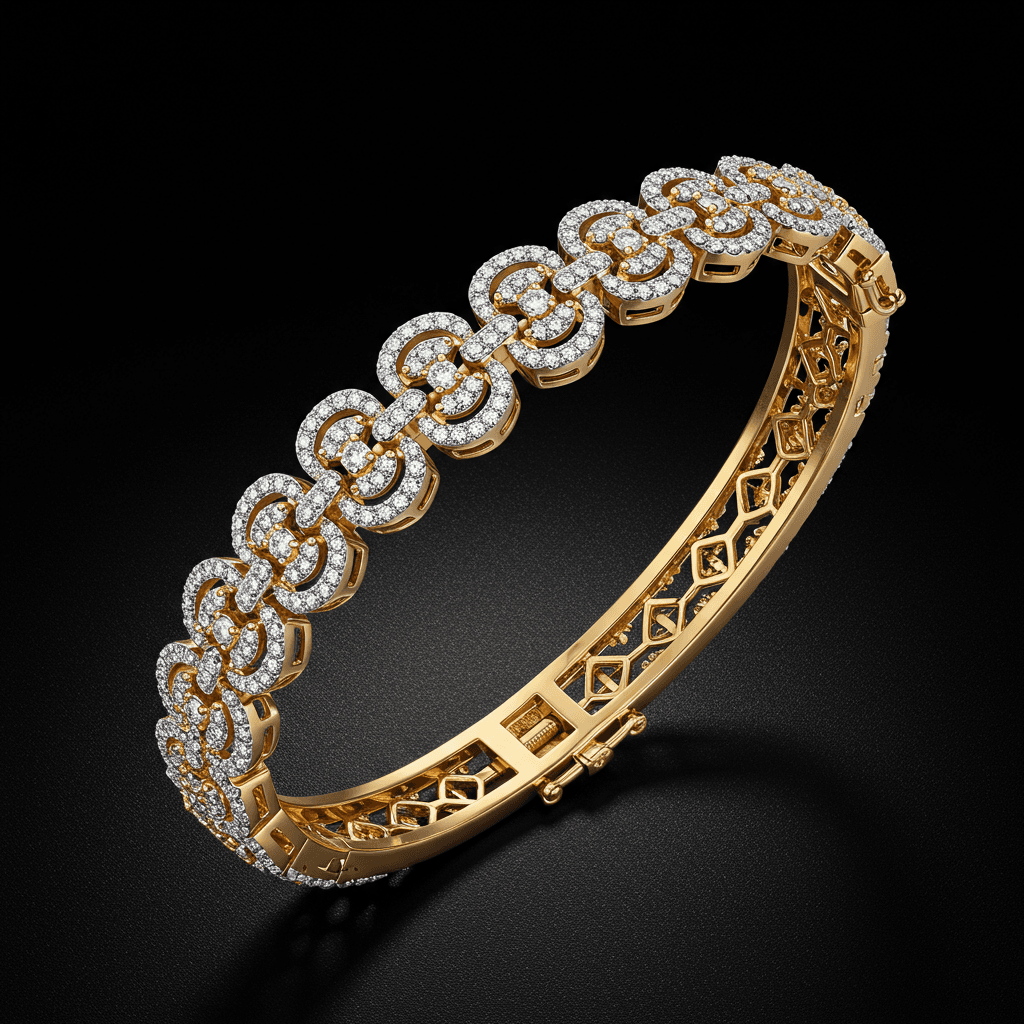
The best free CAD software for beginning jewelry designers includes Blender for comprehensive 3D modeling, FreeCAD for parametric design, and free trials of professional programs like Rhino that provide the most realistic preview of professional jewelry CAD workflows. Starting with free tools lets you build foundational skills and confirm your interest before investing in specialized software.
The barrier to entry for jewelry CAD has dropped dramatically in recent years. A decade ago, aspiring jewelry designers had to invest thousands of dollars in software before learning a single command. Today, free and open-source tools offer genuinely capable modeling environments, and professional programs offer extended free trials that give you time to learn the fundamentals before committing financially. The key is choosing the right starting point based on your goals and committing to consistent practice.
Fully Free Options
Blender
Blender is the most capable fully free 3D modeling application available. It is open-source, professionally maintained, and used by studios worldwide for film, game, and product design. For jewelry, Blender offers polygon modeling, sculpting, and rendering capabilities that can produce stunning results.
Blender's polygon modeling tools allow you to create precise geometric forms suitable for rings, pendants, and earrings. Its sculpting mode rivals ZBrush for organic and nature-inspired designs. The Cycles rendering engine produces photorealistic jewelry visualizations that help you evaluate designs before printing.
The primary limitation for jewelry is the absence of jewelry-specific tools. Blender has no automated stone setting, no pavé layout tool, no ring sizer, and no built-in gemstone libraries. These operations must be performed manually, which takes longer but teaches you the underlying geometry that automated tools handle behind the scenes.
Best for aspiring designers who want maximum creative freedom at zero cost and are willing to invest time in learning a complex application.
Learning resources include Blender Guru's YouTube tutorials for fundamentals, plus specialized jewelry modeling tutorials from creators like Skullstorm and Cross Jewelry Design on YouTube.
FreeCAD
FreeCAD is an open-source parametric modeling application that works with a fundamentally different approach than Blender. Where Blender manipulates meshes directly, FreeCAD builds models from geometric operations (sketches, extrusions, revolutions, Booleans) that remain editable throughout the design process. Change a dimension, and the model updates automatically.
This parametric approach is similar to how professional jewelry CAD software works, making FreeCAD a good training ground for skills that transfer to MatrixGold or RhinoGold later. FreeCAD's Part Design workbench handles the type of precision modeling that jewelry requires.
The limitations are significant for jewelry. FreeCAD lacks NURBS surface tools, has no jewelry-specific features, and its interface can feel clunky compared to commercial alternatives. But for learning parametric modeling concepts at zero cost, it serves its purpose well.
Best for designers who want to learn parametric modeling concepts that will transfer to professional jewelry CAD software.
Tinkercad
Tinkercad is a browser-based 3D modeling tool from Autodesk that requires no installation and has the gentlest learning curve of any option on this list. It works by combining, subtracting, and grouping basic geometric shapes (cubes, cylinders, spheres) to create more complex forms.
For jewelry, Tinkercad is useful only as a first-day introduction to 3D modeling concepts. You can create simple ring bands, basic pendants, and geometric earrings, but the tool cannot produce the smooth curves, organic forms, or fine details that real jewelry demands.
Best for absolute beginners spending their first few hours with 3D modeling before moving to more capable software.
SculptGL
SculptGL is a free browser-based sculpting tool that provides basic digital sculpting capabilities without any installation. It supports DynMesh-like functionality, multiple sculpting brushes, and STL export. For jewelry, it is useful for sketching organic forms quickly, though it lacks the refinement and feature depth of ZBrush or Blender's sculpt mode.
Best for quick organic form exploration without committing to a full software installation.
Free Trials Worth Using
Rhino 3D (90-Day Trial)
Rhino offers a fully functional 90-day trial with no feature limitations. This is arguably the most valuable free resource for aspiring jewelry designers because Rhino is one of the primary platforms used in professional jewelry CAD work. Ninety days of daily practice is enough to learn fundamental modeling techniques and determine whether Rhino is the right platform for your long-term investment.
During the trial, focus on learning curve creation, surface tools (Revolve, Sweep, Loft), and Boolean operations. These core skills account for the majority of jewelry modeling work.
Fusion 360 (Free for Personal Use)
Autodesk Fusion 360 is free for personal, non-commercial use. It combines parametric modeling, mesh editing, and rendering in a single application. While not designed for jewelry specifically, Fusion 360's solid modeling tools can create precise rings, settings, and structured designs.
Fusion 360's timeline-based parametric modeling means every operation is recorded and can be edited retroactively. This is valuable for jewelry because you can change a stone size or band width after the design is complete and the model will update accordingly.
Best for designers who appreciate parametric modeling and want a free tool for personal projects.
Comparison Table
| Software | Cost | Best Jewelry Application | Learning Curve | STL Export | Jewelry Features |
|---|---|---|---|---|---|
| Blender | Free forever | Organic and sculptural designs | Steep | Yes | None built-in |
| FreeCAD | Free forever | Parametric geometric designs | Moderate | Yes | None built-in |
| Tinkercad | Free forever | Basic shapes only | Very Easy | Yes | None |
| SculptGL | Free (browser) | Quick organic sketches | Easy | Yes | None |
| Rhino Trial | Free 90 days | Full jewelry workflow | Steep | Yes | With plugins |
| Fusion 360 | Free (personal) | Parametric precision designs | Moderate | Yes | None built-in |
Building a Learning Path
Month 1 Foundations
Start with either Blender or the Rhino trial. Spend the first two weeks learning navigation, basic shape creation, and the modeling approach (mesh vs. NURBS). By week three, attempt your first simple ring band. By week four, create a basic solitaire ring with a simple setting.
Month 2 Developing Skills
Model increasingly complex designs. Attempt a halo engagement ring, a pendant with bail, and a pair of simple earrings. Focus on clean geometry, proper wall thicknesses, and watertight models suitable for 3D printing.
Month 3 Advancing Technique
Tackle designs with multiple components, pavé-like stone layouts (done manually), and organic elements. Begin rendering your designs for portfolio development. At this point, you will have a clear sense of whether jewelry CAD is a skill you want to pursue professionally.
Beyond Month 3
If you are committed, invest in professional software. The skills you developed in free software transfer directly. Rhino knowledge carries over to RhinoGold seamlessly. Parametric modeling concepts from FreeCAD and Fusion 360 apply to MatrixGold. Blender sculpting skills complement ZBrush.
Common Mistakes Beginners Make
Working at the wrong scale is the most common beginner error. Always model in millimeters at real-world size. A ring band that is 20mm wide on screen but should be 2mm in reality will cause problems at every subsequent step.
Ignoring wall thickness leads to models that look correct on screen but fail during manufacturing. Minimum wall thickness for cast jewelry is approximately 0.5mm. Regularly check your models against this constraint.
Creating non-watertight geometry produces files that 3D printers cannot process. Every solid must be fully closed with no gaps or intersecting surfaces. Learn to use mesh analysis tools early.
Over-focusing on rendering instead of modeling produces beautiful pictures of models that cannot be manufactured. Prioritize clean, printable geometry over photorealistic rendering during the learning phase.
How Tashvi AI Supports Your Learning Journey
Learning CAD is easier when you have a clear design target. Tashvi AI generates concept images that serve as modeling exercises perfectly calibrated to your skill level. Start by generating simple ring designs and recreating them in your chosen CAD software. As your skills grow, generate increasingly complex concepts to challenge yourself.
This AI-guided practice approach eliminates the "what should I model" question that often stalls beginners. Every generated concept becomes a potential learning exercise, and the side-by-side comparison of your CAD model with the AI reference image gives you clear feedback on areas to improve.
Try designing on Tashvi AI free
Making the Transition to Professional Tools
Free software teaches you how to think in three dimensions, understand geometry, and solve spatial problems. These skills are universal and transfer to any professional jewelry CAD program. When you are ready to invest in professional tools, you will learn them faster and make better use of their jewelry-specific features because you already understand the fundamental modeling concepts that all CAD software shares.
Frequently Asked Questions
Quick answers to the questions readers ask most about this guide.
What is the best free software for designing jewelry?
Blender is the best fully free option for jewelry design due to its powerful modeling tools, active community, and professional-quality output. For parametric design, FreeCAD is a strong free alternative. Rhino's 90-day free trial offers the best experience of professional jewelry CAD without initial cost.
Can I design jewelry in Blender?
Yes, Blender is capable of creating jewelry designs suitable for 3D printing. It offers polygon and sculpting tools for organic designs, precision modeling capabilities for geometric pieces, and excellent rendering for visualization. The main limitation is the lack of jewelry-specific tools like automated stone setting and pavé layouts.
Is Tinkercad good for jewelry design?
Tinkercad is excellent for absolute beginners to understand basic 3D modeling concepts, but it is too limited for serious jewelry design. Its simple geometric operations cannot produce the curves, organic forms, and fine details that jewelry requires. Use Tinkercad for the first week of learning, then move to Blender or a free trial of Rhino.
How do I start learning jewelry CAD for free?
Start with Blender (completely free) or Rhino's 90-day trial. Watch YouTube tutorials specifically for jewelry modeling. Practice by recreating simple existing pieces. Focus on learning curve drawing, extrusion, and Boolean operations first. Join online communities for feedback and guidance.
Should I learn free software or invest in professional jewelry CAD?
Start with free software to confirm your interest and build foundational 3D modeling skills. If you decide to pursue jewelry design seriously, transition to professional tools like RhinoGold or MatrixGold within 3 to 6 months. The fundamental concepts transfer between programs, so time spent learning on free software is not wasted.