How to Convert AI-Generated Images Into CAD-Ready Files
Bridge the gap between AI-generated jewelry concepts and production-ready CAD models. Learn about image-to-3D conversion tools, manual CAD recreation workflows, and hybrid approaches that turn AI visualizations into manufacturable designs.
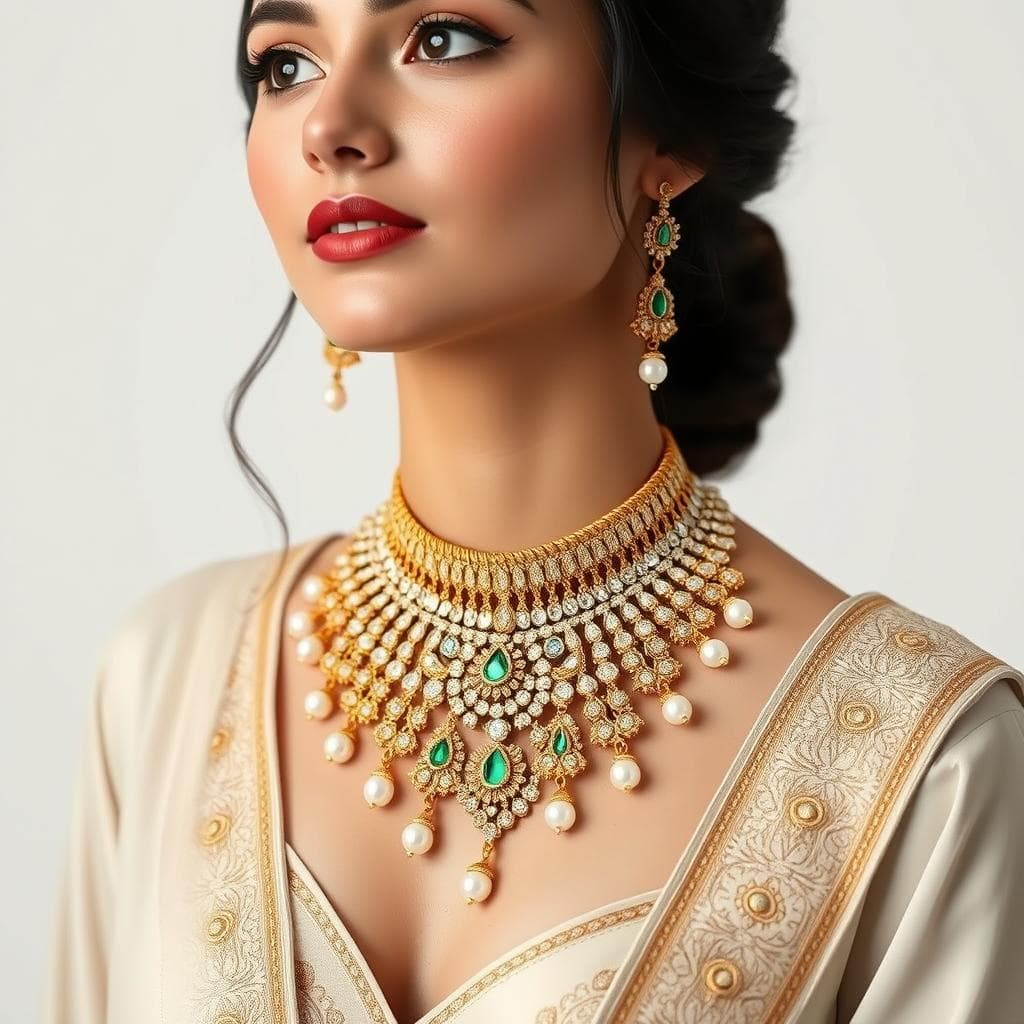
Converting AI-generated jewelry images into CAD-ready files is the critical bridge between creative visualization and physical production, involving either manual 3D modeling by a skilled CAD operator using AI images as reference, AI-assisted 3D generation tools that create rough starting geometries, or hybrid approaches that combine both methods. This conversion step is where artistic vision meets manufacturing reality, and getting it right determines whether a beautiful concept becomes a beautiful piece of jewelry.
The AI jewelry design revolution has created an extraordinary capability for generating photorealistic jewelry concepts in seconds. But a stunning 2D image is not the same as a manufacturable 3D file. The image shows what a piece should look like, but it does not contain the dimensional precision, proper wall thicknesses, stone seat geometry, or structural integrity that a physical piece requires. Bridging this gap is both the biggest challenge and the biggest opportunity in modern jewelry design.
The Current State of AI-to-3D Conversion
What Works Today
AI-generated jewelry images are already the standard reference material for CAD operators in forward-thinking jewelry businesses. A decade ago, CAD operators worked from hand sketches or verbal descriptions, both of which left enormous room for interpretation and miscommunication. Today, an AI-generated concept image provides an unambiguous visual target that specifies proportions, stone placement, decorative details, and overall aesthetic direction with far more clarity than any sketch could achieve.
This improvement in communication between the design phase and the CAD phase has measurably reduced revision cycles. Jewelry businesses report 30 to 50 percent fewer CAD revisions when working from AI-generated concept images compared to working from hand sketches or verbal descriptions.
What is Coming
The rapid development of image-to-3D AI models (like TripoSR, Meshy, and similar tools) is beginning to automate portions of the conversion process. These tools can generate a rough 3D mesh from a single 2D image in seconds. For jewelry, these rough meshes are not yet production-ready, but they serve as useful starting points that a CAD operator can refine rather than building from scratch.
The progression toward fully automated AI-to-CAD conversion for jewelry is underway but faces significant technical challenges specific to the jewelry domain, including maintaining precise internal dimensions, creating proper stone seats, and ensuring structural integrity at miniature scale.
Method 1 Manual CAD Recreation
The most reliable and widely used method for converting AI images to production-ready CAD files is manual recreation by a skilled CAD operator. This process follows a structured workflow.
Analysis Phase
The CAD operator begins by studying the AI-generated image carefully, identifying the structural components (band, setting, head, gallery, decorative elements), the stone types and approximate sizes, the setting style (prong, bezel, channel, pavé), and any decorative details like milgrain, filigree, or engraving.
Experienced operators also identify potential manufacturing challenges in the concept. AI-generated designs sometimes include geometries that look beautiful in a rendering but would be structurally unsound in physical metal, such as impossibly thin prongs, unsupported bridges, or settings that would not adequately secure a stone. Identifying these issues early prevents costly revisions later.
Measurements and Specifications
The operator establishes dimensions based on the intended piece specifications (ring size, stone sizes, metal type) and uses proportional analysis of the AI image to determine relative dimensions. If the client specified a 1-carat round brilliant center stone (6.5mm diameter), every other element in the design can be proportionally calculated based on its visual relationship to the center stone in the AI image.
CAD Modeling
Using software like Rhino with RhinoGold, MatrixGold, or JewelCAD, the operator builds the 3D model component by component. Typical sequencing starts with the band or primary structural element, then adds the setting head or bezel, followed by stone placement and seat creation, decorative elements, and finally gallery work and finishing details.
Throughout this process, the operator constantly references the AI-generated image to maintain fidelity to the concept while making necessary adjustments for manufacturability. This balance between aesthetic fidelity and practical engineering is what makes skilled jewelry CAD operators so valuable.
Verification
The completed model undergoes dimensional verification (correct ring size, stone seat dimensions, wall thicknesses), structural analysis (no areas too thin to cast or too fragile for wear), and visual comparison against the original AI concept from multiple angles.
Method 2 AI-Assisted 3D Generation
Emerging AI tools can generate 3D meshes directly from 2D images, providing a rough starting point for CAD refinement.
Current Tools
Meshy generates textured 3D models from images and text prompts. For jewelry, the results capture overall form and proportions but lack the precision for direct manufacturing use.
TripoSR (Stability AI) converts single images to 3D meshes in seconds. The mesh quality is improving rapidly, and for simpler jewelry forms (solitaire rings, basic pendants), the output provides a reasonable starting geometry.
Instant Mesh and similar tools focus on converting images to clean quad-mesh geometry that is easier to edit in CAD software than the triangulated meshes produced by other tools.
The Hybrid Workflow
The most promising approach combines AI 3D generation with manual CAD refinement. Generate a rough 3D model from the AI image using an image-to-3D tool. Import this rough model into Rhino or similar software as a reference mesh. Build the production-ready model using proper CAD techniques, using the rough 3D model as a dimensional guide rather than as the production geometry itself.
This hybrid approach is faster than building entirely from scratch because the rough 3D model provides spatial reference that is easier to work with than a flat 2D image. The CAD operator can measure proportions directly from the reference mesh rather than estimating from the image.
Preparing Your AI Images for Best Results
The quality of the AI-generated image directly affects the speed and accuracy of CAD conversion. When generating concept images with AI design tools, follow these practices to optimize for CAD conversion.
Generate images from multiple viewpoints. A single front view leaves the CAD operator guessing about the back, sides, and gallery of the piece. Top, side, three-quarter, and back views provide the most complete reference.
Use consistent lighting that reveals form and dimension. Flat, even lighting shows surface geometry more clearly than dramatic shadows, which can obscure details.
Generate images at the highest resolution available. Fine details like milgrain, pavé stones, and engraved text need to be clearly visible in the reference image.
Specify standard jewelry elements using correct terminology. When the AI platform supports it, include technical specifications like stone sizes, metal type, and setting style in your prompts to produce images that already align with manufacturing standards.
Cost and Timeline Expectations
| Complexity Level | Example | CAD Time | Typical Cost |
|---|---|---|---|
| Simple | Solitaire ring, plain band | 1 to 2 hours | 75 to 200 dollars |
| Moderate | Halo ring, pavé band | 3 to 5 hours | 200 to 500 dollars |
| Complex | Multi-stone cluster, filigree | 6 to 10 hours | 500 to 1,000 dollars |
| Highly Complex | Sculptural statement piece | 10 to 20 hours | 1,000 to 2,500 dollars |
These estimates assume working from detailed AI-generated reference images. Working from vague sketches or verbal descriptions typically adds 50 to 100 percent to both time and cost due to additional revision cycles.
Finding CAD Conversion Services
If you do not have in-house CAD capabilities, several pathways provide access to professional CAD conversion services. Freelance platforms like Upwork and Fiverr host jewelry CAD specialists who accept AI reference images. Rates range from 30 to 150 dollars per hour depending on experience and location. Dedicated jewelry CAD services like CADJewelrySchool and various Etsy-based CAD shops specialize in converting concepts to production files. Full-service manufacturers often include CAD work as part of their manufacturing packages.
When selecting a CAD service, request examples of previous work and ask specifically whether they have experience working from AI-generated reference images. Not all CAD operators are equally skilled at interpreting AI imagery.
How Tashvi AI Optimizes for CAD Conversion
Tashvi AI is specifically designed for jewelry visualization, which means its output is inherently more useful for CAD conversion than images from general-purpose AI platforms. The jewelry-specific training ensures that generated images show realistic proportions, standard setting styles, and manufacturing-plausible geometries that CAD operators can confidently work from.
When you generate concepts on Tashvi AI, you are creating images that a CAD professional can translate into production files with minimal guesswork about intent. The proportions of stones relative to settings, the thickness of bands relative to stone weight, and the structural logic of design elements all reflect real jewelry manufacturing standards, making the AI-to-CAD conversion smoother and faster.
Try designing on Tashvi AI free
The Future of the Conversion Pipeline
The gap between AI-generated images and production-ready CAD files is narrowing rapidly. Within the next two to three years, expect to see AI tools that can generate rough but dimensionally accurate 3D jewelry models directly from concept images, automated analysis that identifies manufacturing issues in AI-generated concepts before CAD work begins, and tighter integration between AI design platforms and jewelry CAD software. The human CAD operator will remain essential for quality assurance and final engineering, but the proportion of the work that is automated will continue to grow, making custom jewelry faster and more affordable for everyone.
Frequently Asked Questions
Quick answers to the questions readers ask most about this guide.
Can AI-generated jewelry images be directly converted to 3D models?
Not yet with production-quality results. Current image-to-3D AI tools can generate rough 3D approximations from 2D images, but these models lack the precision, proper geometry, and manufacturing specifications that jewelry requires. A skilled CAD operator is still needed to create the final production-ready 3D model using the AI image as a detailed reference.
How long does it take to convert an AI jewelry image to a CAD file?
A skilled CAD operator typically needs 2 to 8 hours to create a production-ready 3D model from an AI-generated concept image, depending on design complexity. Simple solitaire rings may take 1 to 2 hours, while elaborate multi-stone pieces with complex settings can take a full day or more.
What software is needed to convert AI images to jewelry CAD files?
The primary CAD software used includes Rhino with RhinoGold, MatrixGold, or JewelCAD. For AI-assisted 3D generation as a starting point, tools like Meshy, TripoSR, or Instant Mesh can create rough 3D models from images. ZBrush is used for organic sculpting elements. Final models are exported as STL files for printing.
How accurate are AI-to-3D conversion tools for jewelry?
Current AI-to-3D tools produce models that capture the general form and proportions of a jewelry concept but lack the precision needed for manufacturing. Stone seats, prong dimensions, wall thicknesses, and internal geometry require manual CAD work. The AI-generated 3D model serves as a starting point, not a finished production file.
What information should I include with an AI image for a CAD operator?
Include the AI-generated images from multiple angles if possible, the desired ring size or dimensions, metal type, specific stone sizes and shapes, any measurements that are critical, and reference to any standard setting styles you want. The more context you provide alongside the image, the faster and more accurate the CAD conversion will be.