How to Create Compelling Jewelry Mood Boards
Learn how to build jewelry mood boards that capture your design vision. From color palettes to texture references, discover the process behind mood boards that inspire stunning jewelry collections.
How to Create Compelling Jewelry Mood Boards That Drive Great Design
A jewelry mood board is a curated visual collage that communicates design intent, capturing everything from color and texture to emotional tone and lifestyle context. Whether you are designing a single custom piece or planning an entire seasonal collection, mood boards translate abstract ideas into a shared visual language that guides every decision from sketch to finished product.
The best jewelry designers treat mood boards as living documents. They evolve alongside the project, becoming more refined as the design direction clarifies. If you have ever struggled to explain your vision to a client, a manufacturer, or even yourself, a well-crafted mood board solves that problem instantly.
Why Mood Boards Matter in Jewelry Design
Jewelry design is inherently visual, yet many designers skip the mood board phase and jump straight into CAD or sketching. This shortcut often leads to unfocused collections, miscommunication with clients, and costly revisions. A mood board acts as a north star, keeping every design decision anchored to the original vision.
Professional jewelers use mood boards to pitch concepts to retailers, present ideas to bespoke clients, and brief their production teams. When everyone involved can see the intended aesthetic, the result is more cohesive. Think of the mood board as the blueprint that precedes the blueprint.
Beyond practical benefits, mood boards spark creativity. The act of collecting images, fabrics, and references forces you to articulate what you love about a particular aesthetic. It surfaces patterns you might not notice otherwise, like a recurring preference for matte textures or warm-toned metals.
Elements of an Effective Jewelry Mood Board
Color Palette
Every mood board needs a defined color story. For jewelry, this goes beyond gemstone colors to include metal tones, background contexts, and even packaging colors if you are building a brand. Select 4 to 6 core colors and arrange them as swatches on your board.
Consider how your palette translates across different types of gold. Rose gold carries warmth, white gold reads as cool and modern, and yellow gold evokes classic luxury. Your mood board should clarify which metal tone anchors the collection.
Texture and Finish References
Texture tells a story. A hammered finish communicates something entirely different from a high-polish mirror surface. Include close-up images of textures you want to reference, whether those come from nature, architecture, fabric, or existing jewelry pieces.
| Texture Type | Emotional Quality | Best Used For |
|---|---|---|
| High polish | Luxury, precision, modernity | Statement rings, formal pieces |
| Matte or brushed | Understated, contemporary, calm | Everyday wear, minimalist designs |
| Hammered | Artisanal, organic, handcrafted | Bohemian collections, one-of-a-kind pieces |
| Sandblasted | Soft, subtle, textured contrast | Mixed-finish designs, accent elements |
| Engraved or etched | Heritage, storytelling, detail | Vintage-inspired collections, personalized pieces |
Material and Gemstone Inspiration
Include images of the metals and stones you plan to use. If you are drawn to emeralds, include photographs of raw and cut stones. If pearls interest you, show the variations in luster and color you find compelling. Seeing materials in their natural and finished states adds depth to the board.
Silhouette and Form
Clip or sketch the general shapes you envision. Are you drawn to geometric forms, organic curves, or architectural angles? Silhouettes help distinguish your collection from others that might share a similar color palette but express it through entirely different forms.
Lifestyle and Context Images
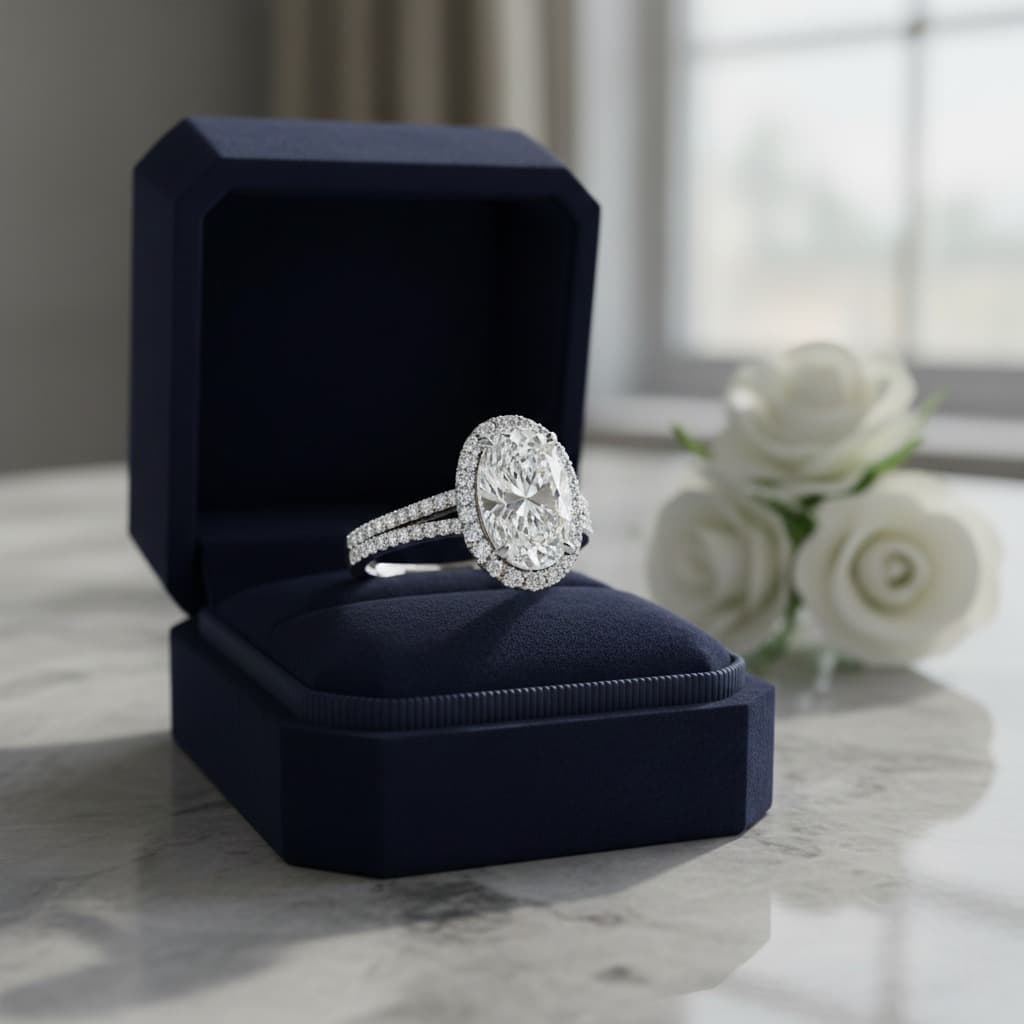
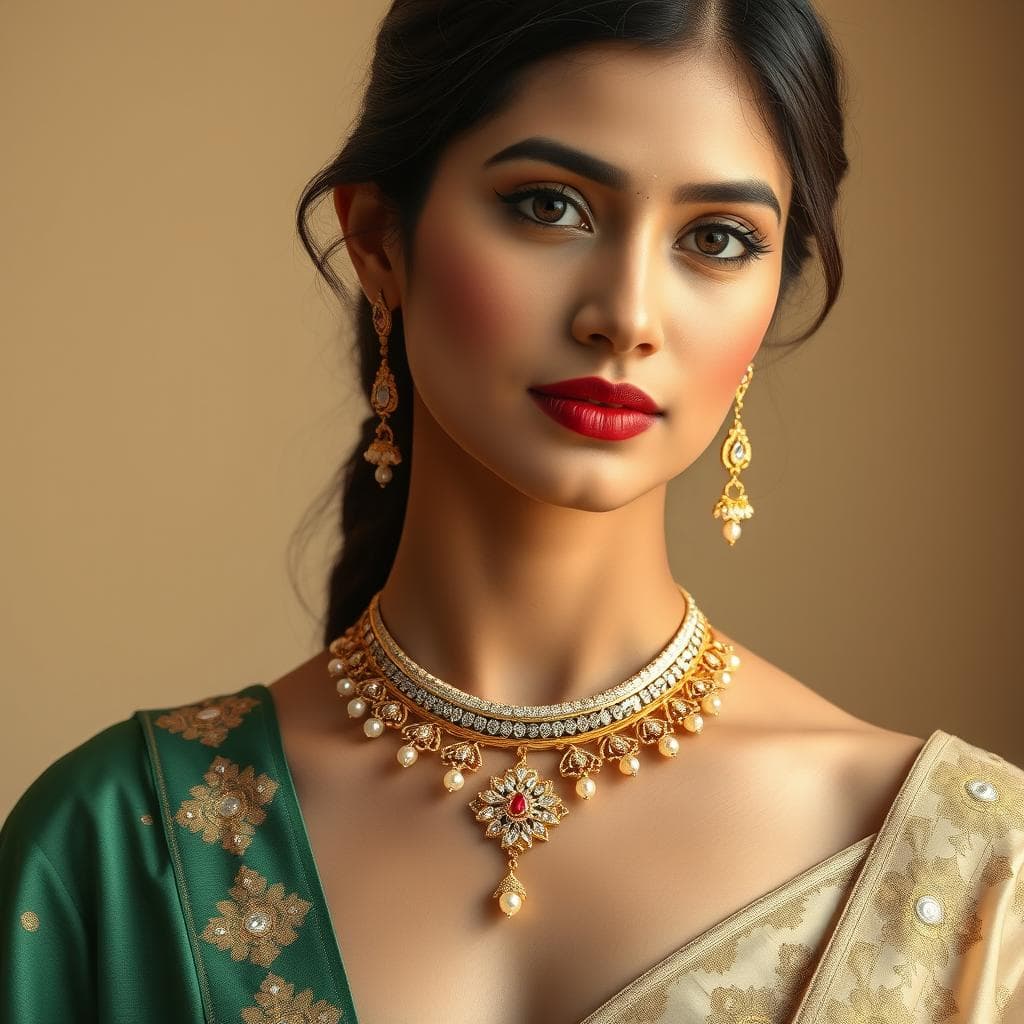
Where will your jewelry be worn? Include images of the person, occasion, or environment you are designing for. A mood board for bridal jewelry might feature soft florals and candlelit settings, while a board for everyday pieces might show urban street scenes and coffee shop mornings.
Typography and Brand Elements
If you are building a brand around your collection, include font samples, logo concepts, and packaging ideas. These elements reinforce the mood and help you see the collection as a complete brand experience.
Step-by-Step Process for Building Your Mood Board
Step 1. Define Your Theme or Brief
Start with a single sentence that captures your design intent. "Art Deco glamour meets modern minimalism" or "Ocean-inspired organic forms in cool-toned metals" gives you a clear filter for everything you collect. Without this anchor, mood boards become unfocused scrapbooks.
Step 2. Gather Raw Material
Cast a wide net initially. Pull images from magazines, Instagram, museum archives, fabric stores, nature walks, and architecture blogs. Collect more than you need. A good starting point is 30 to 50 images before you begin editing down. Save everything to a single folder or board without judging relevance yet.
Step 3. Edit Ruthlessly
This is where the mood board transforms from a collection into a communication tool. Remove anything that does not serve the theme. If an image is beautiful but pulls the eye away from the core direction, it has to go. Aim for 9 to 15 final images.
Step 4. Arrange With Intention
Place your strongest, most representative image at the center or top of the board. Group supporting images around it by category, such as color references on one side and texture references on another. Leave some white space so the board breathes and each element has room to be seen.
Step 5. Add Annotations
Label your color swatches with specific references like Pantone numbers or metal alloy names. Add brief notes explaining why certain images are included. These annotations prevent ambiguity when you share the board with collaborators.
Step 6. Review and Refine
Step away from the board for at least a few hours, then return with fresh eyes. Does it communicate one clear direction, or does it feel scattered? Ask a colleague or friend to describe what they see. If their interpretation matches your intent, the board is working.
Digital vs. Physical Mood Boards
Physical mood boards have a tactile quality that digital screens cannot replicate. Pinning actual fabric swatches, metal samples, and printed photographs to a cork board lets you touch and feel the materials. This is especially valuable during the early creative phase when sensory input sparks ideas.
Digital mood boards offer flexibility, easy sharing, and infinite space. They are practical for remote collaboration and can be updated without starting over. Tools like Canva, Milanote, and Pinterest work well for digital boards.
Many designers use both. They start with a digital board for rapid collection and editing, then create a physical version for the studio wall where it serves as a daily visual anchor throughout the design process.
Common Mood Board Mistakes to Avoid
One of the biggest mistakes is making the board too literal. If you are designing an ocean-inspired collection, the board should not be filled with photographs of the ocean. Instead, include the colors, textures, and moods that the ocean evokes, perhaps a close-up of sea glass, the gradient of a wave, or the pattern of wet sand.
Another common error is including too many competing styles. A single mood board should communicate one direction. If you are torn between two aesthetics, create two separate boards and evaluate them independently.
Finally, avoid using only jewelry images on your mood board. The purpose is to bring outside inspiration into your jewelry design. Architecture, fashion, food photography, and fine art often provide more original references than looking exclusively within the jewelry industry.
How to Use Mood Boards in Client Presentations
When working with custom clients, mood boards are invaluable communication tools. Present 2 to 3 mood boards representing different directions, and ask the client to identify which resonates most. This narrows the design conversation quickly and gives you confidence that you are heading in the right direction.
Pair your mood board with rough sketches or AI-generated design concepts to show how the mood translates into actual jewelry forms. This bridge between abstract inspiration and concrete design is where clients get excited and engaged.
Using Tashvi AI to Build Jewelry Mood Boards
Traditional mood boards require hours of image sourcing. Tashvi AI accelerates this process dramatically. Describe the aesthetic you envision, such as "minimalist rose gold rings with organic textures," and receive multiple design concepts instantly. These AI-generated visuals can serve as the centerpiece of your mood board or fill gaps where you cannot find the right reference image.
The real power is in iteration. If a generated design is close but not quite right, refine your description and generate again. Within minutes, you can produce dozens of variations that explore different angles of your creative vision. This makes mood boards richer and more specific than what manual image sourcing typically achieves. Try designing on Tashvi AI free and see how AI-generated concepts transform your mood board process.
From Mood Board to Finished Collection
A mood board is the starting point, not the destination. Once your board is finalized, use it actively throughout the design journey. Reference it when choosing settings, selecting stones, deciding on finishes, and making packaging decisions. The best collections maintain a consistent thread from mood board to finished piece, and that consistency is what separates good design from great design.
Whether you are a seasoned jeweler or just beginning to explore jewelry design fundamentals, mood boards give your creativity structure without limiting it. They are one of the simplest yet most powerful tools in any designer's workflow.
Frequently Asked Questions
Quick answers to the questions readers ask most about this guide.
What should a jewelry mood board include?
A compelling jewelry mood board should include color palette swatches, texture references, material samples or images, gemstone inspiration, silhouette sketches, lifestyle imagery, and typography or branding elements if you are planning a collection. The goal is to communicate a cohesive design direction visually.
Can I create a digital jewelry mood board with AI?
Yes. Platforms like Tashvi AI allow you to generate dozens of jewelry design concepts from text prompts. You can describe a mood, era, or aesthetic and receive visual references instantly, making it faster than sourcing images manually from magazines or Pinterest.
How many images should be on a jewelry mood board?
A focused mood board typically contains 9 to 15 images. Too few images leave the vision unclear, while too many create visual clutter. Aim for enough variety to communicate your theme without overwhelming the viewer.
Should mood boards be shared with clients?
Absolutely. Sharing mood boards with clients early in the design process aligns expectations and reduces revision cycles. It gives clients a tangible reference point to approve or refine before you invest time in detailed design work.
What tools can I use to make a jewelry mood board?
Common tools include Canva, Pinterest boards, Adobe InDesign, and physical cork boards with printed images and fabric swatches. For AI-generated design references, Tashvi AI can produce jewelry visuals that serve as the centerpiece of any mood board.