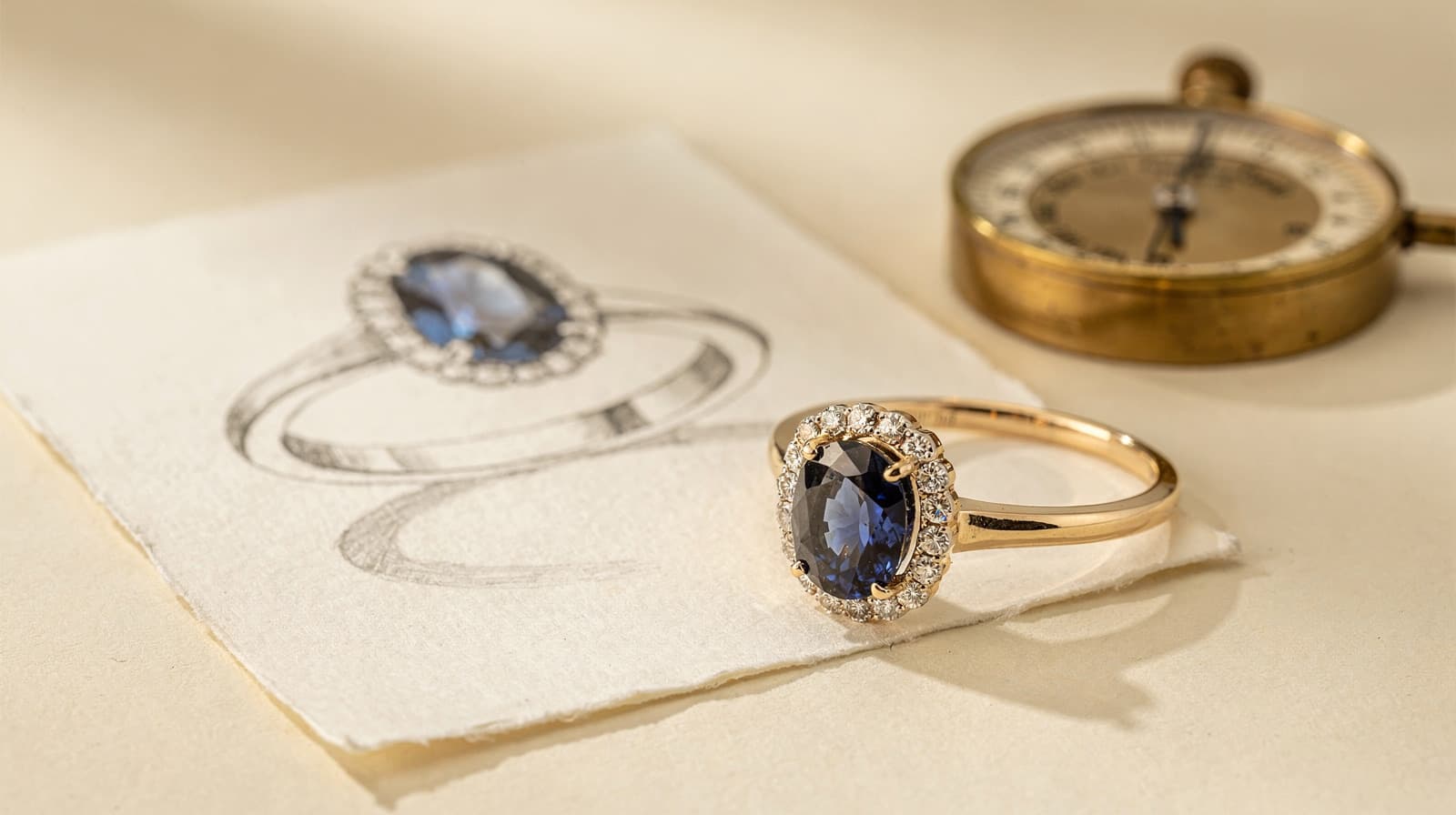
Introducing Lifestyle Studio: Place Your Jewelry on Real Models
Transform your jewelry designs into stunning lifestyle imagery. Select from curated model scenes featuring different skin tones, poses, and styling to showcase your pieces on hands, necks, ears, and wrists.
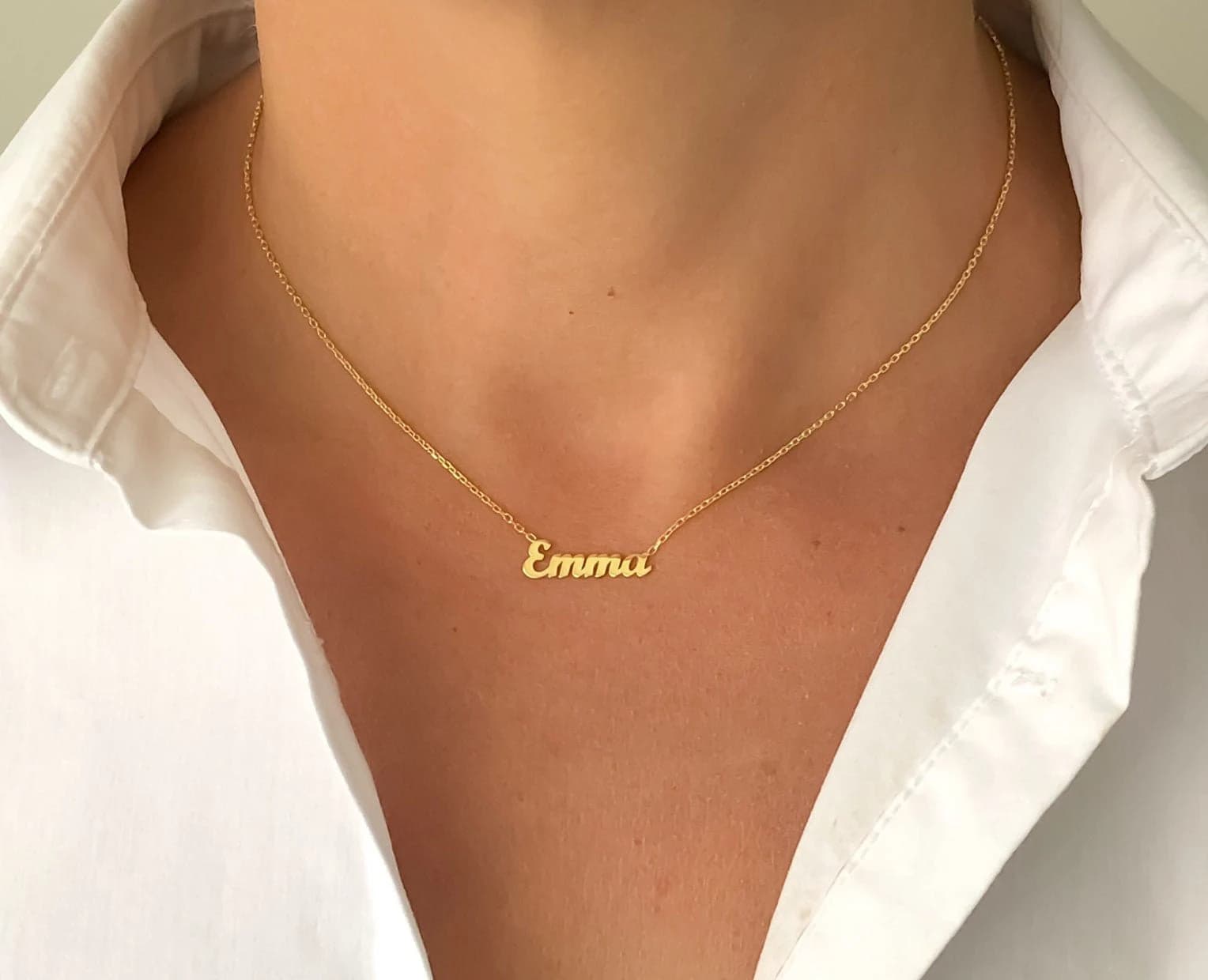
We're thrilled to announce Lifestyle Studio, a powerful new feature that transforms how you present your jewelry designs. Now you can place any jewelry piece onto professionally curated model scenes, creating stunning lifestyle imagery perfect for e-commerce, social media, and marketing campaigns.
What is Lifestyle Studio?
Lifestyle Studio lets you take any jewelry design—whether AI-generated or uploaded—and seamlessly composite it onto real model photography. Choose from a curated library of scenes featuring diverse skin tones, elegant poses, and professional styling to showcase your pieces exactly as customers would wear them.
Key Features
Diverse Scene Categories
Select the perfect scene for your jewelry type:
- Neck Scenes: Classic necklines for necklaces, pendants, and chokers
- Hand Scenes: Elegant hand poses for rings, bracelets, and bangles
- Ear Scenes: Profile shots optimized for earrings and ear cuffs
- Wrist Scenes: Stylish wrist poses for bracelets, watches, bangles, and cuffs
- Full-Body Scenes: Complete model shots for all jewelry types
Inclusive Skin Tone Options
Our scene library celebrates diversity with multiple skin tone options:
- Fair
- Light
- Medium
- Tan
- Deep
Find the perfect model that resonates with your target audience or create multiple versions for inclusive marketing campaigns.
AI-Powered Scene Recommendations
Not sure which scene works best? Our AI analyzes your jewelry design and recommends the optimal scene category, skin tone, and pose. Simply upload your jewelry, and let the AI guide you to the perfect match.
Professional Styling
Every scene in our library features:
- Professional photography lighting
- Elegant, minimal styling that doesn't distract from the jewelry
- Consistent quality across all skin tones and poses
- High-resolution output ready for print and digital use
How It Works
Getting started with Lifestyle Studio is simple:
- Select Your Jewelry: Choose any design from your gallery or upload a new image
- Pick a Scene Category: Select neck, hand, ear, wrist, or full-body based on your jewelry type
- Choose Your Scene: Browse scenes filtered by skin tone and styling preferences
- Adjust Settings: Fine-tune placement, scale, and lighting if needed
- Generate: Watch as AI seamlessly composites your jewelry onto the model
- Download & Share: Get your professional lifestyle image ready for use
Perfect for Every Use Case
E-commerce Product Pages
Replace plain product shots with lifestyle imagery that shows customers exactly how your jewelry looks when worn. Lifestyle photos consistently outperform studio shots in conversion rates.
Social Media Marketing
Create scroll-stopping content with diverse model representation. Generate multiple versions featuring different skin tones to connect with your entire audience.
Catalog and Lookbook Creation
Build cohesive collections with consistent styling across all your pieces. Lifestyle Studio maintains visual consistency while showcasing each unique design.
Client Presentations
Impress clients by showing their custom designs on real models before production. Help them visualize the final piece and build excitement for their purchase.
Email Campaigns
Feature stunning hero images in your newsletters that showcase jewelry in context, driving higher click-through and engagement rates.
Why Lifestyle Photography Matters
Research consistently shows that lifestyle imagery outperforms plain product photography:
- Higher Engagement: Lifestyle photos receive 2-3x more engagement on social media
- Increased Conversions: E-commerce sites report 20-30% higher conversion rates with lifestyle imagery
- Better Brand Perception: Diverse, professional imagery builds trust and brand value
- Reduced Returns: Customers better understand scale and fit when they see jewelry on models
Credit Usage
Each lifestyle image generation costs 4 credits. This includes:
- AI analysis of your jewelry design
- Scene compatibility matching
- Professional compositing onto the model scene
- High-resolution output
Cost-effective for marketing:
- Create 5 lifestyle images for 20 credits
- Generate multiple skin tone variations for inclusive campaigns
- Test different scenes before committing to a final look
What Makes Tashvi's Approach Different
No Photoshoot Required
Traditional lifestyle photography requires models, photographers, studios, and extensive post-production. Lifestyle Studio delivers professional results in minutes, not weeks.
Unlimited Variations
Create dozens of variations to find the perfect shot or A/B test different presentations—all from a single jewelry image.
Consistent Quality
Every scene in our library meets professional standards, ensuring your brand maintains visual consistency across all marketing channels.
Inclusive by Design
We've built diversity into the core of Lifestyle Studio, making it easy to create inclusive marketing materials that resonate with all customers.
Coming Soon
We're continuously expanding Lifestyle Studio with:
- Additional scene categories and poses
- Seasonal and themed backgrounds
- Custom scene requests for enterprise users
- Batch processing for catalog generation
- Video scene support
Start Creating Lifestyle Imagery Today
Ready to transform how you present your jewelry? Head to your Tashvi AI dashboard and explore Lifestyle Studio. Select any design, choose your scene, and create professional lifestyle imagery in minutes.
Your customers don't just want to see jewelry—they want to see themselves wearing it. Lifestyle Studio makes that vision a reality.