How Cloud Rendering Makes High-Quality Jewelry Visualization Affordable
Cloud rendering eliminates the need for expensive local hardware, making photorealistic jewelry visualization accessible to independent designers and small brands. Learn how cloud-based rendering pipelines reduce costs, speed up production, and democratize professional jewelry imagery.
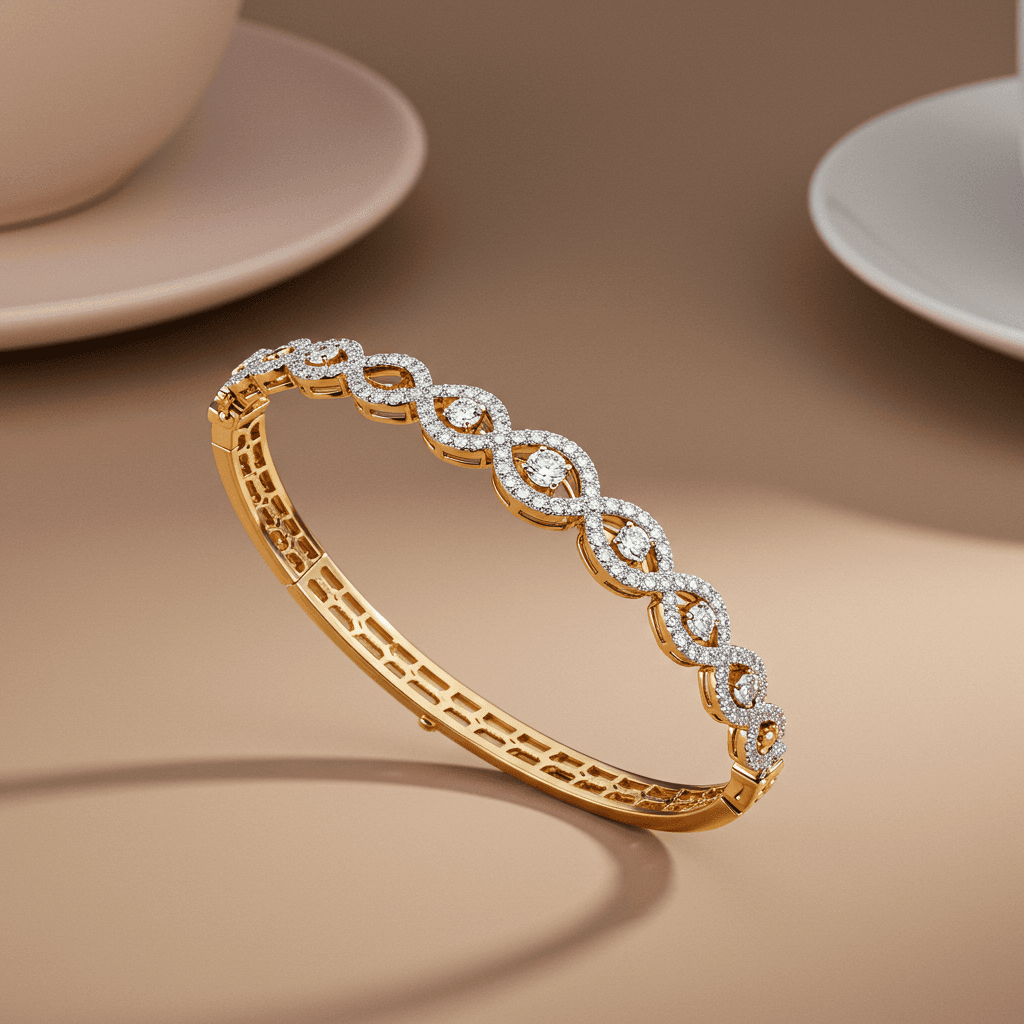
Cloud rendering makes high-quality jewelry visualization affordable by shifting computationally intensive image processing from expensive local workstations to powerful remote GPU servers. Independent jewelers and small brands can now produce photorealistic product images, turntable animations, and marketing visuals at a fraction of traditional costs, paying only for the rendering time they use.
For decades, producing stunning jewelry visuals required either a professional photography studio or an expensive computer workstation capable of running ray-tracing render engines. Both options demanded significant capital investment, putting photorealistic imagery out of reach for independent designers and smaller jewelry businesses. Cloud rendering has changed that equation entirely, turning what was once a major capital expenditure into a flexible, pay-as-you-go service that scales with your needs.
The Cost Barrier That Held Jewelers Back
Creating a single photorealistic render of a diamond ring involves tracing millions of light rays as they bounce, refract, and scatter through gemstone materials, off polished metal surfaces, and into the virtual camera. This process, known as path tracing or ray tracing, is extraordinarily GPU-intensive. On a mid-range laptop, rendering a single high-resolution jewelry image can take hours. On a professional workstation with a top-tier GPU, it still takes minutes to tens of minutes per image.
The traditional solution was to invest in powerful local hardware. A professional jewelry rendering setup in 2024 might include a workstation with dual NVIDIA RTX 4090 GPUs, 128GB of RAM, and fast NVMe storage, easily costing $10,000 to $15,000. For a large jewelry brand producing hundreds of renders monthly, this investment made economic sense. For an independent designer creating 10 to 20 renders per month, it was prohibitively expensive.
How Cloud Rendering Works
Cloud rendering follows a straightforward workflow that abstracts away the hardware complexity.
Upload. You export your jewelry 3D model (typically in OBJ, FBX, or native format) along with scene files, materials, and lighting setups to the cloud platform. Many services integrate directly with popular jewelry CAD programs like Rhino and MatrixGold.
Process. The cloud service assigns your render job to one or more powerful GPU servers. These machines run the same rendering engines you would use locally, such as V-Ray, KeyShot, Blender Cycles, or Octane, but with significantly more computing power.
Deliver. Once the render is complete, the finished image or animation is made available for download. Turnaround times range from minutes for a single image to hours for complex animations or batch jobs.
| Rendering Approach | Upfront Cost | Per-Image Cost | Render Time (Single Ring) | Scalability |
|---|---|---|---|---|
| Mid-range Laptop | $1,500 to $2,500 | Electricity only | 1 to 4 hours | Very limited |
| Professional Workstation | $10,000 to $15,000 | Electricity only | 5 to 20 minutes | Single machine |
| Cloud Rendering Service | $0 | $0.50 to $5.00 | 2 to 15 minutes | Virtually unlimited |
| AI Visualization (Tashvi AI) | $0 (free tier) | Plan-based pricing | Under 1 minute | Unlimited |
Why Jewelry Rendering Is Uniquely Demanding
Not all 3D rendering is equally difficult. Jewelry presents specific challenges that make it one of the most computationally demanding subjects to render realistically.
Gemstone Optics
Diamonds and colored gemstones interact with light through complex physical phenomena. A diamond exhibits brilliance (white light reflected from internal facets), fire (spectral dispersion that creates rainbow flashes), and scintillation (the pattern of light and dark areas as the stone moves). Simulating these effects requires tracing light rays through dozens of internal reflections and refractions, each adding to the computational load.
Metal Reflectivity
Polished gold, platinum, and silver are near-perfect reflectors. In rendering terms, this means the appearance of a metal surface depends entirely on what it reflects from the surrounding environment. Getting realistic metal requires a carefully crafted HDRI environment map and enough ray bounces to capture subtle secondary reflections. Understanding the visual properties of different metals like gold, platinum, and silver helps designers set up more accurate rendering materials.
Micro-Detail at Macro Scale
Jewelry is small but photographed at extreme close-up. This means that every surface imperfection, prong edge, and pave stone must be rendered with exceptional detail. The resolution demands for jewelry renders are often higher than for larger products because customers zoom in to examine craftsmanship at the pixel level.
The Economics of Cloud Rendering for Jewelers
The financial case for cloud rendering becomes clear when you break down the numbers for different business sizes.
Solo Designer or Small Studio
A solo designer creating 20 to 30 product renders per month would spend approximately $30 to $150 monthly on cloud rendering services. Compare that to a $10,000 workstation that depreciates over three to five years, and the cloud option is dramatically more cost-effective, especially considering that the cloud servers are always running the latest GPU hardware without requiring an upgrade cycle.
Growing Jewelry Brand
A brand producing 100 to 500 renders monthly for catalogs, e-commerce, and marketing might spend $500 to $2,500 on cloud rendering. At this volume, a dedicated workstation starts to make more economic sense for day-to-day work, but cloud rendering remains valuable for handling peak demand periods like collection launches without investing in additional hardware.
Enterprise Operations
Large jewelry houses producing thousands of renders may benefit from hybrid approaches, using local workstations for interactive design work and cloud services for batch rendering overnight. Some enterprise cloud rendering contracts offer volume discounts that bring per-image costs below $0.20.
Key Features to Look for in Cloud Rendering Services
Not all cloud rendering platforms are created equal, and jewelers have specific needs that distinguish their requirements from those of architects or product designers.
Jewelry-optimized material libraries. Services that include pre-built, physically accurate materials for gold, platinum, silver, diamonds, and colored gemstones save significant setup time. Creating a convincing diamond material from scratch requires deep expertise in optical physics.
Batch rendering capabilities. Jewelry catalogs often require the same piece rendered from multiple angles, in different metals, or with various gemstone options. Batch rendering tools that automate these variations are essential for efficiency.
Real-time preview. The ability to see a low-resolution preview of your render before committing to a full-resolution final version saves both time and money. Interactive lighting and camera adjustments in the preview stage prevent expensive re-renders.
Integration with jewelry CAD. Direct plugins for Rhino, MatrixGold, or other jewelry design software eliminate the friction of manual file export and upload. One-click render submission from within your design environment is the ideal workflow.
Cloud Rendering vs. AI-Generated Jewelry Images
It is worth distinguishing between cloud rendering and AI-generated imagery, as both produce photorealistic jewelry visuals but through fundamentally different processes.
Cloud rendering starts with a precise 3D model and uses physics-based light simulation to generate an image. The result is geometrically accurate to the underlying model and can be used for manufacturing reference.
AI image generation, as used by platforms like Tashvi AI, creates photorealistic images from text descriptions or reference photos without requiring a 3D model. The results are visually stunning and perfect for concept exploration, marketing, and client presentations, but they are not geometrically precise in the CAD sense.
For many jewelers, the optimal workflow combines both approaches. Use AI generation for rapid concept exploration and marketing content, and reserve cloud rendering for final, dimensionally accurate product images tied to specific 3D models. This hybrid approach, explored further in our comparison of AI and traditional workflows, offers the best of both worlds.
How Tashvi AI Democratizes Jewelry Visualization Even Further
While cloud rendering removed the hardware barrier, Tashvi AI removes the 3D modeling barrier entirely. Many jewelers, particularly those trained in traditional bench techniques, do not have the CAD skills to create detailed 3D models for rendering. Tashvi AI lets these designers generate photorealistic jewelry images by uploading reference photos or describing their vision in natural language.
This approach makes professional jewelry visualization accessible to anyone, regardless of their technical background. A jeweler with a hand-drawn sketch can use Tashvi AI to produce a catalog-ready image in minutes, skipping the entire CAD modeling and rendering pipeline. For concept development, client consultations, and social media marketing, this represents a paradigm shift in accessibility and speed. Try designing on Tashvi AI free to experience how AI visualization compares to traditional rendering workflows.
Practical Steps to Get Started with Cloud Rendering
If you are ready to explore cloud rendering for your jewelry business, here is a straightforward path to getting started.
Start with your existing files. If you already have 3D models in Rhino, MatrixGold, or another CAD program, you are ready to try cloud rendering today. Export a test file and upload it to a service that offers a free trial or pay-per-render pricing.
Invest in material quality. The biggest factor in render quality is not the rendering engine or the hardware but the quality of your materials and lighting setup. Spend time perfecting your gold, platinum, and diamond materials, and they will produce stunning results on any cloud platform.
Build a template library. Create reusable scene templates with optimized lighting, camera angles, and backgrounds. This standardizes your visual output and reduces per-image setup time dramatically.
Compare services. Test the same model on two or three different cloud rendering platforms. Compare render quality, speed, pricing, and ease of use before committing to a single provider.
The democratization of photorealistic jewelry visualization through cloud rendering and AI tools is one of the most significant shifts in the jewelry industry this decade. Stunning imagery is no longer the exclusive domain of brands with deep pockets and dedicated rendering departments. Today, any jeweler with a design and an internet connection can produce visuals that compete with the best in the business.
Frequently Asked Questions
Quick answers to the questions readers ask most about this guide.
What is cloud rendering for jewelry design?
Cloud rendering offloads the computationally intensive process of generating photorealistic jewelry images from your local computer to powerful remote servers equipped with high-end GPUs. You upload your 3D model and scene settings, the cloud server processes the render, and the finished image is delivered back to you within minutes.
How much does cloud rendering cost compared to buying a workstation?
A professional rendering workstation with a high-end GPU can cost $5,000 to $15,000 upfront. Cloud rendering services typically charge $0.50 to $5.00 per render depending on complexity and resolution, making it dramatically more affordable for designers who render fewer than 100 images per month.
Can cloud rendering handle the complexity of diamond and gemstone materials?
Yes. Modern cloud rendering services run the same physically based rendering engines used in professional studios, including advanced ray tracing that accurately simulates diamond fire, brilliance, and scintillation. The cloud servers often have more powerful GPUs than most local workstations, resulting in even better quality.
Is cloud rendering fast enough for client consultations?
Render times depend on the service and image complexity, but many cloud platforms deliver jewelry renders in 2 to 15 minutes. Some offer real-time preview modes for quick iterations during client meetings, with full-resolution final renders processed afterward.
Are my jewelry designs secure on cloud rendering platforms?
Reputable cloud rendering services use encrypted file transfers, secure storage, and strict access controls. Many offer enterprise-grade security certifications. However, designers working with highly confidential or unreleased designs should review each platform's security policies and consider services that offer private dedicated servers.