Best AI for Jewelry Photography 2026: Product Photos & Model Shots Without a Studio
Professional jewelry photography costs $500-2,000 per product. AI tools generate commercial photos of models wearing jewelry, catalog shots, and lifestyle images in minutes—no studio, no photographer needed.
Why Jewelry Photography is Expensive (And Why AI is the Best Alternative in 2026)
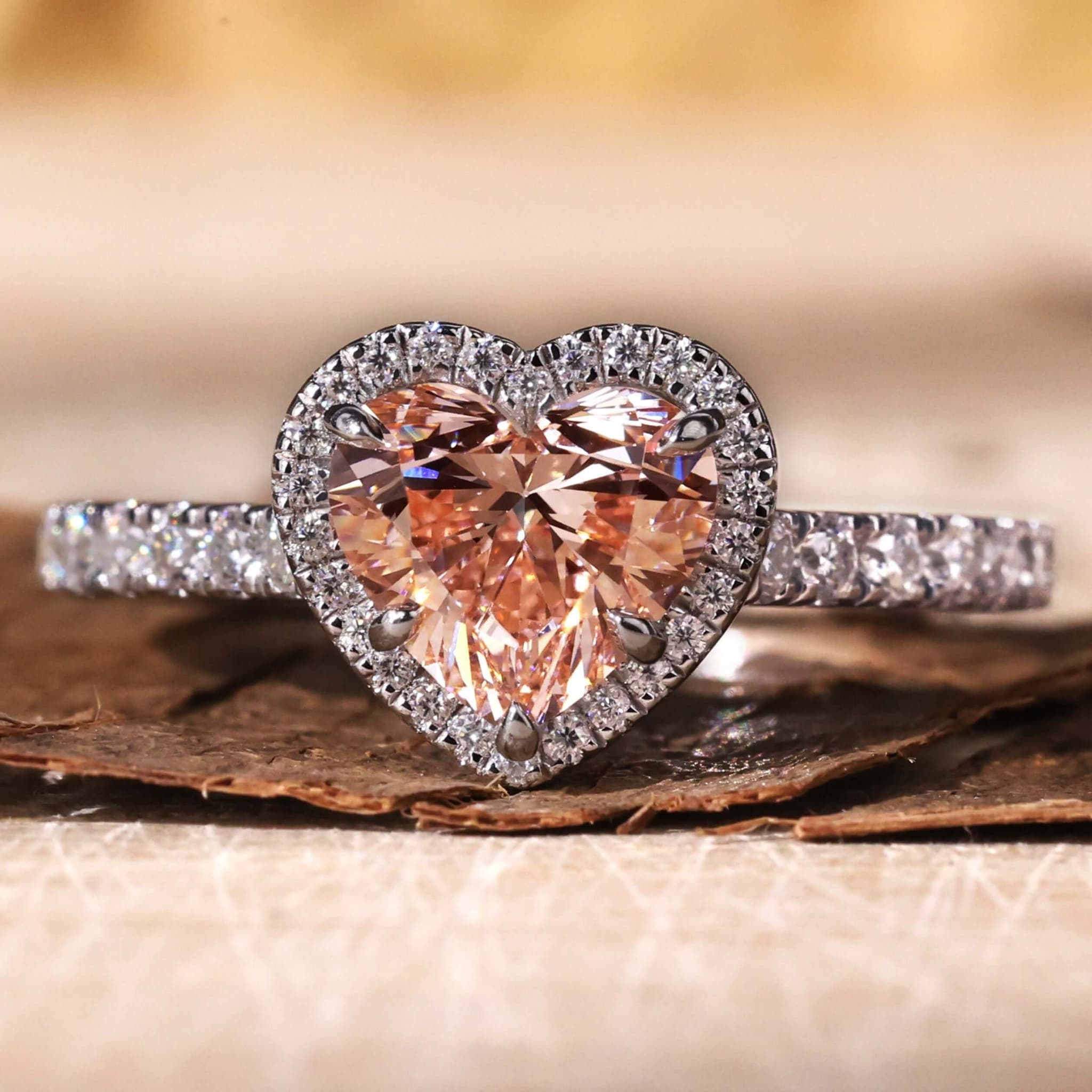
Looking for the best AI for jewelry photography? Professional jewelry photography is one of the most technically demanding specializations in product photography. Diamonds require precise lighting to show brilliance and fire. Gold needs careful white balance to render accurately. Tiny details like pavé settings and engraving demand macro lenses and focus stacking. Every surface is reflective, creating unwanted glare without expert handling.
This is why a single product photo of a ring can cost $50-200 — and a lifestyle shoot with models can run $5,000-15,000 for a collection.
AI jewelry photography eliminates these costs entirely. Tools like Tashvi AI generate photorealistic jewelry images — product shots, lifestyle scenes, and model compositions — in minutes instead of days.
The Real Cost of Traditional Jewelry Photography
According to the Professional Jeweller industry publication, photography remains one of the largest overhead costs for independent jewelers selling online. Here's the breakdown:
| Photography Type | Cost Per Product | Cost Per Collection (12 pieces) | Timeline |
|---|---|---|---|
| Basic catalog (white background) | $50-100 | $600-1,200 | 1-2 days |
| Styled/lifestyle shots | $100-300 | $1,200-3,600 | 2-3 days |
| Model photography | $500-2,000 | $6,000-24,000 | 3-5 days |
| Post-production/retouching | $20-50/image | $240-600 | 1-2 days |
| Total professional shoot | — | $8,000-29,400 | 1-2 weeks |
With AI jewelry photography: Generate many variations for a fraction of the cost. No studio rental, no photographer fees, no model bookings, no retouching hours.
6 Types of AI Jewelry Photography You Can Create
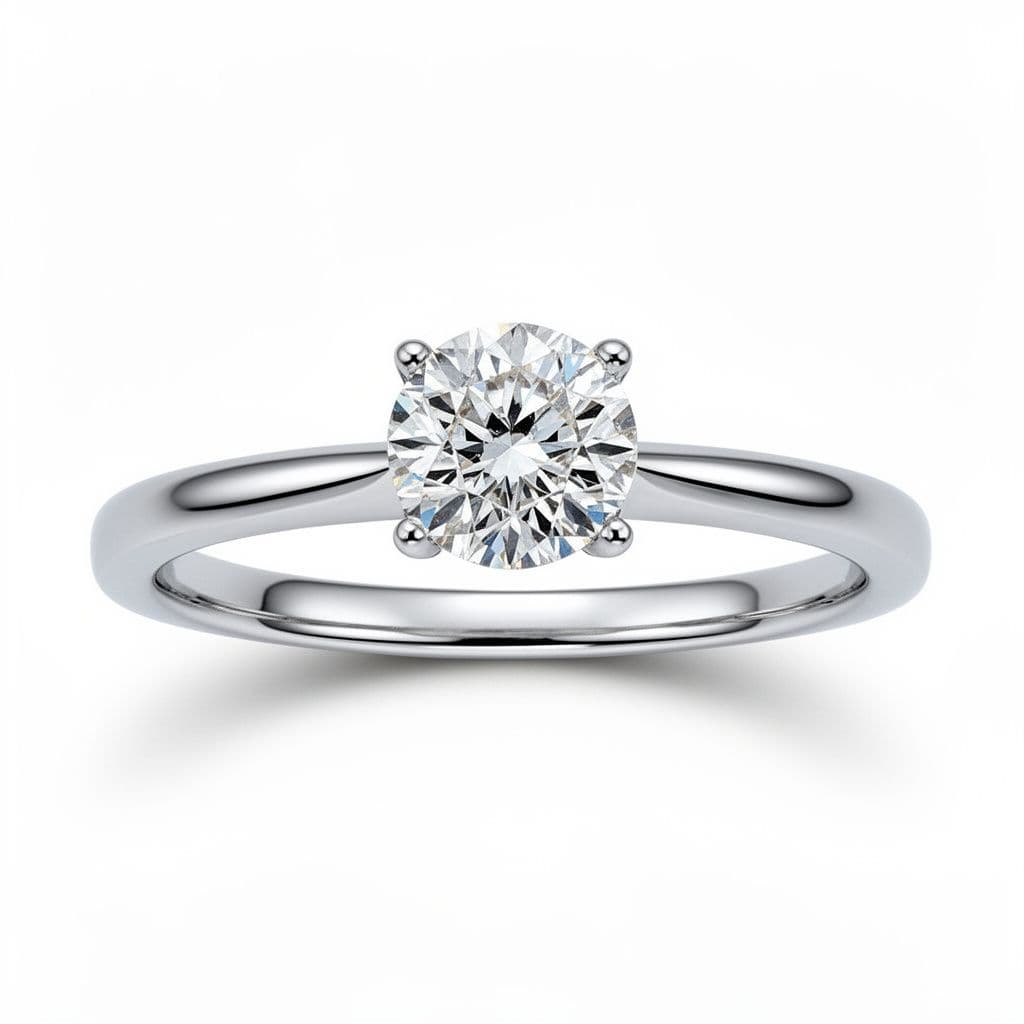
1. Catalog Product Shots (White Background)
The foundation of every jewelry e-commerce listing. Clean, consistent, professional. Platforms like Etsy and Shopify recommend white-background product photography for maximum conversion.
What AI generates:
- Perfectly lit jewelry on pure white backgrounds
- Multiple angles (front, three-quarter, side profile)
- Consistent lighting across your entire collection
- Clean shadows and reflections
Prompt example: "Solitaire diamond engagement ring in platinum, six-prong setting, photographed on white background with soft studio lighting, product photography style"
Traditional photography requires a lightbox, macro lens, focus stacking, and careful retouching to achieve this. AI produces comparable results in seconds.
2. Lifestyle & Scene Photography
Styled shots that tell a story and drive emotional connection on social media and marketing materials. According to Shopify's e-commerce research, lifestyle images increase time on page by 30% compared to catalog-only listings.
What AI generates:
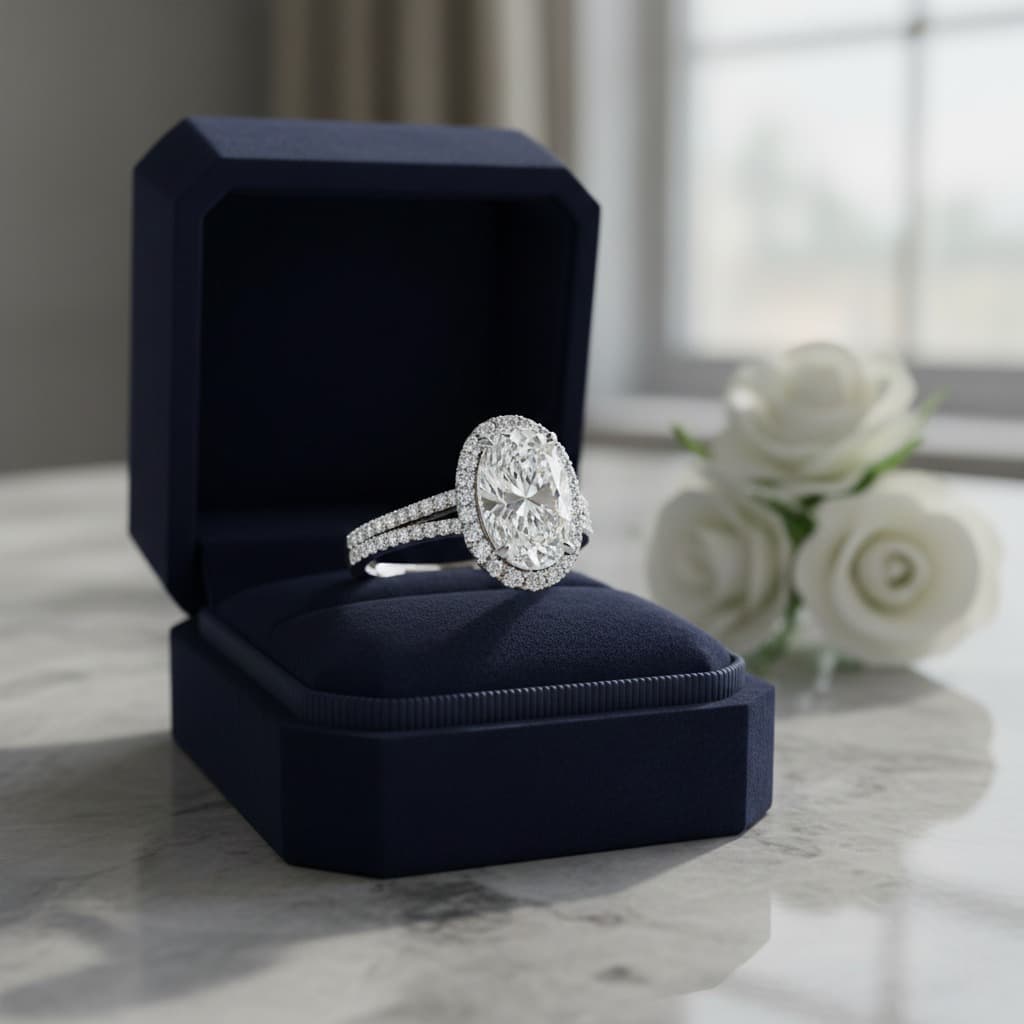
- Jewelry on marble surfaces with roses and candles
- Ring boxes on morning coffee tables
- Necklaces draped on driftwood at sunset
- Earrings on velvet displays with champagne flutes
Prompt example: "Gold tennis necklace laid on a white marble surface with soft morning light, pink peonies in the background, luxury lifestyle photography"
These shots typically require a stylist, props, location, and photographer. AI handles the entire creative direction from a text description.
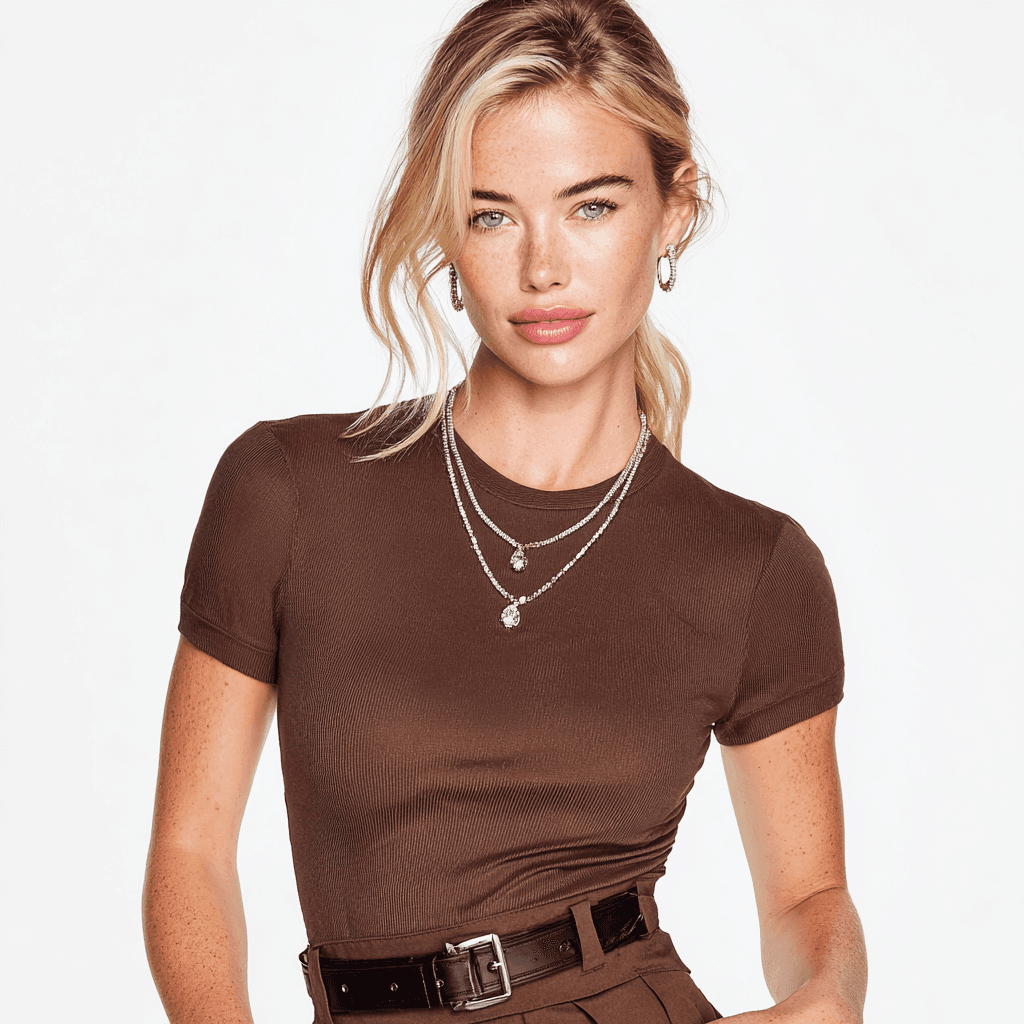
3. AI Tools Generate Commercial Photos of Models Wearing Jewelry
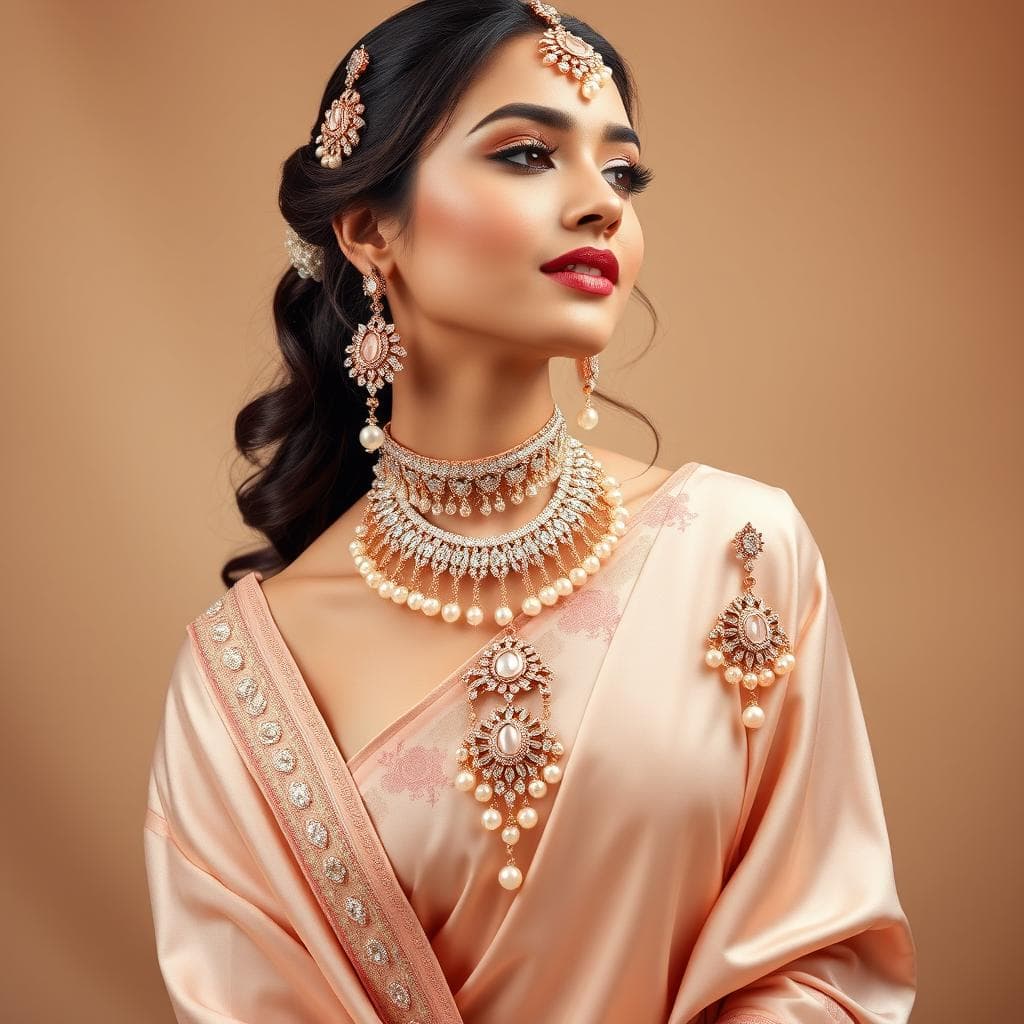
The most expensive category of jewelry photography — and where AI creates the most value. In 2026, AI tools generate commercial photos of models wearing jewelry products that are nearly indistinguishable from real photoshoots.
What AI generates:
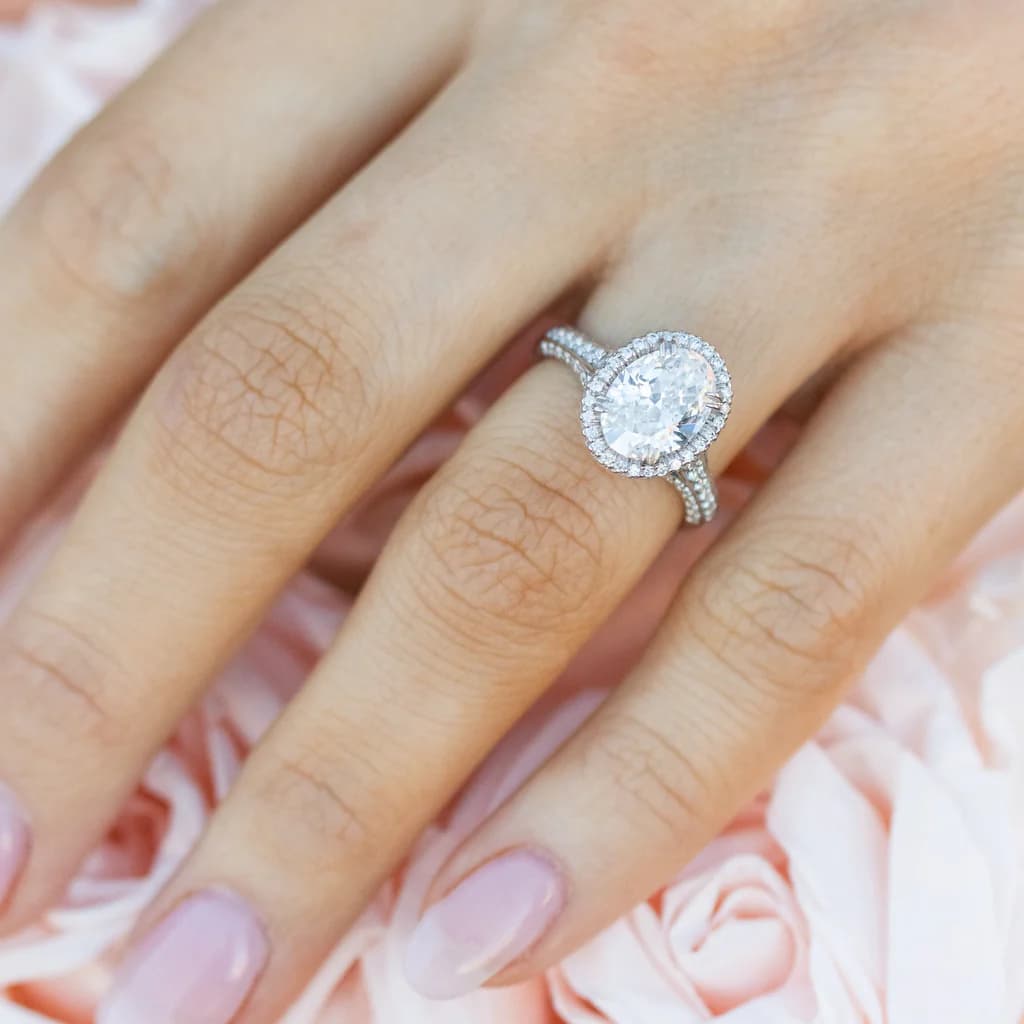
- Rings shown on hands and fingers — from solitaires to halo settings
- Necklaces and pendants worn on models — including statement necklaces and charm designs
- Earrings styled with different hairstyles
- Bracelets and watches on wrists
- Full jewelry sets styled together
Prompt example: "Close-up of a woman's hand wearing an oval diamond halo engagement ring in rose gold, natural lighting, soft focus background, editorial style"
A single model shoot costs $2,000-5,000. The best AI jewelry model generator tools create diverse model shots — different skin tones, poses, lighting conditions — without booking anyone.
4. Social Media Content
Instagram, Pinterest, and TikTok demand a constant stream of fresh visual content. AI makes this sustainable.
What AI generates:
- Square-format Instagram posts
- Pinterest-optimized vertical layouts
- Before/after design comparisons
- Seasonal and holiday-themed shots
- Trending jewelry styles compositions
Instead of scheduling monthly photoshoots for social content, generate fresh visuals whenever you need them. Match trending aesthetics instantly — if maximalist or mixed metals are trending, generate matching compositions within minutes.

5. Marketing & Advertising Visuals
Campaign imagery, email headers, and banner ads that previously required dedicated creative shoots.
What AI generates:
- Hero images for landing pages
- Email campaign headers with seasonal themes
- Ad creative variations for A/B testing
- Collection launch announcement visuals
- Gift guide styled photography featuring engagement rings, wedding bands, and everyday pieces
6. AI Jewelry Try-On & Preview Images
A growing category: AI jewelry try-on and preview tools that show how a piece looks when worn. This includes necklace try-on AI technology that places designs on model images, letting customers preview jewelry before purchase.
What AI generates:
- Ring previews on different hand sizes and skin tones
- Necklace try-on visualizations showing fit and drape
- Earring previews with different hairstyles and face shapes
- Full set styling showing how pieces coordinate together
Research from Deloitte shows that virtual try-on technology drives 20-40% higher conversion rates in jewelry e-commerce. As AI continues reshaping the jewelry industry, these tools are becoming essential for competitive brands.
How to Create AI Jewelry Product Photos with Tashvi
Step 1: Design or Describe Your Piece
Start with either a design you've already created in Tashvi AI or describe an existing piece from your collection. The AI understands jewelry-specific terms — say "pavé diamond eternity band in 18k yellow gold" and it knows exactly what to render.
New to AI design? Our guided vs prompt design guide explains how to get the best results whether you're a beginner or experienced designer.
Step 2: Choose Your Photography Style
Specify the type of shot you need:
- Product shot: "on white background, studio lighting, product photography"
- Lifestyle: "on marble surface with soft morning light, luxury styling"
- On-body: "worn on a woman's hand, natural lighting, close-up"
- Editorial: "dramatic lighting, dark background, high-end jewelry campaign style"
Step 3: Specify Lighting and Mood
Lighting makes or breaks jewelry photography. The GIA (Gemological Institute of America) emphasizes that proper lighting is critical to showing a diamond's true brilliance and fire. Describe what you want:
- "Soft diffused lighting" — even, flattering, minimizes harsh reflections
- "Dramatic side lighting" — creates depth and shadow for editorial impact
- "Natural window light" — warm, organic feel for lifestyle content
- "Studio ring light" — crisp, clean, maximizes sparkle and fire
Step 4: Generate Variations
Create multiple versions quickly. Change the background from white to dark. Swap the surface material from marble to velvet. Adjust the lighting from soft to dramatic. Each variation takes seconds, not hours — a key advantage of AI over traditional jewelry design workflows.
Step 5: Download and Use
Export high-resolution images ready for your e-commerce platform, social media, or print materials.
AI vs Traditional Jewelry Photography: When to Use Each
AI doesn't replace professional photography entirely. Here's when each approach makes sense:
Use AI Jewelry Photography For:
- E-commerce product listings — Consistent, clean catalog shots at scale
- Social media content — High volume of fresh visuals needed weekly
- Pre-production marketing — Promote designs before they're manufactured
- A/B testing — Generate multiple creative variations quickly
- New collection previews — Show customers upcoming designs before photoshoots
- International marketing — Generate diverse model representations for different markets
- Budget-conscious launches — Start selling without $10,000+ photography investments
Use Traditional Photography For:
- Hero campaign imagery — Flagship ads where every pixel matters
- Close-up macro details — Showing actual stone clarity and GIA-certified characteristics on existing pieces
- Customer trust — "Real photos" for high-ticket purchases ($10,000+)
- Press and editorial — Publications may require original photography
- Existing inventory — Photographing specific physical pieces you already own
The Hybrid Approach Most Brands Use
Smart jewelry brands in 2026 combine both approaches. As covered in our AI jewelry business ROI guide, the most successful D2C brands use:
- AI for 80% of visual content — product listings, social media, marketing materials, collection previews
- Professional photography for 20% — hero campaign shots, flagship pieces, press materials
This hybrid approach typically reduces annual photography costs by 60-80% while actually increasing the total volume of visual content produced.
Jewelry Photography Tips for Better AI Results
Metal Rendering
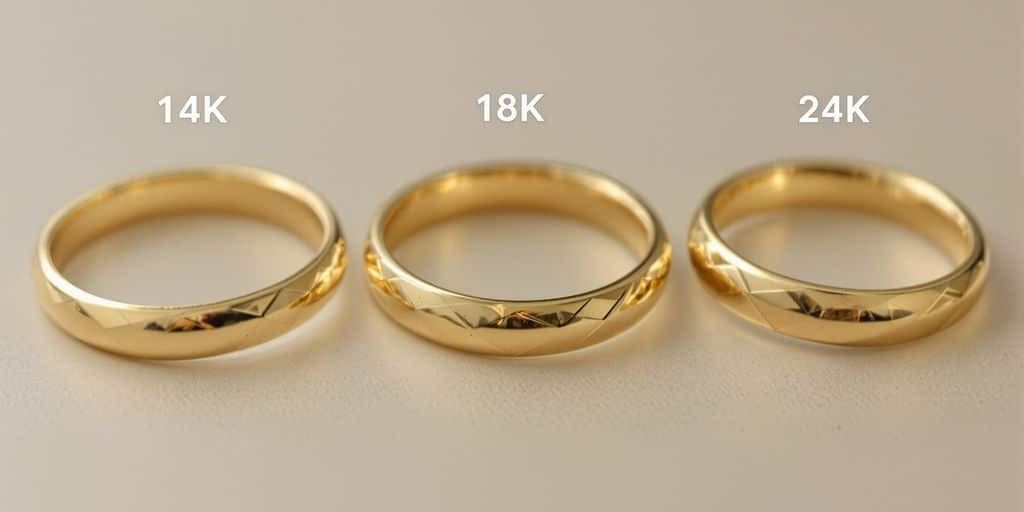
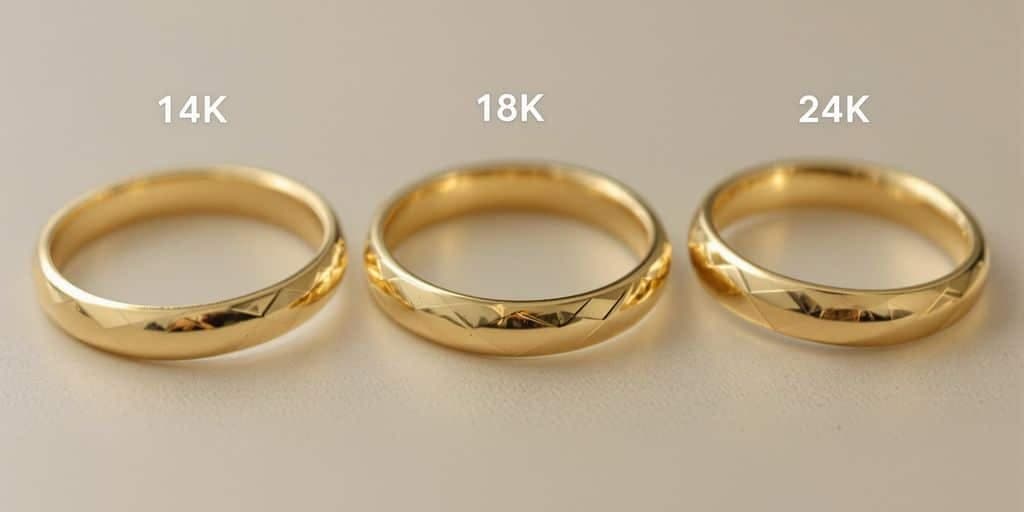
Different metals require different descriptions for accurate AI results. Understanding gold karats and their visual differences helps you write more accurate prompts:
- Yellow gold: Specify "warm gold tone" and "18k yellow gold" for accurate color
- White gold vs platinum: Mention "cool silver tone" — AI sometimes confuses the warmth levels
- Rose gold: Specify "rose gold with pink undertone" for accurate rendering
- Mixed metals: Describe each metal and where it appears — mixed metals are a major 2026 trend
For lightweight gold designs, specify the hollow or lightweight construction so AI renders proportions correctly.
Stone and Diamond Rendering
Getting stones to look realistic is the hardest part of jewelry photography — traditional or AI. The GIA's diamond cut grading system defines how light interacts with a diamond, and these same principles apply to AI rendering:
- Diamonds: Use "brilliant cut diamond with fire and sparkle" for realistic light play
- Colored gemstones: Specify exact hue — "deep royal blue sapphire" not just "blue stone"
- Pavé settings: Mention "micro pavé diamonds catching light" for sparkle detail
- Lab-grown diamonds: Render identically to natural diamonds — specify the same way
For understanding stone terminology that improves your prompts, see our diamond shapes guide and melee diamonds guide.
Background and Styling
Backgrounds dramatically affect how jewelry appears. According to Amazon's product image guidelines and major e-commerce platforms, backgrounds should serve the selling context:
- White background: Best for e-commerce, shows true color and proportions
- Dark/black background: Dramatic, luxury feel, makes diamonds pop
- Marble surface: Sophisticated lifestyle feel, works for social media
- Natural textures (wood, stone, fabric): Organic, editorial aesthetic
- Gradient backgrounds: Modern, clean, works for digital marketing
Lighting Descriptions That Work
The most impactful variable in jewelry photography prompts:
- "Soft box lighting from above" — Clean, commercial look
- "Natural daylight from a window" — Warm, approachable
- "Rim lighting on dark background" — Dramatic, high-end
- "Golden hour warm lighting" — Romantic, lifestyle content
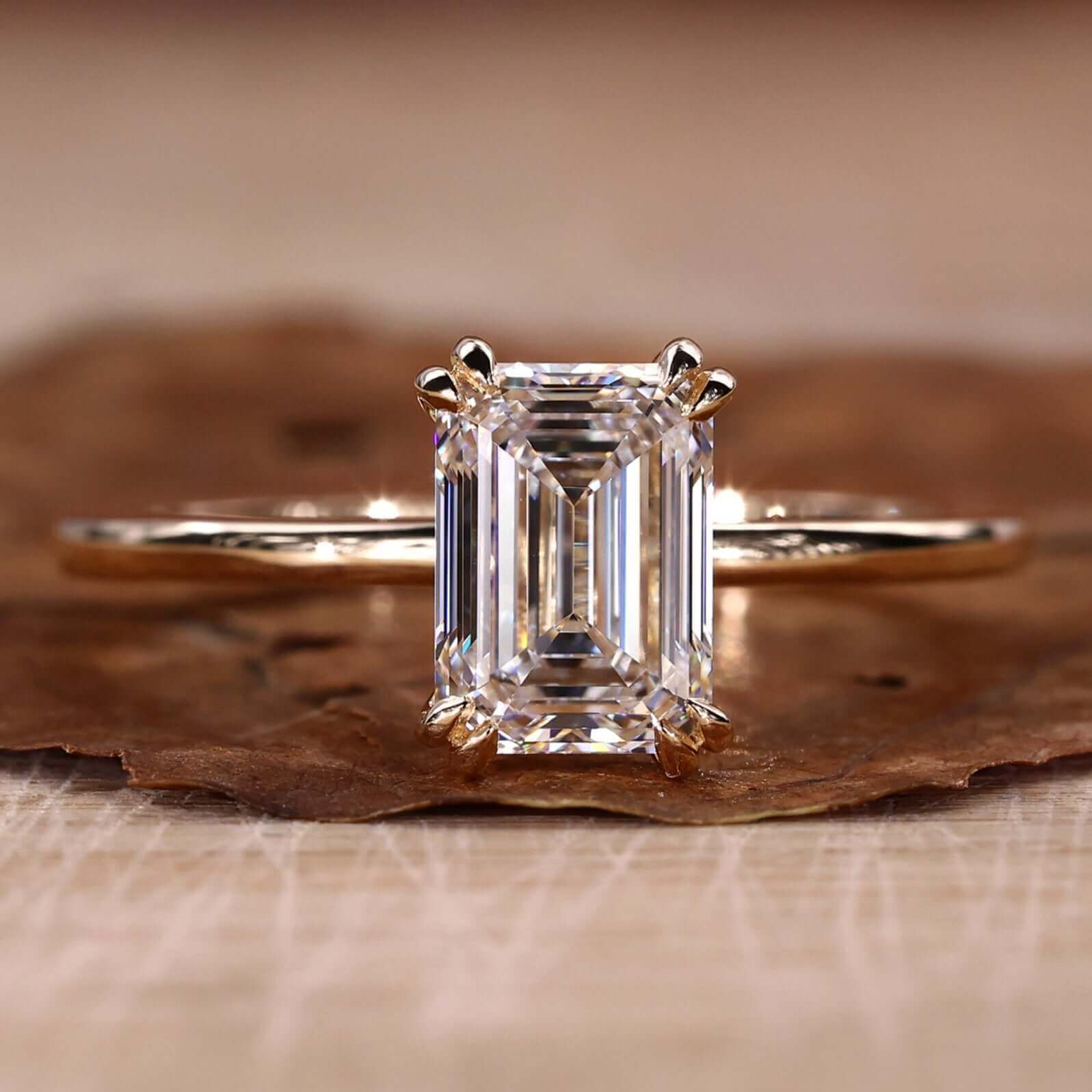
ROI Calculator: AI vs Traditional Jewelry Photography
According to McKinsey's State of Fashion report, digital content production is the fastest-growing cost center for jewelry brands. AI offers the clearest path to controlling it.
Small Brand (50 SKUs, 4 launches/year)
| Cost Category | Traditional | AI Photography | Savings |
|---|---|---|---|
| Catalog shots | $5,000/year | ~$0-500/year | $4,500 |
| Lifestyle shots | $4,800/year | ~$0-500/year | $4,300 |
| Social media content | $6,000/year | ~$0-500/year | $5,500 |
| Model photography | $8,000/year | ~$0-500/year | $7,500 |
| Annual total | $23,800 | ~$0-2,000 | $21,800+ |
Medium Brand (200 SKUs, 6 launches/year)
| Cost Category | Traditional | AI Photography | Savings |
|---|---|---|---|
| Catalog shots | $20,000/year | ~$0-1,000/year | $19,000 |
| Lifestyle shots | $14,400/year | ~$0-1,000/year | $13,400 |
| Social media content | $12,000/year | ~$0-1,000/year | $11,000 |
| Model photography | $18,000/year | ~$0-1,000/year | $17,000 |
| Annual total | $64,400 | ~$0-4,000 | $60,400+ |
These savings can be redirected to inventory, marketing, or expanding your collection — activities that directly drive revenue. See our full ROI breakdown for AI in jewelry businesses.
Getting Started with AI Jewelry Photography
Ready to cut your photography costs by 60-80%? Here's the fastest path:
- Start with Tashvi AI — design or describe your jewelry pieces
- Generate product shots — start with white background catalog images
- Create lifestyle content — add styled shots for social media
- Build a content library — generate model shots and marketing visuals
- Compare quality — put AI images next to your traditional photos
Most jewelry brands find that AI-generated images are indistinguishable from professional photography for e-commerce and social media use cases. If you're new to AI design tools, our beginner's guide to AI jewelry design walks you through the basics.
Related Guides
- Best AI Jewelry Design Tools 2026 — Complete comparison of AI tools for jewelers
- AI Jewelry Design for Business: Cost Savings & ROI — The business case for AI in jewelry
- AI vs Traditional Jewelry Design Workflow — How AI fits into your existing process
- Free AI Ring Design Tool — Create custom ring designs with AI
- Free AI Necklace Design Tool — Create custom necklace designs with AI
- Tashvi vs Midjourney & DALL-E for Jewelry — Head-to-head comparison
Start creating AI jewelry product photos at design.tashvi.ai →
Frequently Asked Questions
Quick answers to the questions readers ask most about this guide.
Can AI create professional jewelry product photos?
Yes. AI tools can generate photorealistic jewelry product images including catalog shots on white backgrounds, lifestyle scenes with props, and even model shots showing jewelry being worn. The quality is comparable to professional studio photography for e-commerce listings, social media, and marketing materials.
How much does traditional jewelry photography cost?
Professional jewelry photography typically costs $50-200 per product for basic catalog shots. Lifestyle and model photography runs $500-2,000+ per setup. A full collection shoot with models can cost $5,000-15,000. AI photography tools eliminate these recurring costs entirely.
What is the best AI tool for jewelry photography?
Tashvi AI is the best AI tool for jewelry photography in 2026. It generates photorealistic jewelry images including product shots, lifestyle scenes, and styled compositions. Unlike general AI tools, Tashvi understands jewelry-specific lighting, reflections, and materials for realistic results.
Can AI generate photos of models wearing jewelry?
Yes. AI tools can generate realistic images of models wearing rings, necklaces, earrings, and bracelets. You can specify model demographics, pose, lighting, and background to create diverse marketing materials without hiring models or booking studio time.
Is AI jewelry photography good enough for e-commerce?
For most e-commerce platforms, AI-generated jewelry photos are more than sufficient. They produce consistent lighting, clean backgrounds, and professional compositions. Many jewelry brands already use AI-generated images for product listings, social media content, and marketing campaigns.