Ring Band Width Guide: How Wide Should Your Engagement Ring Be? (2026)
How wide should an engagement ring band be for a 1-carat diamond? Learn the exact mm measurements, stone-to-band ratios, and proportion rules that make custom ring design look professional.
Why Proportions Matter
Great jewelry doesn't just look good — it feels right. That intangible sense of "rightness" comes from proportions.
Proportion is the relationship between different parts of a jewelry piece. It affects how comfortable, wearable, and visually pleasing a design feels. When proportions are balanced, a piece looks intentional and refined. When they're off, something feels wrong even if you can't pinpoint exactly what.
This is one of the biggest differences between beginner and professional-looking jewelry. Experienced designers intuitively understand these relationships. Now you will too.
Band Width to Stone Size
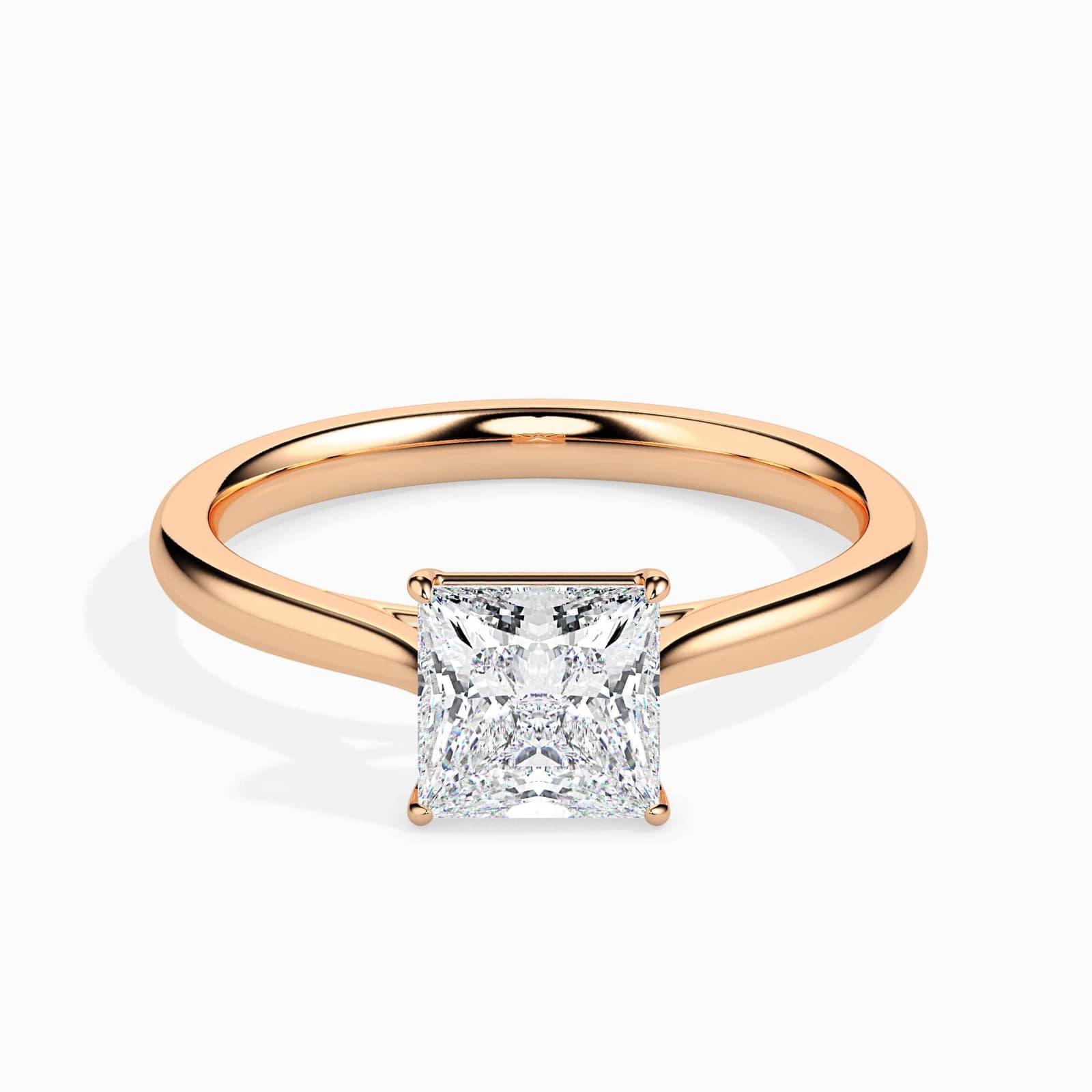
The most critical proportion relationship in ring design is between the band width and the center stone size. Get this wrong, and everything else suffers.
The Basic Rule
Larger stones need wider bands for visual and structural balance. A heavy stone on a wire-thin band looks unstable (and often is — thin bands can bend under the weight of large stones).
Band Width Guidelines by Stone Size
| Stone Size | Recommended Band Width | Notes |
|---|---|---|
| Under 0.5ct | 1.5–2mm | Delicate, feminine look |
| 0.5–0.75ct | 1.8–2.2mm | Classic proportion |
| 0.75–1ct | 2–2.5mm | Most versatile range |
| 1–1.5ct | 2.5–3mm | Provides visual balance |
| 1.5–2ct | 2.8–3.5mm | Structural support needed |
| Over 2ct | 3mm+ | Bold presence, secure setting |
How Band Width Affects Perceived Stone Size
Here's something many people don't realize: band width changes how large your stone appears.
- Thinner bands make stones look larger — the contrast between delicate metal and the stone draws attention upward
- Wider bands make stones look smaller — more metal competes for visual attention
A 1-carat diamond on a 1.5mm band appears noticeably larger than the same stone on a 4mm band. This is useful to know: if you want to maximize the perceived size of a modest stone, go thinner. If you have a very large stone and want it to look elegant rather than overwhelming, a slightly wider band helps.
Special Considerations
Pavé and channel settings require at least 2mm band width to accommodate the side stones securely. Going thinner risks stones falling out.
Comfort-fit bands (rounded on the inside) feel more comfortable but add visual width. A 2.5mm comfort-fit band looks about the same as a 2.8mm flat band.
Split shanks and bypass designs need their combined visual width balanced against the center stone, not just one side.
Stone to Setting Ratio
The setting should enhance the stone, not overpower it.
Good Proportion
A well-proportioned setting:
- Frames the center stone without competing with it
- Has prongs or bezels that are substantial enough to be secure but not chunky
- Creates a smooth visual flow from band to setting to stone
Common Mistakes
| Problem | What Happens | Fix |
|---|---|---|
| Setting too large | Stone looks small and lost | Scale down the setting or choose a simpler style |
| Setting too small | Stone overwhelms, looks insecure | Add more substantial metalwork |
| Halo too thick | Center stone appears smaller | Use smaller halo stones or tighter spacing |
| Prongs too chunky | Obscure the stone, look heavy | Use thinner, more tapered prongs |
The 1:3 Ratio for Halos
For halo settings, a good starting point is having the halo stones be about 1/3 the diameter of the center stone. A 6mm center stone works well with approximately 2mm worth of halo surrounding it (using 1-1.5mm melee stones).
Jewelry to Body Scale
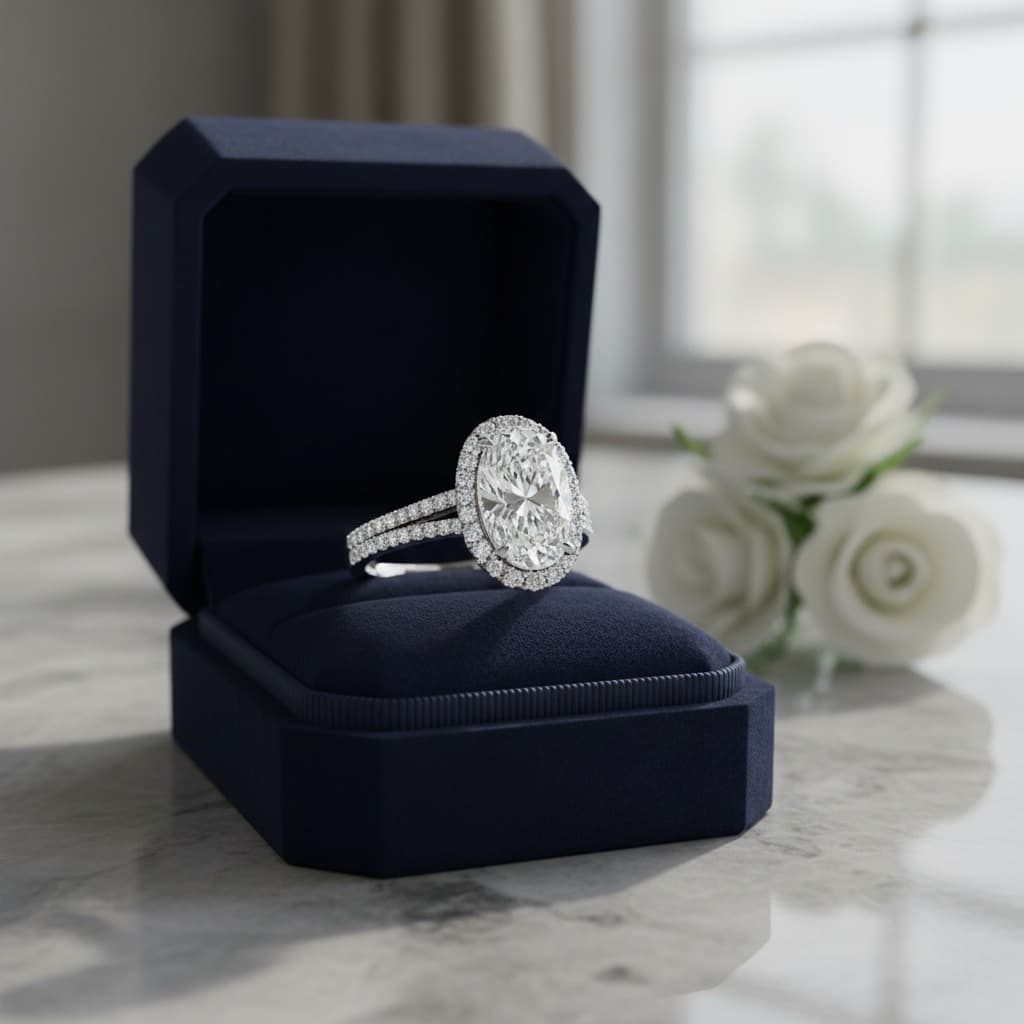
Designs should suit the wearer. The same ring can look elegant on one person and overwhelming on another.
Finger Size Matters
A 6mm stone looks much larger on a size 4 finger than a size 9 finger. This affects proportion choices:
| Finger Size | Ring Size | Recommended Style |
|---|---|---|
| Small/Slender | 4–5 | Thinner bands (1.5–2mm), delicate settings |
| Average | 6–7 | Most styles work well |
| Larger | 8–9+ | Wider bands (2.5mm+), bolder designs |
Hand Size and Style
Beyond finger size, consider overall hand proportions:
- Small hands — Delicate pieces often look more elegant. Large cocktail rings can overwhelm.
- Large hands — Bolder designs look proportional. Very dainty pieces can look lost.
- Long fingers — Can carry elongated shapes like marquise or pear beautifully.
- Short fingers — Round and oval shapes create a lengthening effect.
Necklace Proportions
The same principles apply to necklaces:
- Chain thickness should support the pendant visually
- Pendant size should suit the wearer's frame — larger pendants for taller or broader builds
- A heavy pendant on a delicate chain looks precarious; a tiny charm on a chunky chain looks disconnected
Detail Spacing and Negative Space
Too many details placed too close together make a design feel crowded. Proper spacing helps the eye move smoothly across the piece.
The Problem with Crowding
When every surface is covered with detail, nothing stands out. The eye doesn't know where to focus, and the piece loses visual hierarchy.
Using Space Intentionally
Space (sometimes called "negative space") is a design element itself. It:
- Gives the eye room to rest
- Creates contrast that highlights detailed areas
- Makes a piece feel more refined and considered
Spacing Guidelines
| Element | Recommended Spacing |
|---|---|
| Melee diamonds in pavé | 0.1–0.2mm between stones |
| Accent stones along band | Equal spacing, aligned to center |
| Engraved details | Enough metal between motifs to read clearly |
| Multiple bands (stacking) | Similar widths create harmony |
Common Proportion Mistakes
| Mistake | Why It Fails | How to Fix |
|---|---|---|
| 2ct stone on 1.5mm band | Top-heavy, structurally weak | Use 3mm+ band |
| Tiny stone in huge halo | Stone gets lost | Scale down halo or choose solitaire |
| Chunky ring on small hand | Looks costume-like | Choose more delicate proportions |
| Dainty ring on large hand | Looks lost, insignificant | Go bolder with band and stone |
| Crowded pavé everywhere | No focal point, overwhelming | Add breathing room, create hierarchy |
| Mismatched band widths (stacking) | Looks accidental, not designed | Match widths or use intentional contrast |
Design with Proper Proportions Using Tashvi AI
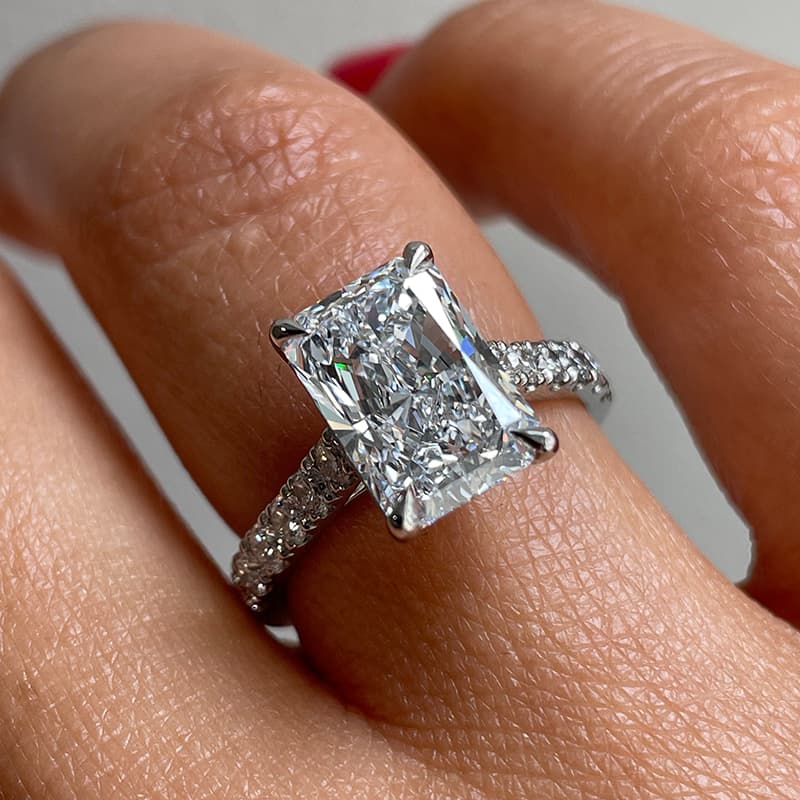
Understanding proportion rules is one thing. Applying them is another.
Tashvi AI makes proportion exploration instant:
- Test band widths quickly — Generate the same design with 2mm, 2.5mm, and 3mm bands side-by-side. See which proportion feels right for your stone.
- Scale to the wearer — Describe the recipient's hand size and style preferences. The AI adjusts proportions to suit.
- Experiment with settings — Try a solitaire vs. halo vs. three-stone with the same center stone. See how each setting's proportions affect the overall look.
- Avoid crowding — AI-generated designs are trained on thousands of well-proportioned pieces, so they naturally balance detail with breathing room.
- Iterate in seconds — Traditional CAD takes hours to test proportion variations. AI generates options in under a minute, letting you explore more possibilities before committing.
When proportions are right, jewelry looks elegant, feels comfortable, and ages well over time. Designing with proportion in mind is one of the biggest differences between beginner and professional-looking jewelry.
Start designing with proper proportions →
Related Reads
- Jewelry Design Basics: Elements & Principles — The foundational design concepts that work alongside proportion
- Ring Settings Guide: 10 Types Explained — See how different settings affect proportion choices
- Diamond Shapes Guide — How shape interacts with band width and setting style
- Types of Gold: 10K vs 14K vs 18K vs 24K — Metal choice affects visual weight and proportion
- Melee Diamonds Guide — Understanding accent stone sizes for proper proportion in pavé and halos
Frequently Asked Questions
Quick answers to the questions readers ask most about this guide.
What is proportion in jewelry design?
Proportion is the size relationship between different parts of a jewelry piece. It determines how band width relates to stone size, how settings relate to center stones, and how the overall piece relates to the wearer's body. When proportions are right, jewelry looks elegant and feels comfortable. When they're wrong, something feels 'off' even if you can't immediately identify why.
How wide should my engagement ring band be?
For most engagement rings, 2-2.5mm is the safest and most versatile band width. For stones under 0.75 carats, 1.5-2mm works well. For stones over 1 carat, consider 2.5-3mm for proper balance. Stones over 2 carats may need 3mm+ bands. The key is that the band should support the stone without looking top-heavy or making the stone appear smaller than it is.
Does band width affect how big a diamond looks?
Yes, significantly. Thinner bands make diamonds appear larger because there's more visual contrast between the delicate metal and the stone. Wider bands have the opposite effect — they can make a center stone look smaller by comparison. A 1-carat diamond on a 1.5mm band looks noticeably larger than the same stone on a 4mm band.
How do I choose proportions for my hand size?
For smaller hands and fingers (ring sizes 4-5), opt for thinner bands (1.5-2mm) and more delicate designs. For larger hands (ring sizes 8+), wider bands (2.5-3mm+) and bolder designs often look more proportional. A 6mm stone looks much larger on a size 4 finger than a size 9 finger, so adjust your expectations based on the wearer's hand.
What happens if proportions are wrong in jewelry?
Poor proportions create multiple problems: thin bands with heavy stones feel unstable and can bend or warp over time; oversized settings overpower delicate stones; jewelry that's too large for the wearer looks costume-like; and crowded details without breathing room look chaotic rather than elegant. Bad proportions also affect comfort — unbalanced pieces shift and twist during wear.
Can AI help with jewelry proportions?
Yes. AI jewelry design tools like Tashvi AI are trained on thousands of well-proportioned designs, so they naturally generate pieces with balanced band-to-stone ratios and proper scale. You can also iterate quickly — testing how a 2mm vs 3mm band looks with your chosen stone in seconds rather than hours of CAD work.
What band width for a 1 carat diamond engagement ring?
For a 1-carat diamond, a band width of 2-2.5mm provides the best balance of elegance and structural support. This width makes the diamond appear appropriately sized while ensuring the ring is durable for daily wear. Going thinner (1.5mm) makes the stone appear larger but may feel delicate; going wider (3mm+) provides more presence but can make the diamond look smaller.