Introducing Dictate: Describe the Piece Out Loud
Press the mic on Create and say what you want. Your words appear in the box as you speak, in your own language, and nothing sends until you press Send.
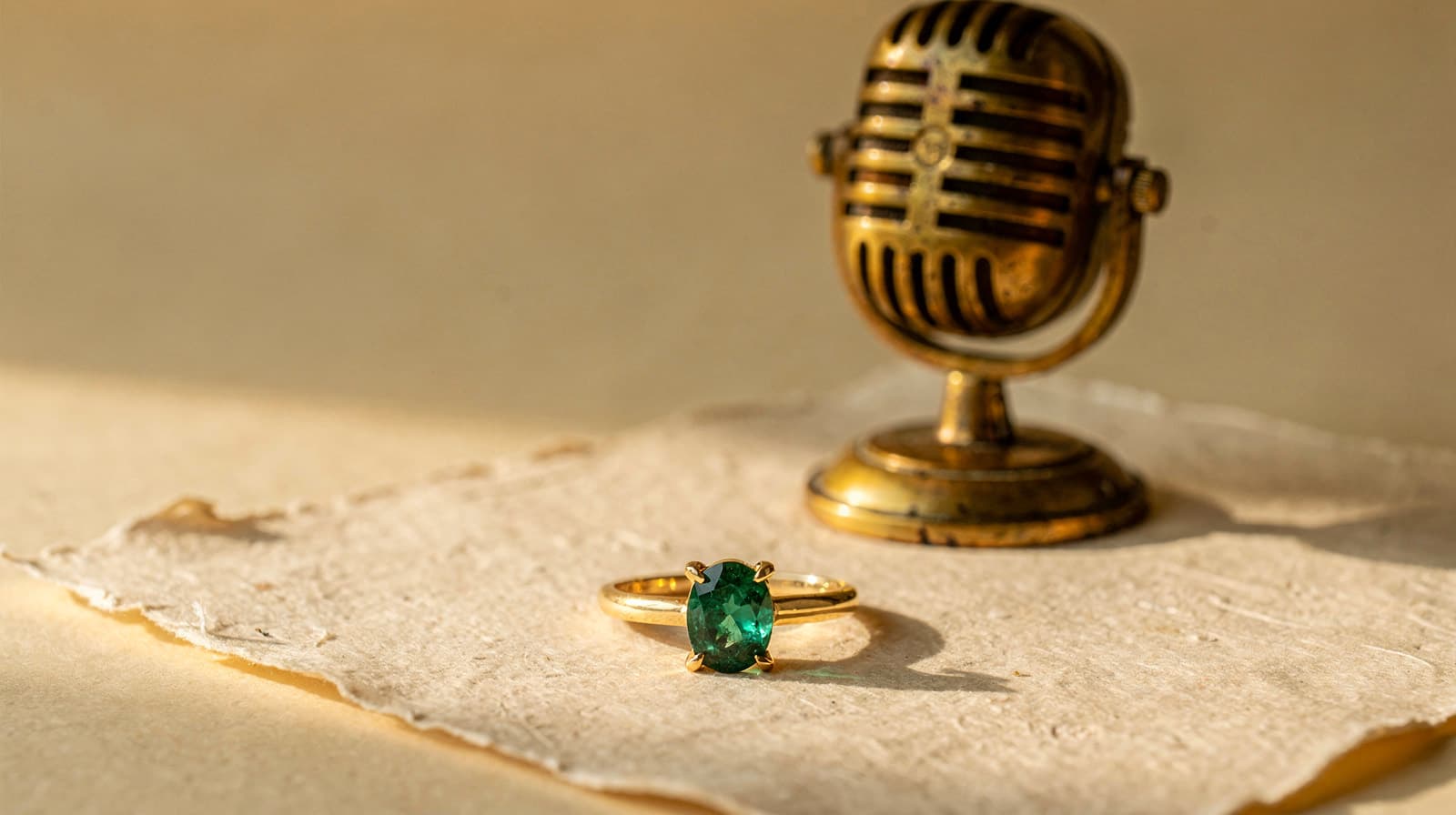
An oval emerald in four claws, on a plain 18k yellow gold band that tapers toward the stone, with an open gallery so it takes the light.
Saying that takes ten seconds. Typing it takes longer, and the detail you meant to add is usually the first thing you drop.
Dictate lets you say it. Press the mic in the Create composer, describe the piece, and your words appear in the box as you speak. Read them, fix anything that came out wrong, and send when you are ready.
What Dictate is
Dictate is voice typing for the composer. Tashvi does not talk back, and there is nothing new to learn: what you say becomes an ordinary message, the same as if you had typed it.
The mic sits beside Send, on the empty page and in an active chat, and it works with Plan and Ask. The one place it does not appear is Batch, which has no single box to dictate into.
Dictate never sends by itself. A message only goes when you press Send, because that is what starts a design.
How to use it
- Press the mic beside Send. The first time, your browser asks to use your microphone.
- Speak normally. A small control replaces the mic, with bars that move with your voice and a running timer. Your words appear in the box as you talk, and the latest ones may shift as the sentence comes together.
- Finish one of three ways:
- Stop (the square) turns the mic off and keeps your words, so you can read and edit them.
- Send or Enter turns the mic off, waits for your last words, then sends.
- × or Escape discards what you said and puts the box back the way it was.
The box is locked while the mic is on, so press Stop when you want to edit.
Anything you already typed stays put, and your spoken words land after it. You can type a measurement, talk through the rest, stop, and press the mic again to add more.
Each dictation runs for up to three minutes. At that point the mic stops on its own and your words stay in the box.
Speak in your own language
There is no language setting. Dictate supports more than 90 languages and works out which one you are speaking.
Your words stay in the language you spoke them in. Dictate writes them down, and it does not translate them.
Getting the most from it
Talk the way you would brief your bench.
- Cover what a jeweler would need to know: the piece, the metal and finish, the stones, the style. There is more on writing a good prompt in the help center.
- Take your time. A short pause to think does not end the dictation.
- Read before you send. Trade words like pavé, milgrain or marquise can come out wrong. Press Stop and fix the word in the box.
- Check a long brief. Turn on Plan first, and you can read how Tashvi understood it before anything is drawn.
If the mic does not work
- "Allow microphone access in your browser to dictate." Your browser is blocking the mic. Allow it for this site in your browser's site settings, then press the mic again.
- "Didn't hear anything, so the mic was turned off." Check that your browser is using the microphone you expect, then try again.
- "Voice input is busy right now." Wait a moment and try again.
- No mic in the composer. You may be in Batch, or in a browser that cannot record, such as one built into another app. Open Create in your regular browser.
If the connection drops partway through, the words that already reached the box stay there, and Tashvi tells you so.
Your voice and your data
Your audio goes straight from your browser to ElevenLabs, the speech-to-text service behind Dictate. It never reaches Tashvi's servers, and Tashvi keeps no recording. ElevenLabs handles the audio under its own retention terms, and our privacy policy lists it among our service providers.
The text is yours to keep or discard. If you send it, it is saved like any typed message. If you cancel, Tashvi saves nothing.
What it costs
Dictate is available on every Tashvi plan, free accounts included.
It draws on your credits for the time the mic is listening, by the second and with no minimum, so a short dictation barely moves your balance. Listening time counts even if you cancel. If you are out of credits, the mic tells you before it starts.
Sending the message afterwards costs the same as sending a typed one.
On the Tashvi app
Dictate is on the web. The Tashvi mobile app has its own mic in the composer, which uses your phone's built-in speech recognition and is set to English.
Try it
Open Create, press the mic, and describe the last piece a client asked you for, the way you would describe it across the counter.
Read it back, press Send, and you have a design without typing a word.