
Introducing Tashvi One: Jewelry Inventory and Business Management
Tashvi One brings jewelry inventory, sales operations, reporting, and a confirmation-based AI assistant into the Tashvi workspace, free on every Tashvi account, with the assistant included on paid plans.
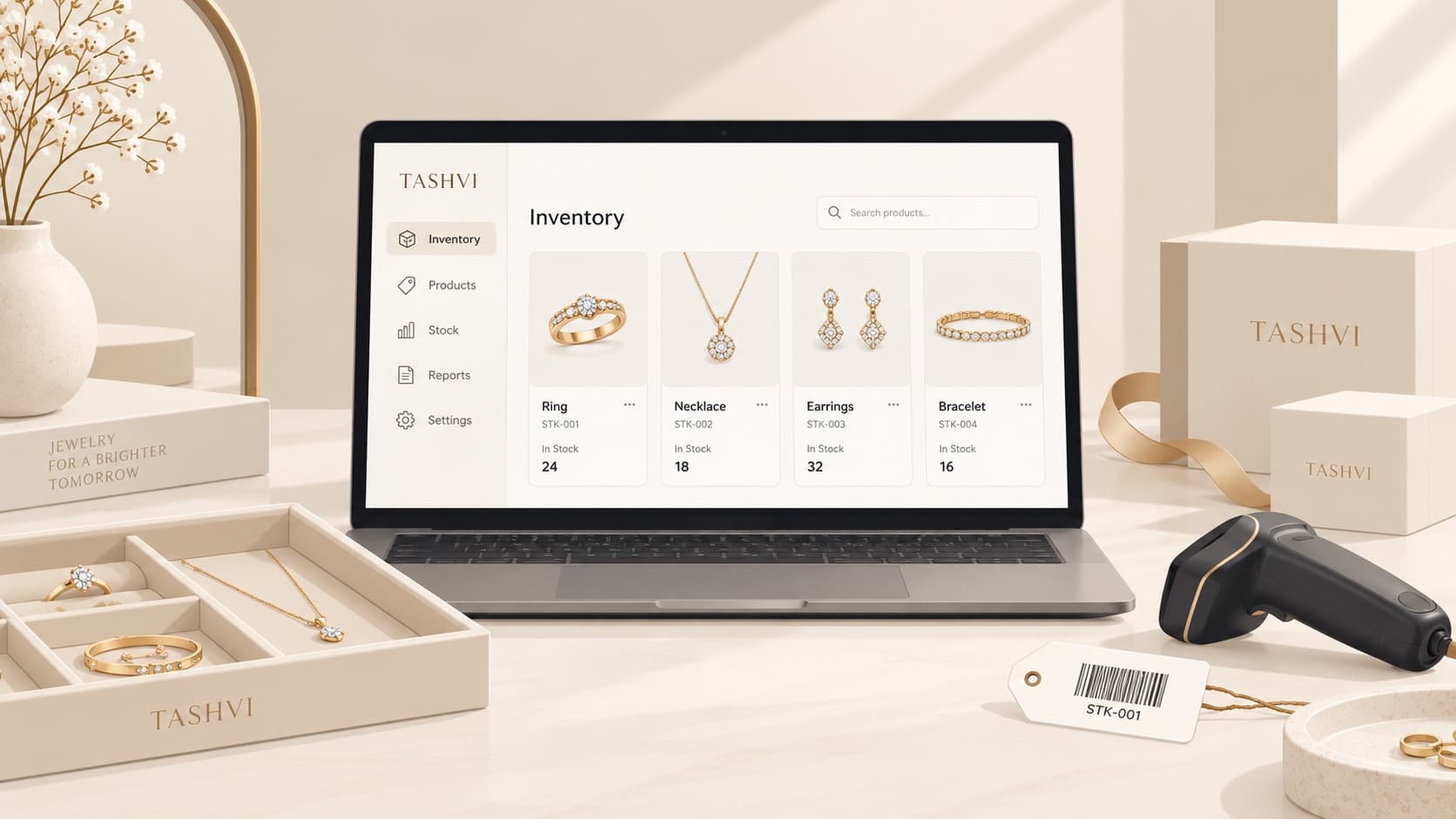
Jewelry businesses do not run on a product catalogue alone. A sale changes stock. A piece sent to a karigar is still owned, but it is no longer in the showcase. A customer’s repair must be visible without being valued as shop inventory. Every correction needs a record someone can follow later.
Tashvi One is our AI-native jewelry inventory and business management system for that work. It gives your team one place to manage products, stock, customers, sales activity, and the reports that connect them.
Tashvi One is free on every Tashvi account, including the free tier. Tashvi Assistant access is included on the paid plans. This offer and plan availability are subject to change. Tashvi One is not a separate add-on and it does not consume Design Studio credits.
One system for the work around the jewelry
Tashvi One is built for the way a jewelry business actually moves goods. Your inventory is not a number that someone overwrites at the end of the day; it is a record of the movements that created that number.
Use Tashvi One to:
- Maintain products, categories, SKUs, prices, and individual serialized pieces.
- Record receiving, transfers, sales, returns, and movement history.
- Keep customer and supplier records alongside quotes, holds, sales orders, invoices, and recorded payments.
- Review valuation, stock ageing, movement, variance, and audit reports.
- Track inventory that is at a workshop, out on memo, or held for repair without losing the ownership context behind it.
That foundation matters. A good store-management system should let you answer where a piece is, who has it, what it cost, and what changed without rebuilding the answer from a spreadsheet.
Meet the Tashvi Assistant
On paid plans, Tashvi One includes a Tashvi Assistant that works alongside your team in the same workspace. Ask it plain-language questions about the shop instead of hunting through screens:
- “What stock do we have in the downtown showcase?”
- “Show the items that have not moved recently.”
- “Which customer orders are still open?”
- “What is our inventory valuation this month?”
- “Prepare a receipt for these pieces from this supplier.”
The Assistant can look up the relevant records, explain what it found, and prepare an operational action. It does not quietly alter stock or financial records. When an action would change the books, it presents the details for review and requires an explicit confirmation before it is posted.
That keeps the useful part of an agentic workflow — less searching, fewer repetitive steps, and context carried across the task — while preserving the review trail a store needs.
Introductory plan availability
Tashvi One is free for every Tashvi account, new or existing, with no separate subscription. The Tashvi Assistant is included with the paid plans. Your plan still determines the design tools and generation capacity available in Tashvi Design Studio. This introductory offer, pricing, and plan availability are subject to change.
| Plan | Tashvi One | Tashvi Assistant |
|---|---|---|
| Free | Included | Not included |
| Basic | Included | Included |
| Pro | Included | Included |
| Studio | Included | Included |
Enterprise accounts include both, with an assistant allowance set up with your account manager.
Built for a practical rollout
We are introducing Tashvi One with the everyday inventory, sales, customer, and reporting workflows teams need first. More complete retail operations — including stocktaking, labels and scanning, cash-register reconciliation, and additional purchasing workflows — will continue to roll out as Tashvi One grows.
The direction is straightforward: design in Tashvi, manage the business around the design in Tashvi One, and have an AI assistant that can help without taking unreviewed actions on your behalf.
Start with your current stock
Open Tashvi One from your Tashvi workspace, set up your shop details, and begin with the products and pieces you need to track today. On a paid plan, once your records are in place, ask the Tashvi Assistant the same operational questions your team already asks each other.
We are excited to build the rest of the system with jewelry businesses using it at the counter, in the workshop, and at the desk.