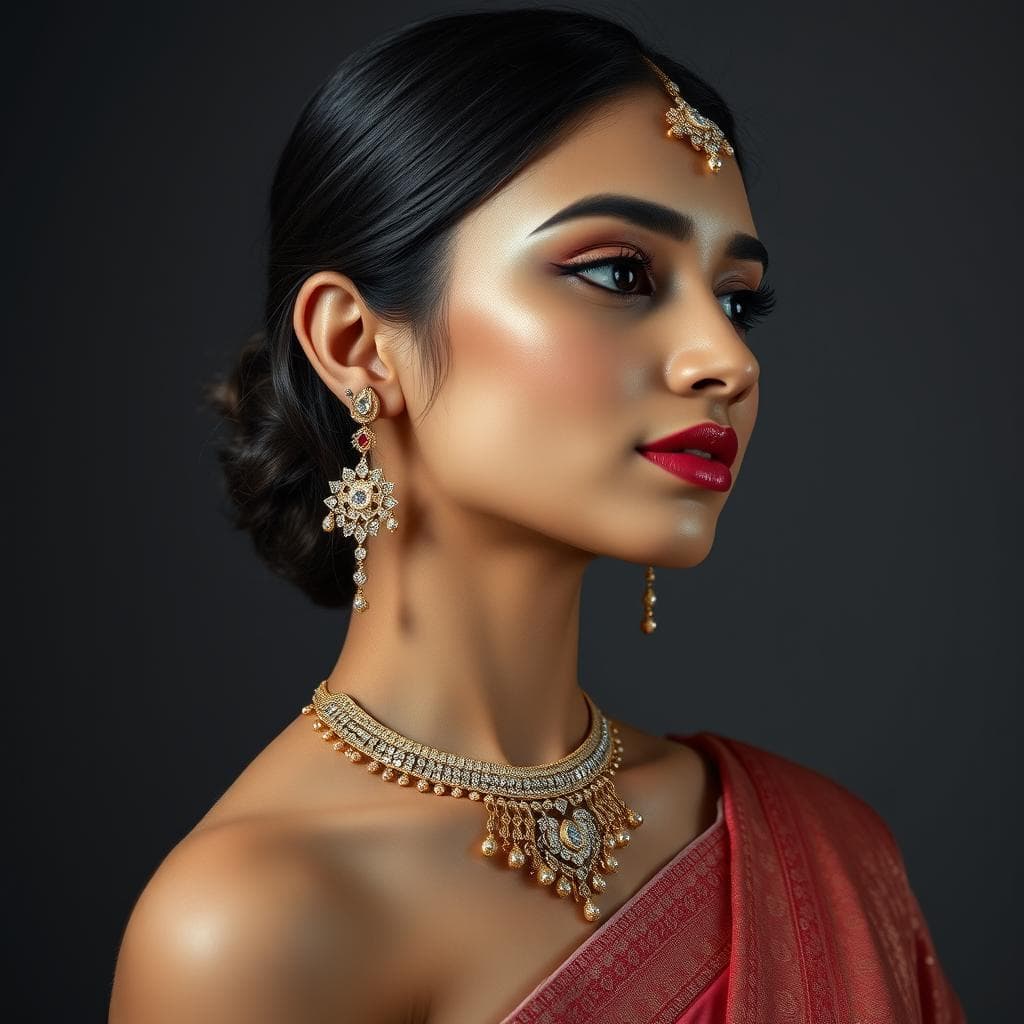
How to Use AI to Create Custom Jewelry Mockups in Minutes
Learn how to create professional custom jewelry mockups using AI tools in minutes instead of days. Step-by-step guide covering prompts, settings, and best practices for rings, necklaces, and earrings.
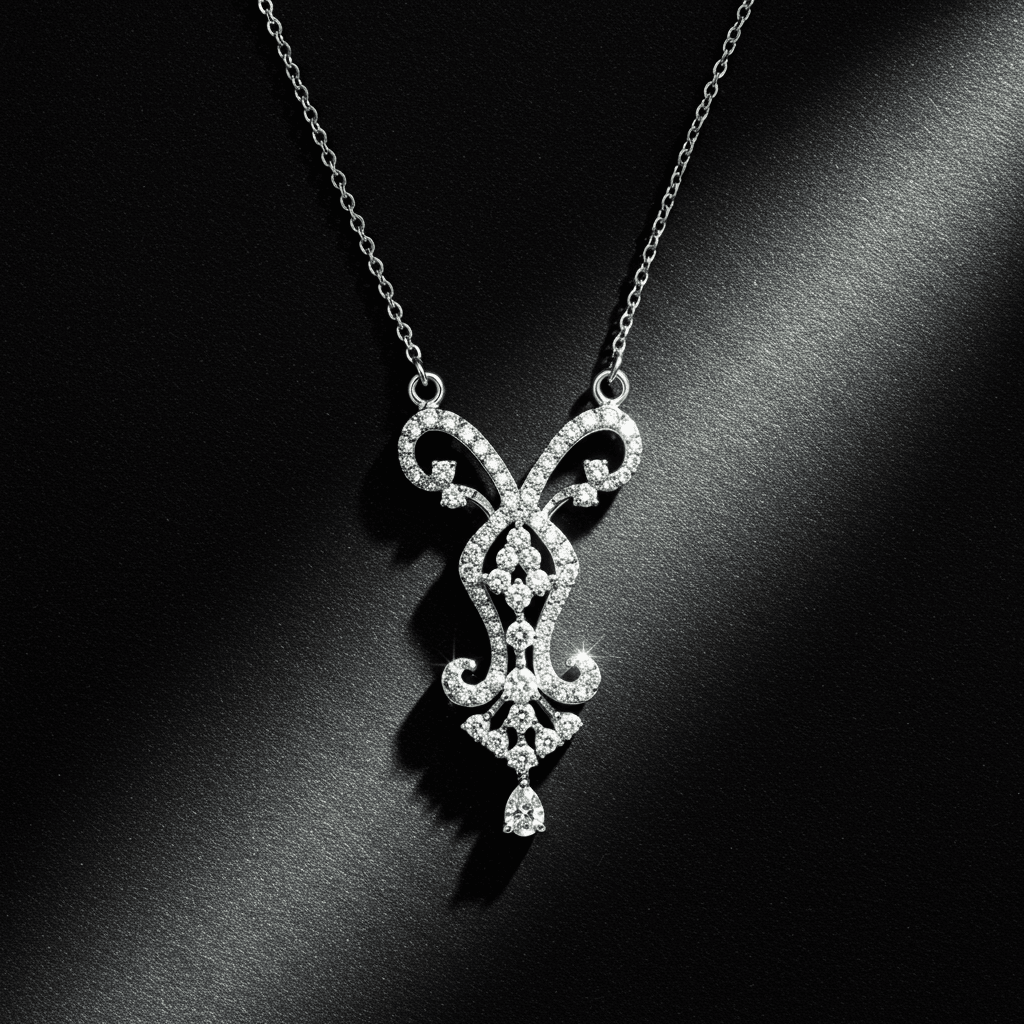
Creating custom jewelry mockups with AI takes minutes instead of days. Using jewelry-specific AI tools, you can generate photorealistic renders of rings, necklaces, earrings, and bracelets by describing your vision in plain English or selecting options through a guided interface, with no CAD experience or design training required.
Why AI Mockups Are Transforming Custom Jewelry
The traditional custom jewelry process has a painful bottleneck at the very beginning. A client describes what they want. The jeweler interprets those words into a sketch or CAD render. Days pass. The client sees the first mockup and says, "That's not quite what I had in mind." More days pass for revisions.
AI eliminates this cycle of miscommunication and delay. Within minutes of a client describing their ideal piece, a jeweler can generate multiple mockups that bring the concept to life visually. The client sees real options immediately, provides feedback, and the design evolves in real time during a single conversation.
This is not just faster. It fundamentally changes the client experience. Instead of trusting a verbal description and waiting anxiously, clients become active participants in the design process from the very first moment.
What You Need Before Starting
Clarity on the Basics
Before opening any AI tool, gather key details about the piece you want to create.
Jewelry Type. Ring, necklace, pendant, earrings, bracelet, or brooch. Each type has distinct proportional rules and construction considerations.
Metal Preference. Yellow gold, white gold, rose gold, platinum, or silver. Metal choice affects the overall aesthetic and price point dramatically.
Stone Details. Center stone type and shape, accent stones, and any specific carat weight targets. If the client has a loose stone, note its measurements.
Style Direction. Modern and minimalist, vintage and ornate, nature-inspired, geometric, Art Deco, or bohemian. Reference images are helpful even when using AI.
Budget Range. This influences material choices and design complexity. AI tools with material estimation capabilities can help align designs with budget expectations early.
Step-by-Step Guide to Creating AI Jewelry Mockups
Step 1. Choose the Right Tool
Not all AI image generators handle jewelry well. General tools like Midjourney produce visually stunning images but often create designs that are structurally impossible to manufacture. Jewelry-specific platforms understand real-world constraints and produce more useful mockups.
For the best results, use a tool that offers both guided design (structured choices) and prompt-based design (freeform text descriptions).
Step 2. Start With Guided Design for New Clients
If you are working with a client who is unsure about specifics, start with guided design mode. Walk through the options together.
Select the jewelry type. Choose the metal. Pick a stone shape. Select a setting style. Choose an aesthetic direction.
The AI generates designs based on these selections, giving the client concrete options to react to rather than abstract questions to answer.
Step 3. Write Effective Prompts for Specific Visions
When you have a clear concept, text prompts give you more control. Here are example prompts that produce excellent results.
For an engagement ring. "Oval diamond engagement ring in 18K rose gold, cathedral setting with thin pavé band, vintage-inspired with delicate milgrain edges, approximately 1.5 carat center stone"
For a pendant necklace. "Pear-shaped emerald pendant in 14K yellow gold, surrounded by a halo of round brilliant diamonds, suspended from a delicate cable chain, elegant and timeless"
For earrings. "Art Deco-inspired drop earrings in platinum, featuring baguette-cut sapphires and round diamond accents, geometric linear design with lever-back closure"
Notice the pattern. Each prompt includes the jewelry type, stone details, metal, setting or construction style, and aesthetic direction.
Step 4. Generate and Evaluate
Run your prompt and evaluate the results against these criteria.
| Evaluation Criteria | What to Look For |
|---|---|
| Overall design accuracy | Does it match the described concept? |
| Proportional correctness | Are stone sizes realistic relative to the band or setting? |
| Structural feasibility | Could this design actually be manufactured? |
| Metal appearance | Does the metal look like the correct type? |
| Stone rendering | Do gemstones show proper color, cut, and refraction? |
| Aesthetic appeal | Would a client respond positively to this image? |
Step 5. Iterate Rapidly
This is where AI mockups truly outperform traditional methods. Take your best result and refine it.
"Same design but with a cushion-cut center stone instead of oval."
"Make the band wider and add a split-shank detail."
"Show this design in white gold instead of rose gold."
Each iteration takes seconds. In 15 minutes, you can generate 20 to 30 variations that would have taken a CAD designer days to produce.
Step 6. Present a Curated Selection
Select your top 3 to 5 mockups for the client. Presenting too many options creates decision paralysis. Curate your selection to show meaningful differences, such as different stone shapes, different setting styles, or different metal options, rather than minor variations of the same idea.
Advanced Mockup Techniques
Creating Collection Cohesion
When designing multiple pieces for a collection, establish shared visual elements. Use consistent prompts for metal finish, decorative motifs, and design era. Generate a ring, pendant, and earrings that share the same design language to present as a coordinated set.
Lifestyle and Context Mockups
Beyond product shots, AI can generate mockups showing jewelry in context. A ring on a hand, a necklace on a neck, earrings styled with an outfit. These contextual mockups help clients envision how a piece will look when worn, significantly increasing engagement and conversion.
Using Reference Images
Some AI tools accept reference images alongside text prompts. Upload a photo of a ring the client admires and ask the AI to create something similar but with different stones or a modified setting. This image-to-image approach bridges the gap between inspiration and original design.
Common Mockup Mistakes and How to Fix Them
The "too perfect" problem. AI sometimes generates designs that look beautiful in a render but lack the subtle imperfections that make jewelry feel real. If mockups look overly CGI, adjust your prompts to include specific material textures and patina.
Scale distortion. Without explicit size guidance, AI may generate rings with unrealistically large stones or impossibly thin bands. Include approximate carat weights and band widths in your prompts.
Style inconsistency. Generating mockups for the same client across multiple sessions can produce inconsistent aesthetics. Save your successful prompts and reuse them as templates for consistency.
Ignoring the back and sides. Most AI mockups show jewelry from the front. For production purposes, you may need multiple angles. Generate separate mockups specifying "profile view" or "three-quarter angle" to capture the full design.
How Tashvi AI Makes Mockup Creation Effortless
Tashvi AI is purpose-built for creating jewelry mockups quickly and accurately. The guided design mode lets you walk clients through structured choices, while the prompt-based mode gives experienced designers full creative control.
Every mockup generated by Tashvi AI reflects real-world jewelry construction principles. Prong settings are structurally sound. Metal textures match their real-world counterparts. Stone proportions are realistic and wearable. The platform also provides instant material estimates, so you can pair every mockup with an approximate cost, transforming a visual concept into a business conversation. Tashvi AI cuts the pre-CAD phase of custom jewelry design from days to minutes.
Try designing on Tashvi AI free
From Mockup to Manufactured Piece
AI mockups are the starting point, not the end. Once a client approves a design, the mockup serves as a detailed visual brief for your CAD designer or 3D printing workflow. The specificity of AI-generated mockups, with their accurate proportions and material representations, dramatically reduces the back-and-forth that typically plagues the CAD stage.
Many jewelers report that using AI mockups in their custom design process has cut total project timelines by 40 to 60 percent. The time savings come not just from faster concept generation but from fewer revision cycles. When clients can see exactly what they are getting before CAD work begins, surprises and disappointments at later stages become rare.
The future of custom jewelry starts with a mockup that takes minutes. The craftsmanship that follows is timeless.
Frequently Asked Questions
Quick answers to the questions readers ask most about this guide.
How fast can AI create a jewelry mockup?
Modern AI jewelry tools generate a photorealistic mockup in seconds. Creating a refined set of variations with multiple iterations typically takes 10 to 20 minutes, compared to days or weeks for traditional CAD-based mockups.
Do AI jewelry mockups look realistic enough for client presentations?
Yes. Jewelry-specific AI tools produce photorealistic renders with accurate metal textures, gemstone refraction, and professional lighting. Many jewelers use these mockups directly in client consultations, on websites, and in marketing materials.
Can I create jewelry mockups with AI for free?
Yes. Tashvi AI offers a free tier that lets you create custom jewelry mockups without any cost. You can generate ring, necklace, and earring designs using both guided mode and text prompts with no design experience required.
What information do I need to create an AI jewelry mockup?
At minimum, you need a jewelry type and basic style direction. For better results, include metal type, stone details, setting style, and any aesthetic preferences. The more specific your input, the more relevant and useful the mockup will be.
Can AI mockups be used for custom order quotes?
Yes. AI mockups combined with material estimation features give jewelers a visual and financial starting point for custom orders. This allows clients to see what their piece will look like and receive an approximate cost estimate before committing to full CAD development.