Understanding Image-to-Image AI for Jewelry Concept Development
Learn how image-to-image AI technology transforms reference photos and sketches into polished jewelry design concepts, enabling designers to iterate faster and explore creative directions without starting from scratch.
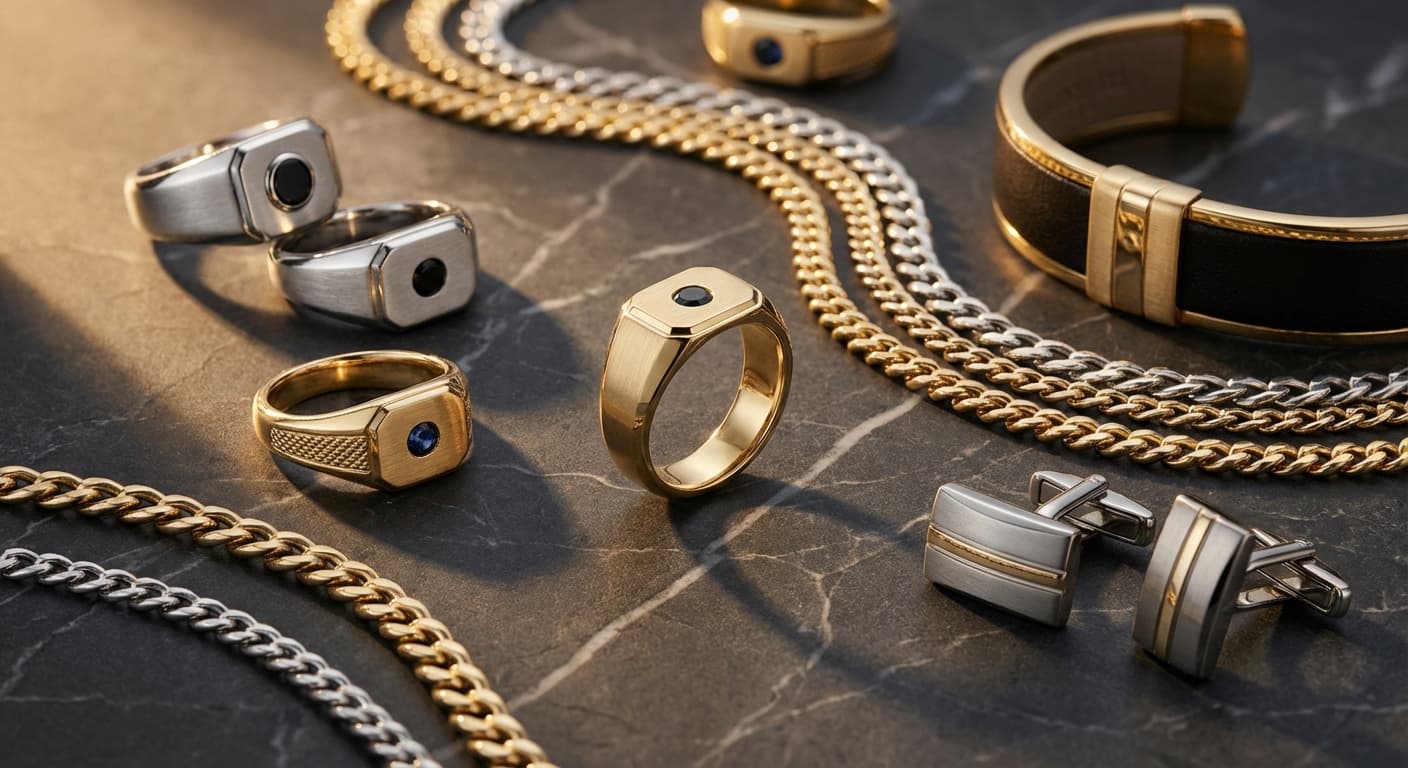
Image-to-image AI technology enables jewelry designers to transform rough sketches, reference photos, and existing designs into polished concept renders by analyzing visual inputs and generating new interpretations that preserve the original design intent while adding photorealistic detail, proper material rendering, and professional-quality presentation.
How Image-to-Image AI Differs From Text-to-Image
Text-to-image AI generates designs purely from written descriptions, requiring designers to translate visual ideas into words. Image-to-image AI takes a fundamentally different approach by starting with a visual input and transforming it. This distinction matters enormously for jewelry design because many design decisions are inherently visual and difficult to articulate verbally.
Consider trying to describe the exact curve of a bypass ring's bands, the precise proportion of a pendant's bail relative to its body, or the specific interplay between a stone's facets and its surrounding metalwork. Text descriptions inevitably lose nuance. Image-to-image AI preserves these visual relationships because they exist in the source image.
The comparison between guided and prompt-based design approaches explores this distinction in depth, showing how reference-based methods consistently produce more accurate results for jewelry applications.
Types of Input Images
Image-to-image AI accepts several categories of visual input, each serving different purposes in the jewelry design workflow.
Hand Sketches
The most exciting application for many designers is the ability to transform rough hand drawings into photorealistic renders. A pencil sketch capturing the basic proportions and concept of a ring can become a polished visualization showing accurate metal reflections, gemstone fire, and proper lighting.
The AI interprets line weight as volume, enclosed shapes as gemstone positions, and overall composition as the piece's fundamental architecture. Even crude sketches with minimal detail can produce surprisingly refined outputs.
Reference Photos
Existing jewelry photographs serve as powerful starting points for exploration. Upload a photo of a ring you admire and ask the AI to transform it using different metals, stone colors, or design elements. The output preserves the reference's proportions and overall aesthetic while incorporating your modifications.
Existing Designs
Your own previous work makes excellent input material. Transform a bestselling ring design into a pendant version. Explore how a necklace pattern would look as earrings. Take a piece from one collection and reimagine it in the aesthetic of another.
CAD Renderings
Technical CAD models converted to images serve as precise inputs. The AI adds photorealistic material properties, environmental lighting, and lifestyle context to otherwise technical renderings, producing marketing-ready images from production-grade models.
Controlling the Transformation
Most image-to-image tools provide a strength or influence parameter that determines how much the AI departs from your original input.
| Strength Level | Effect | Best For |
|---|---|---|
| Low (10 to 30%) | Minimal changes, closely follows input | Adding realism to CAD renders |
| Medium (30 to 60%) | Moderate interpretation, preserves structure | Transforming sketches to concepts |
| High (60 to 90%) | Significant creative freedom | Exploring radical variations |
Finding the right strength setting for each use case is part of the learning process. Start with medium settings and adjust based on whether you want more fidelity to your input or more creative exploration.
Practical Workflow Integration
Image-to-image AI fits naturally into several stages of the jewelry design process.
Initial Concept Development
Begin a design project by sketching three to five rough concepts on paper. Photograph each sketch and run them through image-to-image AI at medium strength. Within minutes, you have polished visualizations of every concept to evaluate, compare, and present to clients.
This approach combines the speed and intuition of hand sketching with the polish and realism of digital rendering. You maintain creative control through your sketches while AI handles the translation to photorealistic imagery.
Client Consultation
When a client brings in a reference photo of a design they admire, use image-to-image AI to instantly generate variations. Swap the metal color, change the center stone shape, adjust proportions, and show the client a range of options derived from their original inspiration. This collaborative exploration builds excitement and confidence in the custom design process.
Collection Development
Maintain visual cohesion across a collection by using existing collection pieces as references for new designs. The AI learns the proportional relationships, material choices, and stylistic vocabulary of your collection and applies them to new concepts, ensuring consistency without repetition.
Design Iteration
Rather than starting over when a design needs revision, use the current version as input and guide the AI toward specific changes. This iterative approach is faster than regenerating from scratch and preserves the design elements that already work.
Tips for Better Image-to-Image Results
Optimize your input images. Clean, well-lit photos with neutral backgrounds produce the best results. Remove distracting elements, crop tightly to the jewelry piece, and ensure adequate resolution.
Add text guidance alongside images. Most platforms allow you to combine image inputs with text descriptions. Use text to specify changes you want from the reference, like "same design but in rose gold with a sapphire center stone."
Build a reference library. Organize your most useful reference images by category. Having a curated collection of input images for different jewelry types speeds up every design session.
Understand the limitations. Image-to-image AI excels at surface-level transformations but may struggle with structural changes. Asking it to transform a ring into a completely different ring type works better than asking it to add complex mechanical elements.
How Tashvi AI Leverages Image-to-Image Technology
Tashvi AI's reference-based design system is built on advanced image-to-image technology specifically optimized for jewelry. Upload a sketch, reference photo, or existing design, and the platform generates variations that maintain your design intent while adding the photorealistic quality needed for client presentations and marketing materials.
The platform understands jewelry-specific elements like prong placement, stone proportions, and metal finish behavior, producing transformations that are technically accurate as well as visually stunning. Designers use Tashvi AI to move from initial concept to client-ready visualization in a single session, eliminating the traditional gap between sketching and rendering.
Try designing on Tashvi AI free
The Future of Visual AI in Jewelry
Image-to-image technology continues advancing rapidly. Future iterations will offer even finer control over specific design elements, better understanding of jewelry design fundamentals like proportion and balance, and tighter integration with downstream production tools like CAD software and 3D printing systems.
For designers today, mastering image-to-image AI creates a significant competitive advantage. The ability to move fluidly between hand sketching, digital visualization, and client presentation accelerates every aspect of the design workflow while preserving the creative intuition that makes each designer's work unique.
Frequently Asked Questions
Quick answers to the questions readers ask most about this guide.
What is image-to-image AI in jewelry design?
Image-to-image AI takes an existing image such as a sketch, reference photo, or existing design and transforms it into a new version while preserving key elements. For jewelry, this means converting rough concepts into polished renders or exploring variations of existing pieces.
Can I use a hand sketch as input for AI jewelry design?
Yes. Most image-to-image AI tools accept hand-drawn sketches as input and can transform them into photorealistic jewelry renders. The AI interprets your sketch's proportions, shapes, and basic composition to generate a polished concept.
How accurate is image-to-image AI at preserving my original design intent?
Accuracy depends on the clarity of your input and the strength setting you choose. Higher strength settings give the AI more creative freedom, while lower settings keep the output closer to your original. Most tools let you adjust this balance precisely.
Will AI copy copyrighted designs if I use reference photos?
AI generates new interpretations inspired by reference inputs rather than direct copies. The output combines elements from its training data with your specific guidance, producing original compositions. However, using another designer's work as reference raises ethical considerations worth thinking through.
What file formats work best for image-to-image jewelry AI?
JPEG and PNG are universally supported. Higher resolution inputs generally produce better results. For sketches, clean black lines on white backgrounds work best. For reference photos, well-lit images with clear details yield the most accurate transformations.