
How to Use Tashvi AI to Create Jewelry Marketing Graphics
Creating stunning marketing graphics for your jewelry brand does not require an expensive agency. Learn how to leverage Tashvi AI to generate professional, high-converting visuals for social media, email campaigns, and your website in minutes.
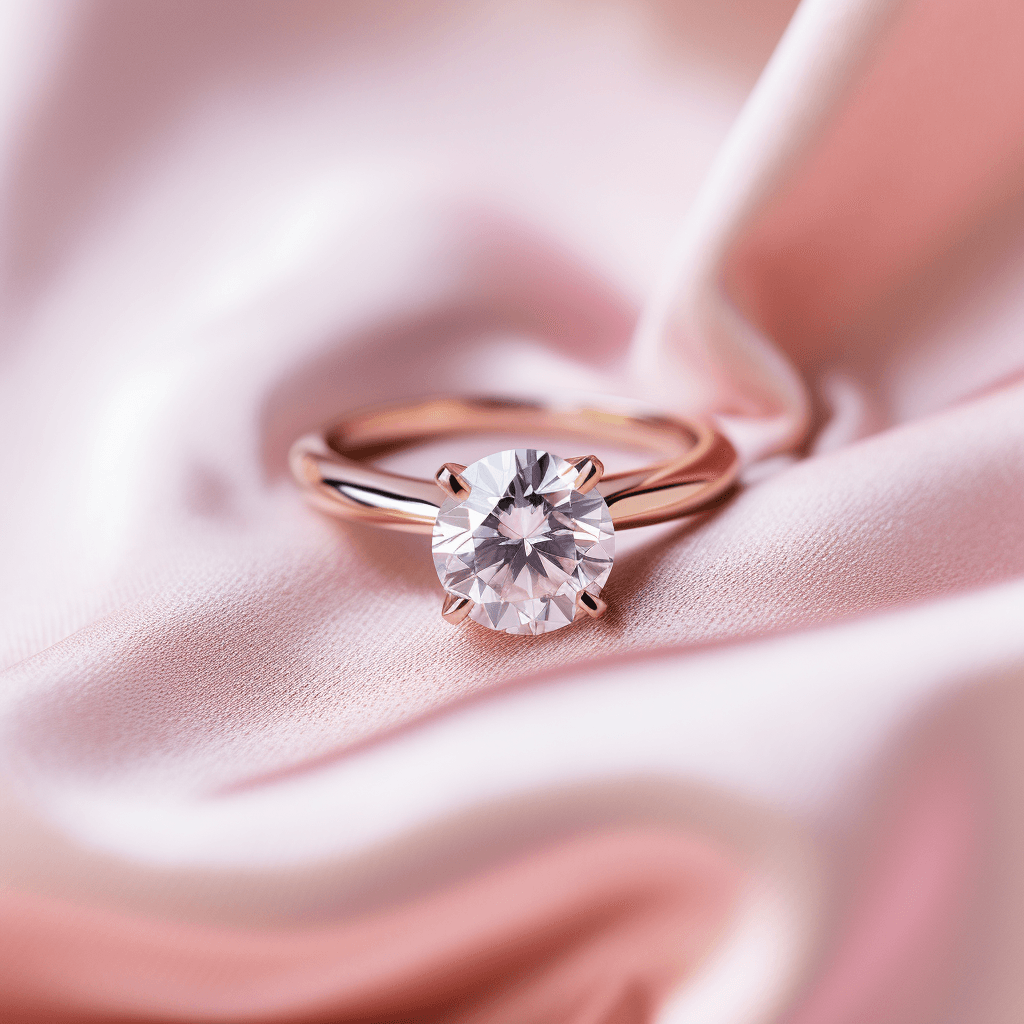
To create jewelry marketing graphics with Tashvi AI, use natural language prompts describing your jewelry piece, lighting preferences, and desired aesthetic. The platform instantly generates photorealistic lifestyle shots, flat lays, and cinematic hero banners for social media and websites without requiring a physical photoshoot.
In the highly visual world of fine jewelry, breathtaking imagery is non-negotiable. It is the difference between a user scrolling past your post and stopping to click "Add to Cart." According to a report by HubSpot, visual content is essential, as consumers retain 65% of the information they see three days later, compared to just 10% of what they hear. Historically, achieving high-end editorial and product photography required a massive budget for models, studios, lighting setups, and post-production editing.
In 2026, the landscape has completely shifted. With platforms like Tashvi AI, independent jewelers and established brands alike can generate professional, campaign-ready marketing graphics in minutes, right from their laptops. Whether you are aiming to launch a jewelry brand or scale an existing collection, this guide will walk you through exactly how to use Tashvi AI to elevate your jewelry marketing.
1. Designing Engaging Social Media Content
Social media platforms like Instagram and Pinterest are where jewelry brands are built today. The demand for daily, high-quality visual content is relentless.
Lifestyle and Editorial Shots
Consumers do not just buy a ring. They buy the lifestyle associated with it. Generating lifestyle imagery traditionally requires a full production team. With Tashvi AI, you can create these narratives instantly.
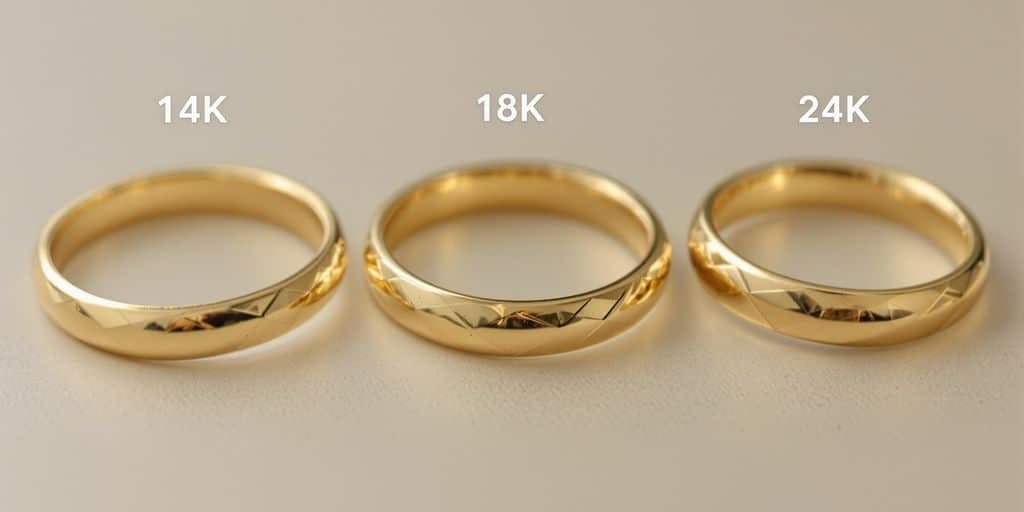
Step-by-Step Creating a Lifestyle Shot
- Choose your subject. Decide on the jewelry piece.
- Define the model or setting. Describe the person wearing it or the environment.
- Set the mood and lighting. Specify the vibe, like golden hour, moody, or editorial.
Example Prompt
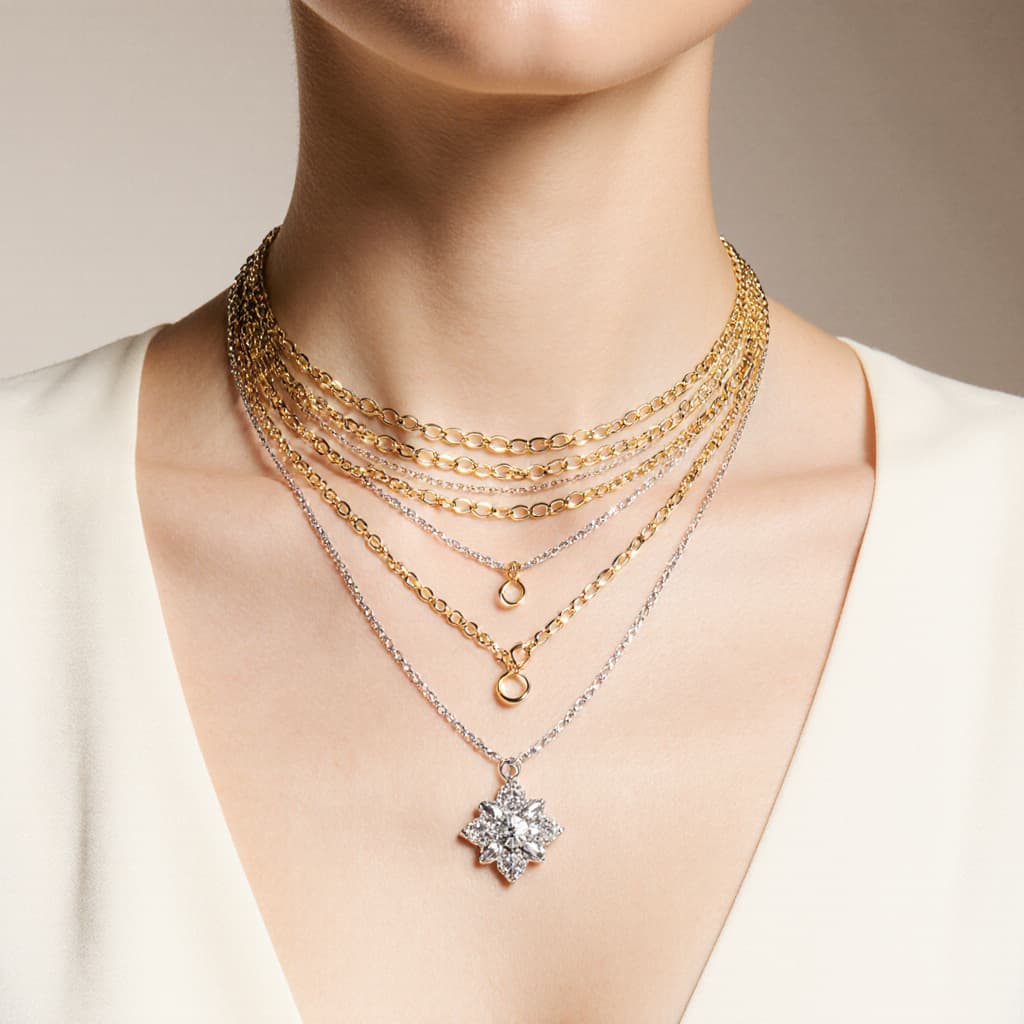
- "A close-up profile shot of an elegant woman wearing layered gold and silver necklaces with a delicate diamond pendant. She has sunkissed skin and is standing in soft, golden hour sunlight. High fashion editorial photography, shallow depth of field, Vogue aesthetic."
Flat Lays and Creative Compositions
Break up your feed by moving beyond standard white-background product shots. You can easily turn basic concepts into professional jewelry images.
Step-by-Step Creating a Flat Lay
- Specify the jewelry. Describe the pieces in detail.
- Choose the surface. Describe what the jewelry is resting on, like marble, silk, water, or wood.
- Add optional props. Mention secondary elements like flowers, ribbons, or shadows.
Example Prompts
- "A vintage emerald cut diamond ring resting on a piece of raw velvet fabric next to a sprig of dried eucalyptus. Soft, diffused lighting, moody aesthetic."
- "A collection of delicate gold stacking rings arranged neatly on a rippled, reflective water surface. Bright, clean, minimalist composition."
2. High-Converting Website Assets
Your website is your digital storefront. The visuals here dictate your brand's perceived value and directly impact your conversion rates.
Hero Banners that Hook the Customer
The first image a visitor sees must be stunning. Use Tashvi AI to create wide, cinematic shots perfect for homepage banners.
Step-by-Step Creating a Website Hero Banner
- Set the aspect ratio. While Tashvi AI handles the image generation, you can prompt for wide or panoramic compositions.
- Focus on negative space. You need room for your headline and call-to-action buttons.
- Make it dramatic. Hero banners need to grab attention immediately.
Example Prompt
- "A panoramic, ultra-high-resolution image of a brilliant-cut diamond catching the light, sitting on a monolithic slab of black marble. Dark, luxurious atmosphere with dramatic spotlights, leaving ample dark negative space on the left side for website text."
Pro-tip. Always specify "negative space" in your prompt so you have room to overlay your site's headline and "Shop Now" buttons without obscuring the jewelry.
Collection Headers
When launching a new collection, generate cohesive header images for those specific category pages to tie the theme together instantly.
3. Elevating Email Marketing Campaigns
Email marketing has one of the highest ROIs in e-commerce, but getting subscribers to open and click requires visually arresting content.
Thematic Sales and Holiday Campaigns
Instead of reusing the same product photos, generate custom graphics for specific sale events.
- Valentine’s Day Prompt "A heart-shaped ruby pendant necklace resting on a bed of soft pink silk. Romantic, warm lighting, elegant and luxurious."
- Mother’s Day Prompt "Two hands, one older and one younger, gently holding a custom birthstone family ring. Soft, loving atmosphere, bright and airy lighting."
These timely, thematic images make your emails feel fresh, relevant, and urgent.
4. Concepting and Teasers
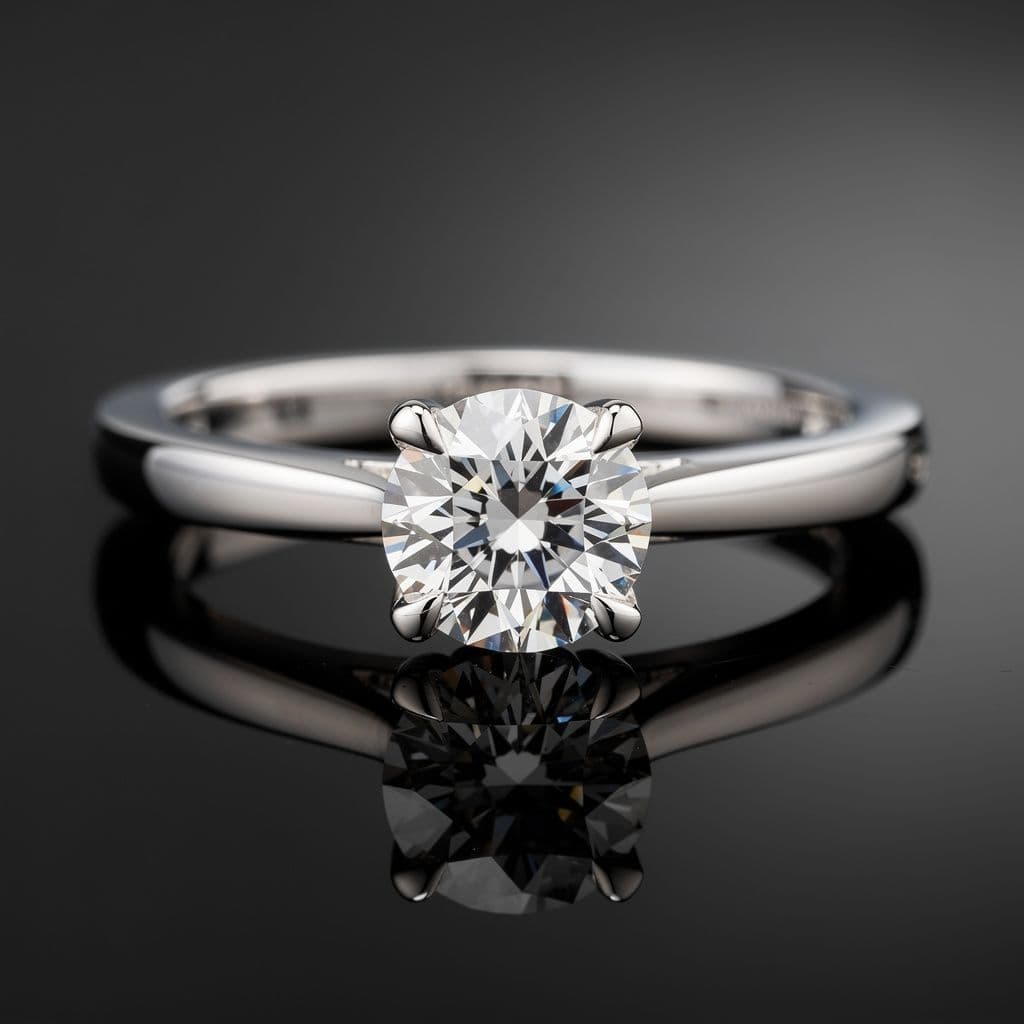
One of the most powerful ways to use Tashvi AI is generating hype for products that have not even been manufactured yet.
Testing the Market Before Production
Before committing thousands of dollars to casting and stone setting, you can generate photorealistic images of a new design concept. Post these to your Instagram Story as a poll and ask your audience to choose their favorite. This acts as free market research. You only manufacture the designs you know your audience already wants to buy.
5. Traditional Photoshoots vs Tashvi AI Graphics
| Feature | Traditional Photoshoot | Tashvi AI Graphics |
|---|---|---|
| Cost | High ($2,000+ per day) | Included in subscription |
| Turnaround Time | Weeks | Minutes |
| Revisions | Costly reshoots | Instant iteration |
| Model Requirements | Casting, hair, and makeup | Handled by AI |
| Concept Testing | Post-production | Pre-production |
6. Tips for Perfecting Your Prompts
Getting the perfect image requires knowing how to effectively speak to the AI. Follow these tips to get the best results for your marketing materials.
- Specify the Lighting. Lighting is everything in jewelry photography. Use terms like studio lighting, soft diffused light, dramatic spotlight, golden hour sun, or macro photography lighting.
- Define the Materials. Be highly specific about the metals and stones. Do not just say a ring. Say a brushed 18k yellow gold band with a bezel-set untreated blue sapphire.
- Command the Aesthetic. Use adjectives that define your brand voice. Is it minimalist, bohemian, vintage, avant-garde, luxury, or raw.
- Describe the Background. The context changes the perception of the piece. Use descriptors like on an acrylic block, resting on crushed silk, floating in mid-air, or on a black matte surface.
Conclusion
Tashvi AI is more than just a tool for designing new jewelry pieces. It is a comprehensive visual engine for your entire marketing strategy. By bringing high-end, editorial-quality imagery within reach of every jeweler, it levels the playing field, allowing you to compete visually with the biggest brands in the world.
Stop letting a lack of photography budget hold your brand back. Start generating stunning, scroll-stopping marketing campaigns today.
Ready to revolutionize your brand's visuals. Start generating your marketing graphics with Tashvi AI today.
Frequently Asked Questions
Quick answers to the questions readers ask most about this guide.
Can Tashvi AI generate lifestyle images with models wearing my jewelry?
Yes, Tashvi AI excels at producing photorealistic lifestyle images. By describing the setting, model demographics, and the specific jewelry piece, you can instantly generate high-quality editorial shots perfect for Instagram and lookbooks without hiring a photographer or model.
Do I need graphic design experience to use Tashvi AI for marketing?
Not at all. Tashvi AI operates on natural language prompts. You describe what you want such as a minimalist gold ring on a marble pedestal with dramatic lighting and the AI creates the composition for you. It is designed specifically to democratize high-end visual creation.
Can I use AI-generated images for printed marketing materials?
Absolutely. Tashvi AI generates high-resolution imagery suitable for both digital platforms like websites and social media and print materials like catalogs, brochures, and in-store signage. Just ensure you download the highest resolution available.
How can I maintain a consistent brand aesthetic using AI tools?
Consistency is key in jewelry marketing. With Tashvi AI, you can use reference images or seed prompts to establish a specific mood board. Consistently mentioning your brand's core elements like specific lighting styles, background textures, or color palettes will yield a cohesive visual identity across all generated graphics.
Is it ethical to use AI for jewelry product photos?
It is ethical and increasingly standard practice. However, transparency is best. Many brands use AI to showcase concepts, custom order possibilities, or to create rich, conceptual marketing campaigns that would be too costly to shoot physically. If selling a physical product based on an AI image, ensure the final manufactured piece matches the marketing visual precisely.