The Complete Guide to AI-Generated Jewelry Designs
Everything you need to know about AI-generated jewelry designs, from how the technology works to practical tips for creating stunning custom pieces. A comprehensive resource for designers, jewelers, and enthusiasts.
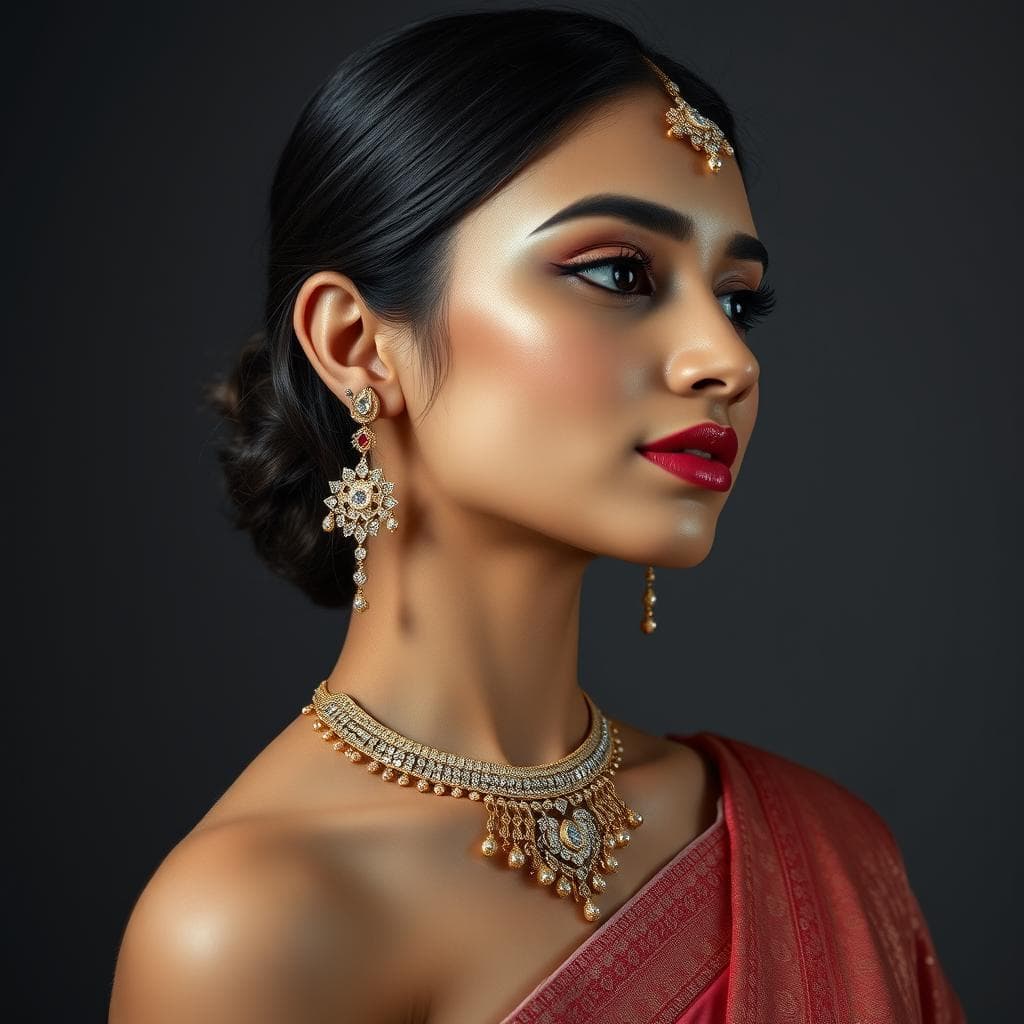
AI-generated jewelry designs are original digital concepts created by artificial intelligence models trained on thousands of real jewelry pieces. These designs range from initial concept sketches to photorealistic renders, and they are transforming how jewelers, brands, and independent designers approach the creative process from first idea to client presentation.
What Makes AI Jewelry Design Different
AI-generated jewelry is not simply a filter applied to an existing image. It is the product of neural networks that have learned the visual language of jewelry through exposure to vast datasets. These models internalize the rules of proportion, symmetry, material behavior, and structural feasibility that experienced designers develop over years of practice.
When you provide a text prompt like "rose gold halo engagement ring with oval moissanite and vintage milgrain detailing," the AI does not search a database for a matching image. It generates an entirely new design that combines its understanding of each element. Rose gold's warm color, the specific geometry of a halo setting, the proportions of an oval stone, and the texture of milgrain work all come together in a novel composition.
This is fundamentally different from template-based design tools or image search. Every output is unique, and the system can produce many variations of any concept.
How AI Jewelry Design Actually Works
Understanding the underlying technology helps you use these tools more effectively.
Training on Jewelry Data
AI models learn by analyzing large collections of jewelry images paired with descriptions. During training, the model develops an internal understanding of how different elements relate to each other. It learns that cathedral shanks have a specific architectural profile, that three-stone settings follow particular proportional rules, and that different metals reflect light in distinct ways.
The quality of the training data matters enormously. Jewelry-specific AI tools trained exclusively on professional jewelry photography and CAD renders produce far more accurate results than general-purpose image generators trained on the entire internet.
The Generation Process
When you submit a prompt, the AI model works through a process called diffusion. It starts with random noise and progressively refines the image, guided by your description. At each step, the model applies its learned understanding of jewelry to make the image more coherent, more detailed, and more realistic.
This process typically takes seconds for a single image. The result is a high-resolution render that captures material properties, lighting, and fine detail.
Guided vs. Prompt-Based Design
Modern AI jewelry tools offer two primary approaches.
Guided Design walks you through a series of choices. Select the jewelry type, metal, stone shape, setting style, and aesthetic preference. The AI combines these selections into a cohesive design. This approach works well for first-time users and clients who may not know the technical vocabulary.
Prompt-Based Design gives you direct control through natural language. You write a description of what you want, and the AI interprets it. This approach offers more creative freedom but requires some understanding of jewelry terminology and prompt techniques.
| Approach | Best For | Skill Level | Control Level |
|---|---|---|---|
| Guided Design | Beginners, client consultations | None required | Structured choices |
| Prompt-Based | Experienced designers, unique concepts | Moderate | Full creative freedom |
| Hybrid (both) | Professional workflows | Variable | Maximum flexibility |
Types of AI-Generated Jewelry Designs
AI tools can produce several distinct types of output, each serving different purposes in the design workflow.
Concept Sketches
Some AI tools generate designs that resemble hand-drawn sketches, complete with pencil textures and loose linework. These are ideal for early-stage ideation when you want to explore broad directions without committing to a specific look.
Photorealistic Renders
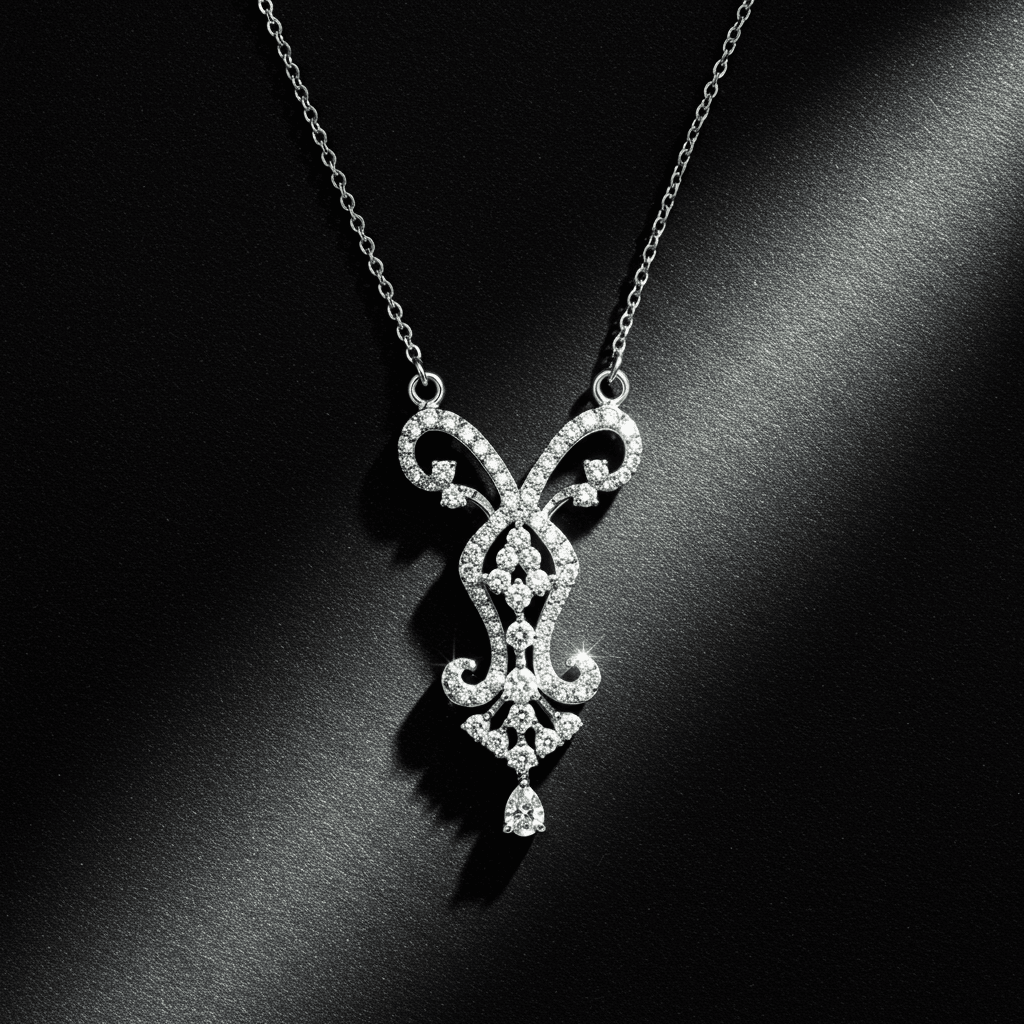
The most common output type. These renders look like professional product photography, showing the design on a white background, on a finger, or in a styled lifestyle setting. They are suitable for client presentations, social media marketing, and e-commerce listings.
Technical Illustrations
Some specialized tools generate designs with technical annotations, showing dimensions, stone sizes, and construction details. These are most useful for communicating with CAD modelers and manufacturers.
Style Explorations
AI excels at generating multiple interpretations of a single concept. Ask for "a nature-inspired engagement ring" and receive designs ranging from delicate leaf motifs to bold organic textures, all sharing the same thematic foundation.
Step-by-Step Process for Creating AI Jewelry Designs
Step 1. Define Your Intent
Start with clarity about what you want to create. Consider the jewelry type (ring, necklace, earrings, bracelet), the occasion (engagement, daily wear, special event), the style direction (classic, modern, vintage, avant-garde), and any specific requirements (budget, metal preference, stone type).
Step 2. Choose Your Tool
Select an AI platform that matches your needs. For jewelry-specific work, purpose-built tools produce significantly better results than general image generators. Consider factors like manufacturing awareness, material accuracy, and whether the platform offers guided design options.
Step 3. Create Your First Design
Whether using guided mode or writing a prompt, generate your initial design. Do not aim for perfection on the first attempt. The goal is to establish a direction that you can refine through iteration.
Step 4. Iterate and Refine
This is where AI truly shines. Take your initial design and generate variations. Adjust the metal color. Try a different stone shape. Change the setting style. Each iteration takes seconds, allowing you to explore dozens of directions in a single session.
Step 5. Select and Present
Choose your top concepts for client review or further development. Most AI tools allow you to download high-resolution images suitable for presentations. Organize your selections to tell a design story, showing the evolution from initial concept to final direction.
Step 6. Bridge to Production
Once a design is approved, it moves to CAD modeling for manufacturing. Jewelry-specific AI tools produce designs that account for real-world constraints, making this transition smoother. Some advanced platforms also provide material estimates and construction notes to guide the CAD process.
Common Mistakes to Avoid
Being Too Vague
"A pretty ring" gives the AI too little direction. Specificity drives quality. Include details about metal type, stone characteristics, setting style, and design era. The more precise your input, the more relevant the output.
Ignoring Manufacturing Reality
General AI tools can produce designs that look stunning but are physically impossible to manufacture. Always evaluate generated designs through the lens of real-world construction. Can those prongs actually hold that stone? Is that band thick enough to be durable? Is the design structurally sound?
Treating AI Output as Final
AI-generated designs are starting points, not finished products. The best results come from using AI output as a foundation for further refinement, whether through additional AI iteration or traditional CAD work.
Neglecting Style Consistency
When generating multiple pieces for a collection, ensure visual coherence. Establish shared design elements like metal finish, decorative motifs, or stone cutting styles before generating variations.
AI-Generated Design Quality Comparison
Not all AI tools produce equal results for jewelry. Here is what to look for when evaluating output quality.
| Quality Indicator | Jewelry-Specific AI | General Purpose AI |
|---|---|---|
| Metal texture accuracy | High fidelity to real metals | Often generic or metallic sheen |
| Stone refraction | Realistic light behavior | Frequently incorrect or flat |
| Setting construction | Structurally feasible | Often physically impossible |
| Proportion accuracy | Wearable, realistic scale | May be over or undersized |
| Detail rendering | Fine milgrain, pavé, engraving | Tends toward blurry details |
How Tashvi AI Simplifies the Entire Process
Tashvi AI was designed to make AI jewelry creation accessible to everyone while maintaining the quality that professionals demand. The platform combines guided design and prompt-based creation in a single interface, letting you switch between structured choices and freeform description as your project evolves.
What sets Tashvi AI apart is its deep understanding of jewelry. Every design it generates accounts for real-world manufacturing constraints, accurate material properties, and the proportional relationships that make jewelry look and feel right. The material estimation feature provides instant cost approximations, bridging the gap between creative exploration and business reality. Whether you are a seasoned jeweler looking to speed up your workflow or someone designing their first custom ring, Tashvi AI provides the tools to bring your vision to life in minutes.
Try designing on Tashvi AI free
The Road Ahead for AI-Generated Jewelry
The technology is evolving rapidly. In the near future, we expect AI tools to generate not just 2D renders but complete 3D models ready for printing and casting. Integration with augmented reality will let clients virtually try on AI-generated designs before production begins.
The democratization of jewelry design is perhaps the most exciting outcome. As AI tools become more capable and accessible, the barrier between having a jewelry idea and seeing it realized continues to shrink. The creative vision was always the hard part. AI is simply removing everything that stood between imagination and execution.
Frequently Asked Questions
Quick answers to the questions readers ask most about this guide.
What are AI-generated jewelry designs?
AI-generated jewelry designs are digital concepts created by artificial intelligence models trained on thousands of real jewelry pieces. These models understand proportions, settings, gemstone placements, and manufacturing constraints, producing original designs from text descriptions or guided inputs.
How realistic are AI-generated jewelry images?
Modern AI jewelry tools produce photorealistic renders that are nearly indistinguishable from professional product photography. The best jewelry-specific tools accurately render metal textures, gemstone refraction, lighting effects, and shadow detail at a quality suitable for client presentations and marketing.
Can I manufacture an AI-generated jewelry design?
Yes, though most AI-generated designs require refinement before manufacturing. Jewelry-specific AI tools produce designs that account for structural integrity and real-world constraints, making the transition to CAD and production much smoother than designs from general image generators.
Do I own the rights to AI-generated jewelry designs?
Rights vary by platform. Most AI jewelry design tools grant users commercial rights to their generated designs. Always review the specific terms of service for the tool you use before selling or manufacturing designs commercially.
How long does it take to create an AI jewelry design?
With modern tools, generating an initial jewelry design takes seconds. Creating a refined concept with multiple iterations typically takes 10 to 30 minutes. This compares to days or weeks for traditional hand sketching and CAD modeling.