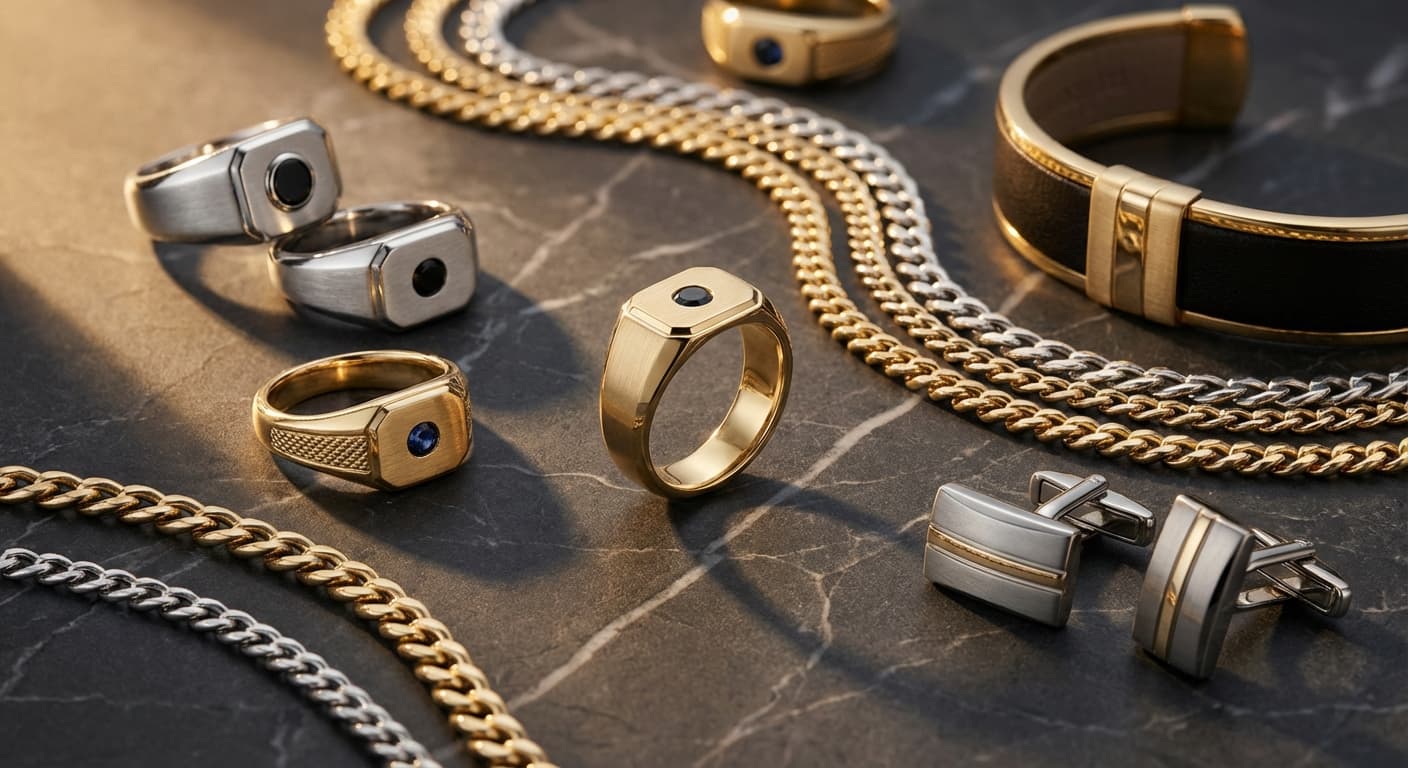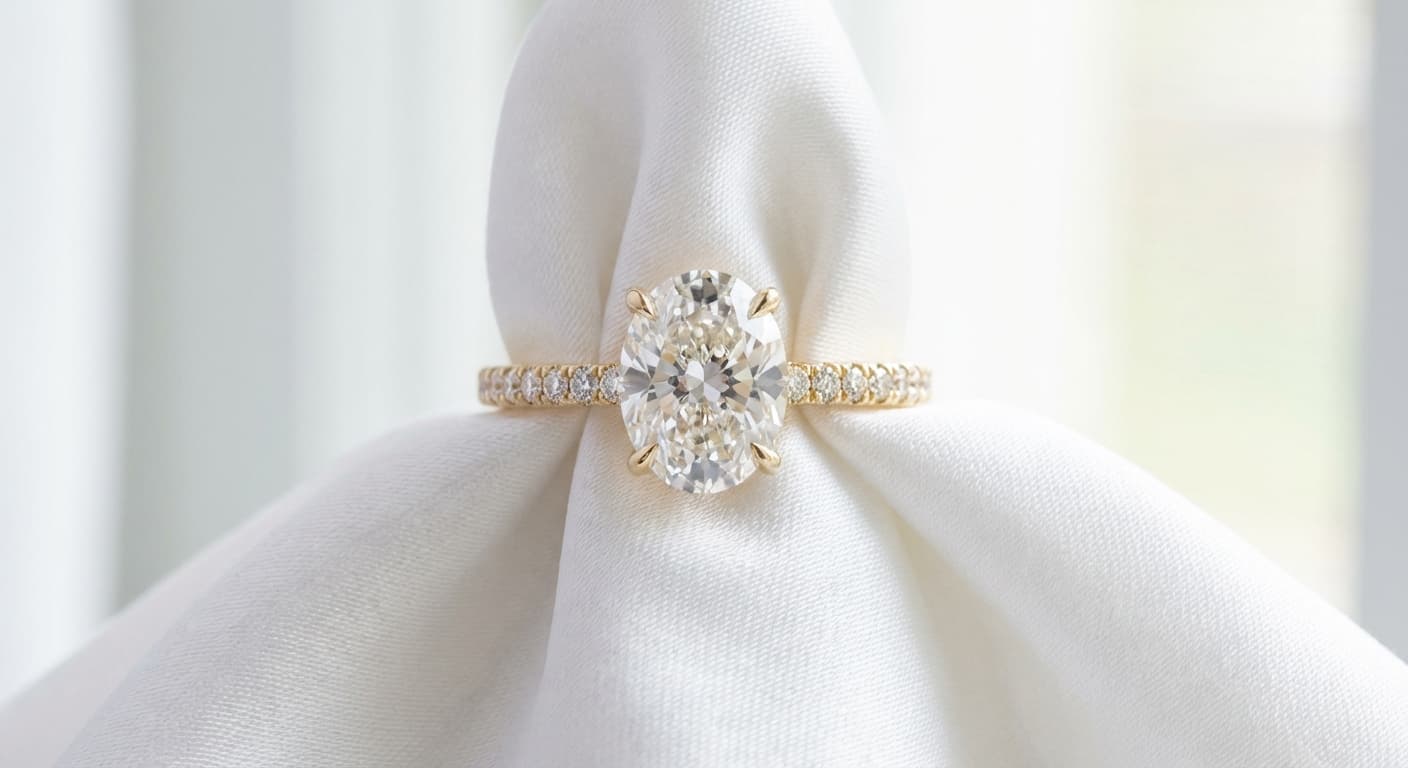
How to Turn Basic Jewelry Photos Into Professional Product Images with AI (2026 Guide)
Your phone photos aren't the problem — your post-production is. Learn how AI transforms basic jewelry snapshots into studio-quality catalog shots, lifestyle scenes, and model imagery while preserving every detail of your original piece.
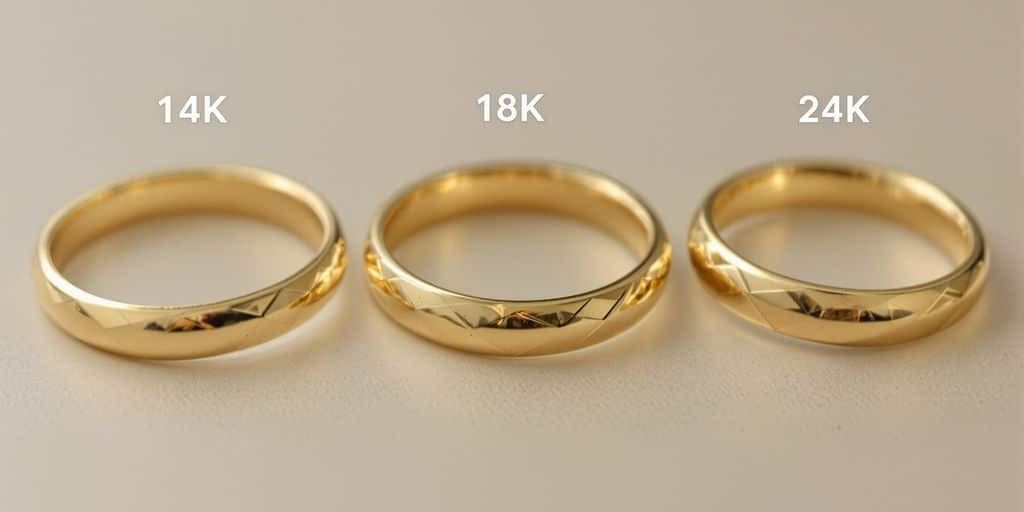
Why Most Jewelry Product Photos Fail Online (And It's Not Your Camera)
If you're selling jewelry on Etsy, Shopify, or Amazon, your product photos are doing most of the selling. And if those photos were taken on a kitchen counter with overhead lighting, they're costing you sales — no matter how good the jewelry itself is.
The problem isn't your camera. Modern smartphones shoot at 12-48MP, more than enough resolution for e-commerce. The problem is everything around the camera: lighting, backgrounds, reflections, and post-production.
Jewelry is one of the hardest product categories to photograph well. Every surface is reflective. Diamonds need precise lighting angles to show brilliance and fire. Gold shifts from warm yellow to sickly green under the wrong white balance. Tiny details like pavé settings and engraving disappear without macro focus.
Here's what typically goes wrong with phone photos of jewelry:
- Harsh shadows from direct overhead lighting that flatten dimension and hide detail
- Yellow or blue color cast from mixed lighting that makes gold look wrong and diamonds look dull
- Busy backgrounds — kitchen counters, fabric wrinkles, visible fingers — that distract from the piece
- No sense of scale — customers can't tell if a ring is delicate or chunky
- Dull stones that fail to show sparkle because the lighting angle doesn't match the cut geometry
According to Shopify's product photography research, 75% of online shoppers rely on product photos to make purchase decisions. For jewelry — where customers can't touch, try on, or inspect the piece — that number is even higher.
The traditional fix is professional photography: $50-200 per product for catalog shots, $500-2,000+ for lifestyle and model photography, and 1-2 weeks of turnaround. That's fine if you have a dozen pieces and a marketing budget. It's a non-starter if you're launching a 50-SKU collection on Etsy next month.
AI changes this equation entirely. Instead of replacing your photos with AI-generated images from scratch (which we cover in our AI jewelry photography guide), the approach here is different: take the photos you already have and transform them into professional-grade imagery — better lighting, clean backgrounds, styled compositions — while preserving every detail of your original piece.
Your real jewelry. Professional presentation. No studio required.
The 5-Stage AI Photo Transformation Pipeline
Think of AI photo transformation as a professional post-production workflow compressed into minutes instead of days. Your source photo moves through five stages, each one building on the last, until you have commercial-ready imagery.
The key principle: at every stage, the AI preserves your jewelry's actual details — the stone shape, the metal color, the setting style, the proportions. What changes is the presentation, not the product. This isn't generating a new piece of jewelry — it's giving your real piece the photoshoot it deserves.
Stage 1: Cleanup & Background Removal
The first step strips away everything that isn't your jewelry. AI isolates the piece from whatever background it's sitting on — a kitchen table, a ring box, your hand — and produces a clean extraction.
This stage removes:
- Distracting backgrounds and surfaces
- Unwanted shadows cast by overhead lighting
- Reflections from nearby objects
- Fingerprints and smudges visible in the photo
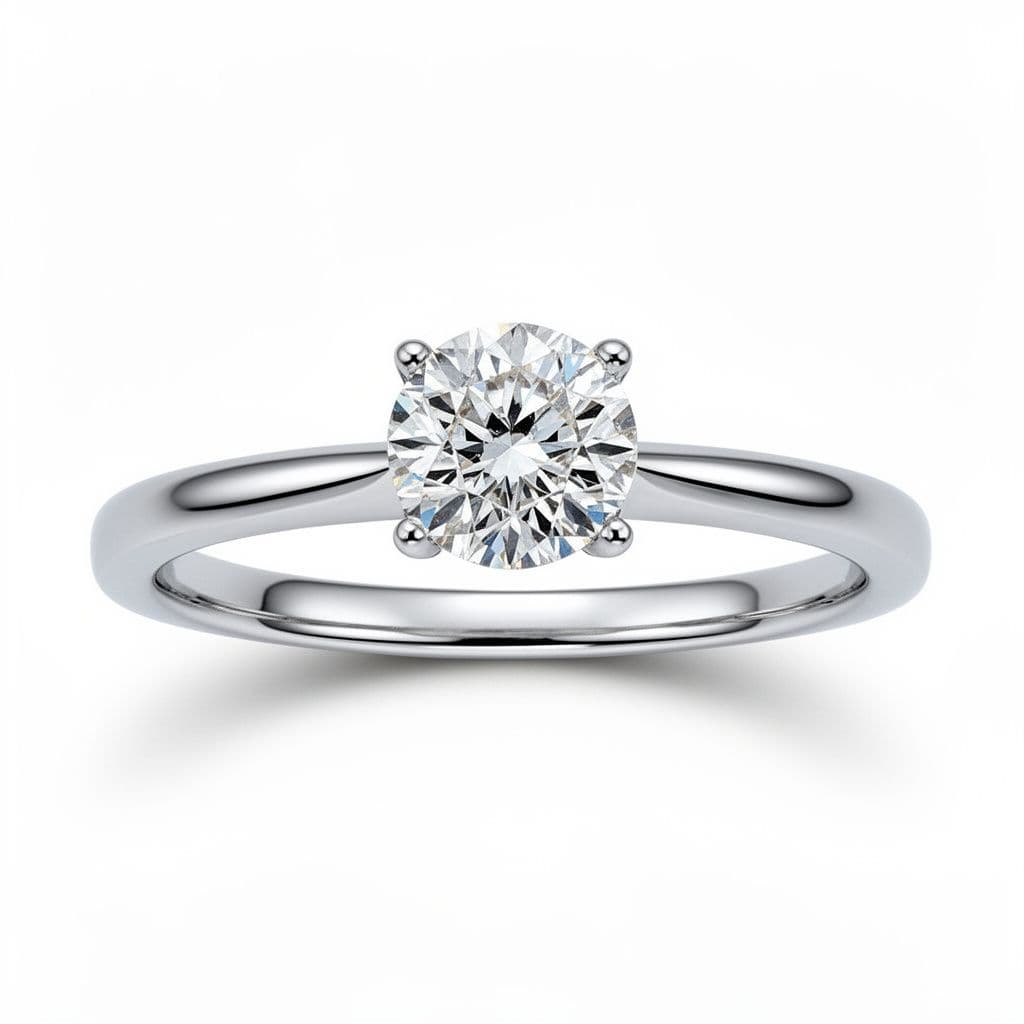
The output is your jewelry on a clean white or transparent background — the foundation every other transformation builds on. This alone can dramatically improve your e-commerce listings, since platforms like Amazon require white-background product photos.
Remove the background from this jewelry photo. Isolate the ring on a pure white background with soft natural shadow underneath. Preserve all stone and metal details exactly as shown in the original.
Stage 2: Lighting & Detail Enhancement
Bad lighting is the number one killer of jewelry photos. This stage corrects what your environment got wrong and enhances what makes your piece special.
AI lighting enhancement handles:
- White balance correction — eliminates yellow or blue color casts so gold appears its true tone and diamonds show their actual color grade
- Exposure balancing — brightens underexposed areas without blowing out highlights on reflective metal surfaces
- Stone brilliance — enhances the light play within diamonds and gemstones, bringing out fire and sparkle that flat phone lighting missed. The GIA defines diamond brilliance as the interplay of light return, fire, and scintillation — proper lighting is essential to showing it
- Metal sheen — restores the luster of gold, platinum, and silver that harsh lighting flattened
- Detail sharpening — brings out fine details like micro-pavé diamonds, milgrain edges, and engraving without introducing artifacts
Enhance the lighting on this gold engagement ring photo. Correct white balance for accurate 18k yellow gold color. Boost diamond brilliance and fire. Add soft studio lighting from above with gentle rim light to define the band edges. Keep all proportions and details identical to the original.
Stage 3: Background & Scene Transformation
With a clean, well-lit jewelry image, you can now place it into any scene you want. This is where basic product photos become lifestyle imagery worth sharing.
Professional surfaces:
- White marble for luxury elegance
- Dark velvet for dramatic contrast
- Natural wood for organic warmth
- Gradient backgrounds for modern digital marketing
Lifestyle scenes:
- Morning coffee table with soft window light
- Garden setting with natural bokeh
- Evening ambiance with candlelight
- Seasonal themes — spring florals, winter frost, holiday sparkle
This is the stage that multiplies your content library. A single source photo of one ring can generate 10-15 variations across different scenes, seasons, and moods — content that would cost thousands in traditional styled photography.
Place this diamond solitaire ring on a white marble surface with soft morning light streaming from the left. Add a single pink peony and a delicate gold tray in the background, slightly out of focus. Luxury lifestyle photography style for Instagram.
Stage 4: Model & On-Body Placement
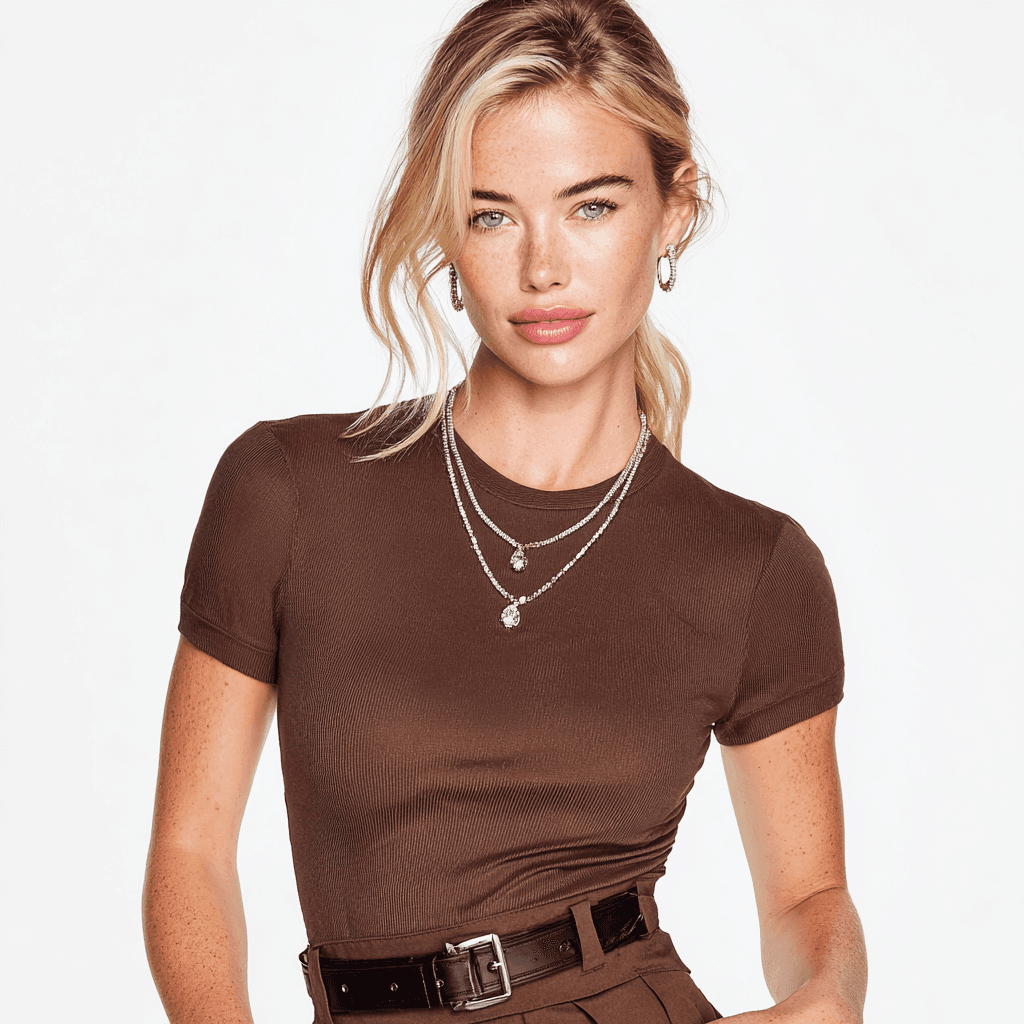
The most expensive category of traditional jewelry photography — and the most impactful for conversion. Seeing a ring on a hand, a necklace on a neck, or earrings styled with hair tells customers what your piece actually looks like when worn.
AI on-body placement creates:
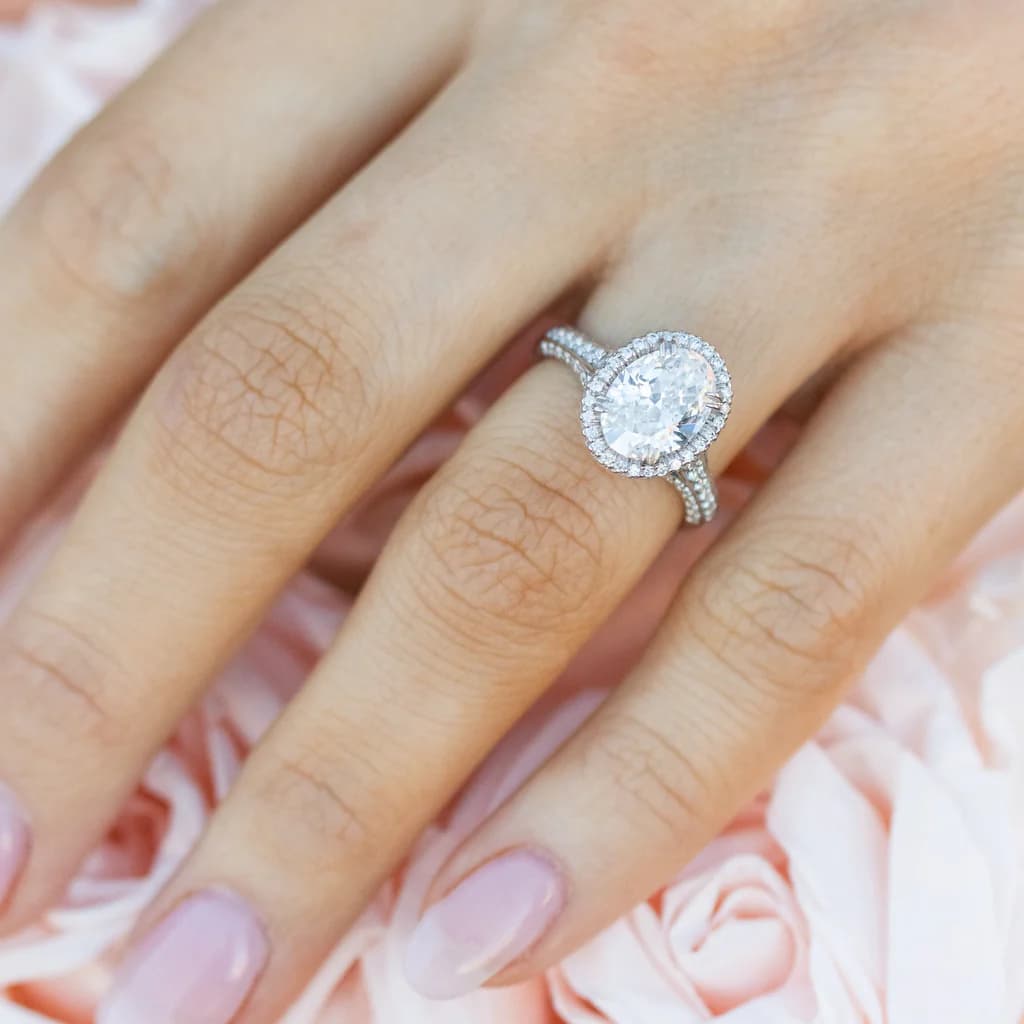
- Ring shots on hands — showing scale, proportions, and how the piece sits on a finger
- Necklace and pendant shots — demonstrating drape, length, and how the piece falls on different necklines
- Earring styling — pairing with different hairstyles and face shapes
- Bracelet and watch shots — showing fit and stack-ability on wrists
- Diverse representation — different skin tones, hand sizes, poses, and lighting conditions without booking multiple models
A single model photography session costs $2,000-5,000. AI generates the same range of model shots from your existing product photo in minutes. For the business case on AI vs traditional photography costs, see our ROI guide for AI in jewelry businesses.
Show this oval diamond halo engagement ring worn on a woman's left ring finger. Close-up shot with soft natural lighting, slightly blurred background. The hand should be relaxed and elegant. Preserve the exact ring design, stone shape, and rose gold metal color from the original photo.
Stage 5: Platform-Ready Export
The final stage formats your transformed images for wherever they need to go. Different platforms have different requirements, and AI handles the cropping, resizing, and formatting automatically.
From a single transformed image, you can generate:
- Square crops for Instagram feed posts and Etsy thumbnails
- 4:5 vertical for Instagram Reels and Pinterest pins
- Landscape for Amazon product listings and website hero banners
- 16:9 widescreen for YouTube thumbnails and email headers
- Multiple angles from the same source — front, three-quarter, detail close-ups
This means your entire product catalog maintains a consistent visual style across every platform, every listing, every social post. No more mismatched photos from different shooting sessions.
Design with Tashvi AI — Transform Your Jewelry Photos
Ready to turn your phone photos into professional product imagery? Here's how to do it with Tashvi AI in four steps.
Step 1: Upload or Describe Your Piece
Start at design.tashvi.ai. You can either upload an existing photo of your jewelry or describe the piece using jewelry-specific terminology. Tashvi understands terms like "cathedral setting," "princess cut," and "18k rose gold" — no need to explain basic jewelry concepts.
New to AI design tools? Our beginner's guide walks you through the basics, and our guided vs prompt design comparison helps you pick the right approach.
Step 2: Choose Your Transformation Type
Tell the AI what kind of output you need:
- Catalog shot — clean white background, studio lighting, e-commerce ready
- Lifestyle scene — styled composition with props, surfaces, and mood lighting
- Model/on-body — jewelry shown being worn, with diverse model options
- Editorial — dramatic, high-contrast imagery for campaigns and ads
Step 3: Specify Lighting, Background, and Style
This is where the magic happens. Be specific about:
- Lighting style — "soft diffused studio lighting," "natural window light," "dramatic side lighting"
- Background — "white marble surface," "dark velvet," "blurred garden bokeh"
- Mood — "romantic morning," "luxury evening," "minimal modern"
- Camera angle — "close-up macro," "three-quarter view," "flat lay from above"
Step 4: Generate Variations and Download
Generate multiple versions and pick the best. Change the background from marble to velvet. Swap lighting from soft to dramatic. Create seasonal variations — all from the same source photo, each taking seconds.
Here are ready-to-use prompts for the most common transformations:
Professional product photo of this gold diamond ring on pure white background. Soft box lighting from above, clean natural shadow, sharp focus on stone details. Commercial e-commerce style ready for Shopify and Etsy listings.
This diamond pendant necklace laid on a dark green velvet surface with a small vintage mirror and dried eucalyptus stems in the background. Warm golden hour lighting, shallow depth of field. High-end jewelry brand Instagram aesthetic.
Close-up of a woman wearing this tennis bracelet on her wrist. Natural daylight, casual elegant pose, slightly blurred outdoor background. Show the bracelet's sparkle and how it sits on the wrist. Diverse model, editorial style.
This pair of diamond stud earrings displayed on a blush pink silk fabric, shot from directly above in flat-lay style. Soft diffused lighting, minimal styling, clean and modern. Pinterest-optimized vertical composition at 2:3 ratio.
Tips for best source photos:
- Focus is critical — blurry source photos produce blurry results. Tap to focus on the jewelry before shooting.
- Decent lighting helps — you don't need studio lights, but avoid shooting in dim rooms. Natural window light is ideal.
- Fill the frame — get close enough that the jewelry is the dominant element. AI works better with more detail to analyze.
- Shoot at max resolution — use your phone's highest resolution setting. More pixels = more detail for AI to preserve.
Start transforming your jewelry photos at design.tashvi.ai →
What AI Preserves vs What AI Enhances
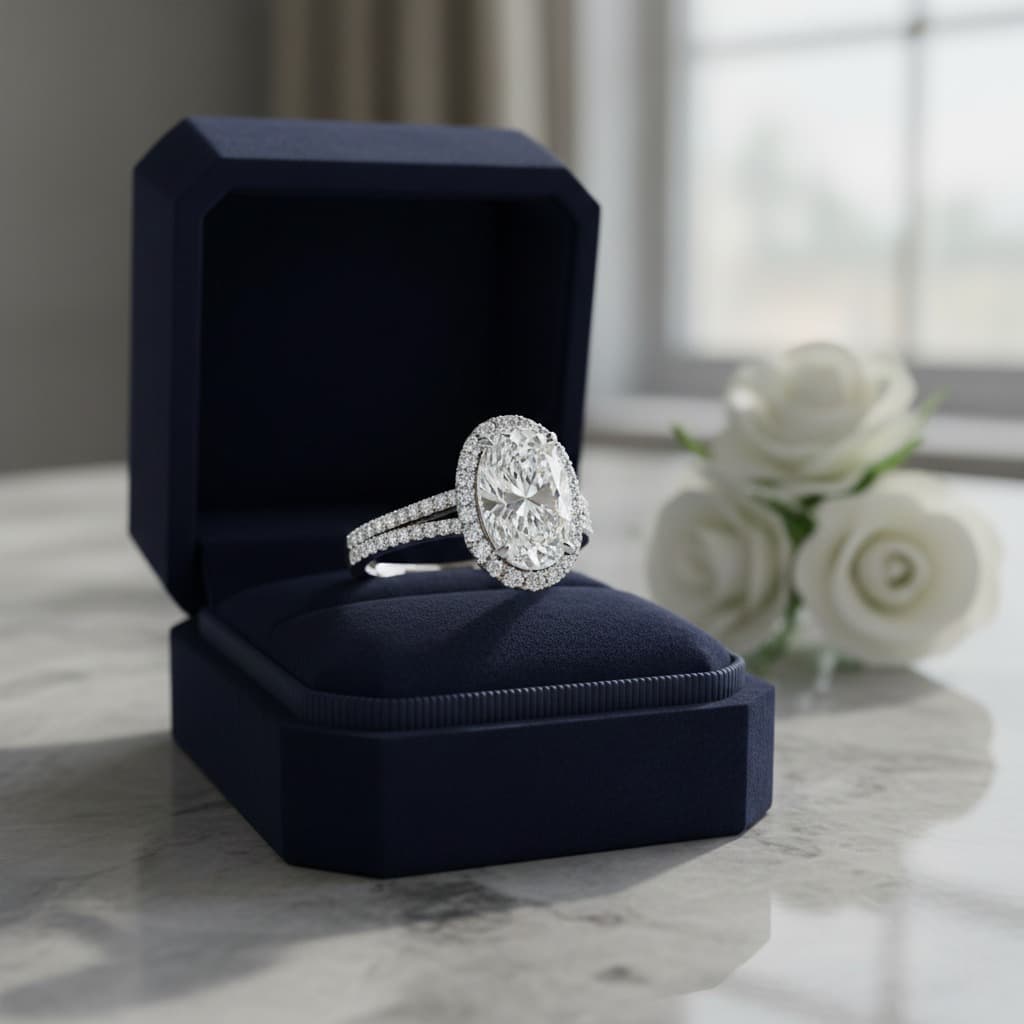
Understanding this distinction is critical for customer trust. AI photo transformation is not fabrication — it's professional post-production applied to your real product.
| What AI Preserves (Your Real Product) | What AI Enhances (Professional Presentation) |
|---|---|
| Stone shape and cut (round, oval, cushion, etc.) | Lighting quality and direction |
| Metal type and color (yellow gold, platinum, rose gold) | Background and scene composition |
| Setting style (solitaire, halo, pavé, channel) | Color accuracy and white balance |
| Proportions and dimensions | Shadow quality and reflections |
| Engravings, milgrain, and fine details | Composition and framing |
| Number and placement of stones | Contrast and depth |
| Unique characteristics and imperfections | Overall presentation context |
This matters because your customers receive the actual piece they see in the photo. The stone shape, the metal color, the setting — everything that defines the product stays accurate. What changes is how that product is presented: better lighting, professional backgrounds, styled compositions that show it at its best.
For AI-driven jewelry businesses, maintaining this accuracy builds the trust that drives repeat purchases and reduces returns.
Platform-Specific Photo Requirements
Every e-commerce platform has different photo specifications. AI transformation lets you generate platform-optimized images from a single source photo.
| Platform | Recommended Size | Background | Aspect Ratio | Key Requirements |
|---|---|---|---|---|
| Etsy | 2000x2000px | White or styled | 1:1 (square) | First photo should be product on white; lifestyle shots for additional images |
| Shopify | 2048x2048px | White preferred | 1:1 (square) | Consistent across collection; zoom-friendly resolution |
| Amazon | 2000x2000px | Pure white (RGB 255,255,255) | 1:1 (square) | Main image MUST be pure white background; product fills 85% of frame |
| Instagram Feed | 1080x1080px | Any | 1:1 or 4:5 | Lifestyle and styled shots perform best; consistent brand aesthetic |
| 1000x1500px | Any | 2:3 (vertical) | Vertical pins get more saves; text overlay compatible | |
| Website/Hero | 1920x1080px | Flexible | 16:9 (landscape) | High resolution for full-width banners; lifestyle preferred |
How AI handles this: Instead of manually cropping and resizing each photo for every platform, AI generates platform-ready exports automatically. Upload one photo, specify your platforms, and get correctly sized images with appropriate backgrounds for each.
For your primary e-commerce listing (Etsy, Shopify, Amazon), start with the white-background catalog shot. For social media and marketing, use the lifestyle and model variations. One source photo, multiple platform-ready outputs.
ROI: Phone + AI vs Professional Photography
The numbers make the case. Here's what photo production costs look like for a small jewelry brand with traditional photography vs. the phone + AI transformation approach.
Small Brand (20 SKUs, 2 launches per year)
| Cost Category | Professional Photography | Phone + AI Transformation | Annual Savings |
|---|---|---|---|
| Catalog shots (white background) | $2,000-4,000/year | ~$0-200/year | $1,800-3,800 |
| Lifestyle/styled shots | $2,400-6,000/year | ~$0-200/year | $2,200-5,800 |
| Model/on-body photography | $4,000-10,000/year | ~$0-200/year | $3,800-9,800 |
| Social media content | $3,000-6,000/year | ~$0-200/year | $2,800-5,800 |
| Post-production/retouching | $800-2,000/year | $0 (included) | $800-2,000 |
| Annual total | $12,200-28,000 | ~$0-1,000 | $11,200-27,000 |
Medium Brand (100 SKUs, 4 launches per year)
| Cost Category | Professional Photography | Phone + AI Transformation | Annual Savings |
|---|---|---|---|
| Catalog shots | $10,000-20,000/year | ~$0-500/year | $9,500-19,500 |
| Lifestyle shots | $7,200-18,000/year | ~$0-500/year | $6,700-17,500 |
| Model photography | $12,000-30,000/year | ~$0-500/year | $11,500-29,500 |
| Social media content | $8,000-16,000/year | ~$0-500/year | $7,500-15,500 |
| Post-production | $4,000-10,000/year | $0 (included) | $4,000-10,000 |
| Annual total | $41,200-94,000 | ~$0-2,500 | $38,700-91,500 |
Time savings are equally significant. A traditional photoshoot for 20 SKUs takes 1-2 weeks including setup, shooting, and retouching. Phone + AI transformation covers the same 20 SKUs in under 2 hours.
When to still invest in professional photography:
- Hero campaign imagery — flagship ads where every pixel matters and you need a creative director's vision
- Macro detail shots of existing inventory — showing actual GIA-certified characteristics on specific high-value stones
- Press and editorial — publications may require original photography with full licensing
- Customer trust for high-ticket items ($10,000+) — some buyers want to see verified real photos of the exact piece they're purchasing
For a deeper breakdown of how AI reduces costs across your entire jewelry business, see our complete AI ROI guide for jewelers.
Common Mistakes When Transforming Jewelry Photos with AI
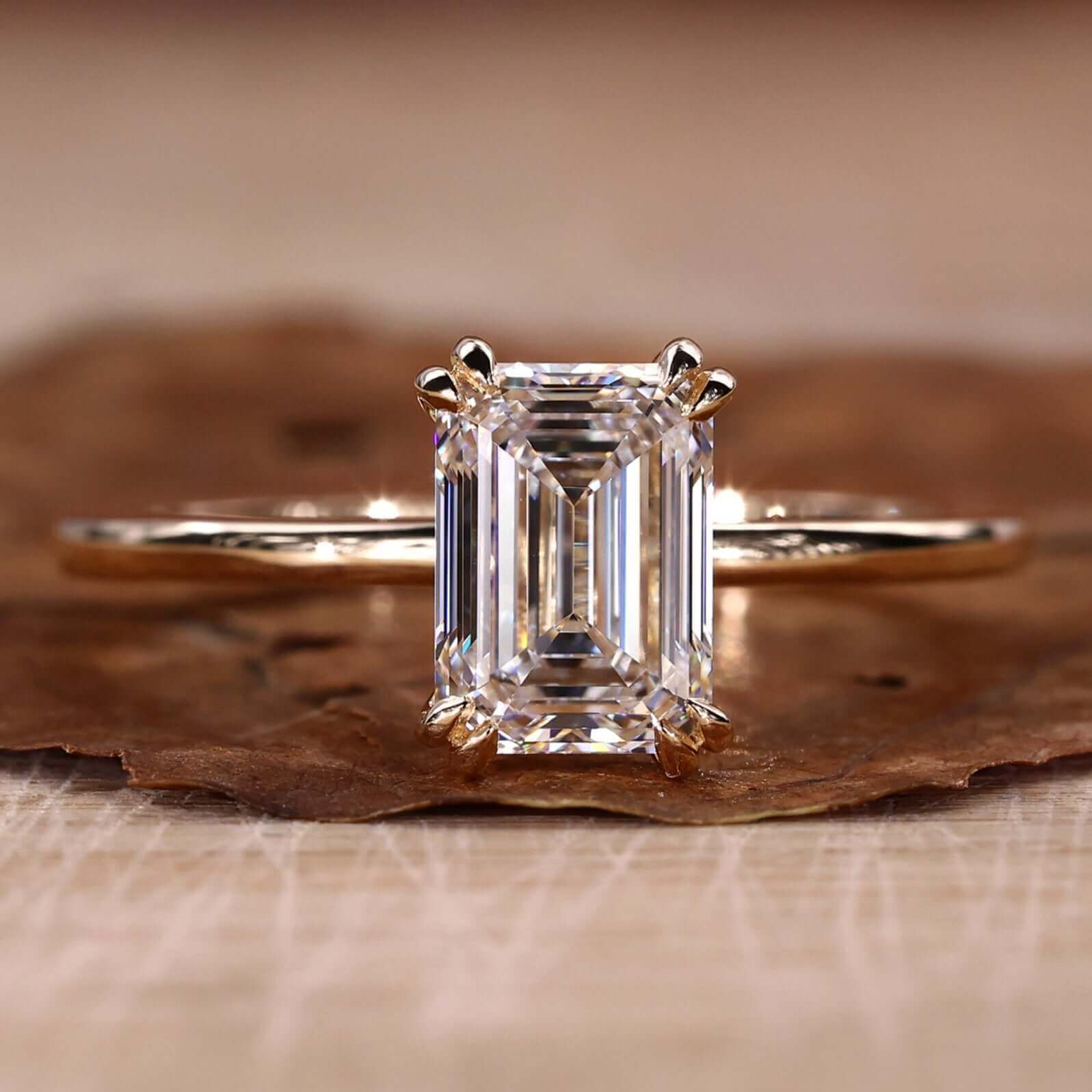
AI photo transformation is powerful, but garbage in still means garbage out. Avoid these common pitfalls:
1. Starting with blurry or out-of-focus source photos AI can enhance lighting, swap backgrounds, and add styling — but it can't create sharp detail that isn't there. If your source photo is blurry, the transformation will be blurry too. Always tap to focus on the jewelry before shooting, and hold steady or use a small tripod.
2. Over-editing until it looks fake The temptation is to crank everything to maximum: maximum sparkle, maximum lighting, maximum drama. Resist it. Over-processed jewelry photos look artificial and erode customer trust. Aim for "professional studio photography," not "fantasy render."
3. Inconsistent style across your catalog If one ring is on white marble and the next is on dark velvet with completely different lighting, your shop looks disorganized. Pick a primary style for your catalog shots and stick with it. Use variations for social media and marketing, not for your main product listings.
4. Not verifying detail accuracy after transformation Always compare the transformed image to your original photo. Check that the stone shape, metal color, and setting details are accurate. AI is reliable, but edge cases exist — especially with unusual stone cuts or mixed-metal designs.
5. Using low-resolution source images If you crop a small portion of a wide shot and try to transform it, the AI has fewer pixels to work with and results suffer. Fill the frame with your jewelry and shoot at your camera's maximum resolution.
6. Ignoring platform-specific requirements A beautiful lifestyle photo won't pass Amazon's pure white background requirement for the main listing image. Know what each platform needs and generate the right format for each.
Frequently Asked Questions
Can AI transform my existing jewelry photos into professional product images?
Yes. AI tools can take your existing jewelry photos — even basic phone snapshots — and transform them into professional-quality product images. The AI enhances lighting, removes or replaces backgrounds, corrects color accuracy, and can even place your jewelry on model shots, all while preserving the exact details of your original piece.
Does AI photo transformation change the details of my jewelry?
No. AI photo transformation preserves your jewelry's exact details — stone shape, metal type, setting style, proportions, and engravings all remain accurate. What changes is the presentation: better lighting, professional backgrounds, enhanced color accuracy, and styled compositions. Your product stays real; only the photography improves.
What quality of source photo do I need for AI transformation?
For best results, use a photo that is in focus with reasonable lighting. A modern smartphone camera is more than sufficient. Avoid blurry or heavily motion-blurred images. Higher resolution gives AI more detail to work with, but even standard phone photos (12MP+) produce professional results after transformation.
How does AI jewelry photo transformation compare to hiring a professional photographer?
Professional jewelry photography costs $50-200 per product for basic shots and $500-2,000+ for model photography. AI transformation achieves comparable results from your existing photos for a fraction of the cost. Most jewelry brands find AI-transformed images are indistinguishable from studio shots for e-commerce, social media, and marketing.
Can I use AI-transformed jewelry photos on Etsy, Shopify, and Amazon?
Yes. AI-transformed photos meet the product photography requirements of all major e-commerce platforms including Etsy, Shopify, and Amazon. You can generate platform-specific crops and formats — square for Instagram, landscape for Amazon, vertical for Pinterest — all from a single source photo.
How long does it take to transform a jewelry photo with AI?
A single photo transformation takes seconds. You can transform an entire collection of 20-50 products in under an hour, compared to 1-2 weeks for a traditional professional photoshoot covering the same volume.
Related Guides
- Best AI for Jewelry Photography 2026: Product Photos & Model Shots — Generate jewelry photos from scratch with AI
- Best AI Jewelry Design Tools 2026 — Complete comparison of AI tools for jewelers
- AI Jewelry Design for Business: Cost Savings & ROI — The business case for AI in jewelry
- AI vs Traditional Jewelry Design Workflow — How AI fits into your existing process
- Free AI Ring Design Tool — Create custom ring designs with AI
- AI Jewelry Design for Beginners — Getting started with AI jewelry tools
Start transforming your jewelry photos at design.tashvi.ai →
Frequently Asked Questions
Quick answers to the questions readers ask most about this guide.
Can AI transform my existing jewelry photos into professional product images?
Yes. AI tools can take your existing jewelry photos — even basic phone snapshots — and transform them into professional-quality product images. The AI enhances lighting, removes or replaces backgrounds, corrects color accuracy, and can even place your jewelry on model shots, all while preserving the exact details of your original piece.
Does AI photo transformation change the details of my jewelry?
No. AI photo transformation preserves your jewelry's exact details — stone shape, metal type, setting style, proportions, and engravings all remain accurate. What changes is the presentation: better lighting, professional backgrounds, enhanced color accuracy, and styled compositions. Your product stays real; only the photography improves.
What quality of source photo do I need for AI transformation?
For best results, use a photo that is in focus with reasonable lighting. A modern smartphone camera is more than sufficient. Avoid blurry or heavily motion-blurred images. Higher resolution gives AI more detail to work with, but even standard phone photos (12MP+) produce professional results after transformation.
How does AI jewelry photo transformation compare to hiring a professional photographer?
Professional jewelry photography costs $50-200 per product for basic shots and $500-2,000+ for model photography. AI transformation achieves comparable results from your existing photos for a fraction of the cost. Most jewelry brands find AI-transformed images are indistinguishable from studio shots for e-commerce, social media, and marketing.
Can I use AI-transformed jewelry photos on Etsy, Shopify, and Amazon?
Yes. AI-transformed photos meet the product photography requirements of all major e-commerce platforms. You can generate platform-specific crops and formats — square for Instagram, landscape for Amazon, vertical for Pinterest — all from a single source photo.
How long does it take to transform a jewelry photo with AI?
A single photo transformation takes seconds. You can transform an entire collection of 20-50 products in under an hour, compared to 1-2 weeks for a traditional professional photoshoot covering the same volume.